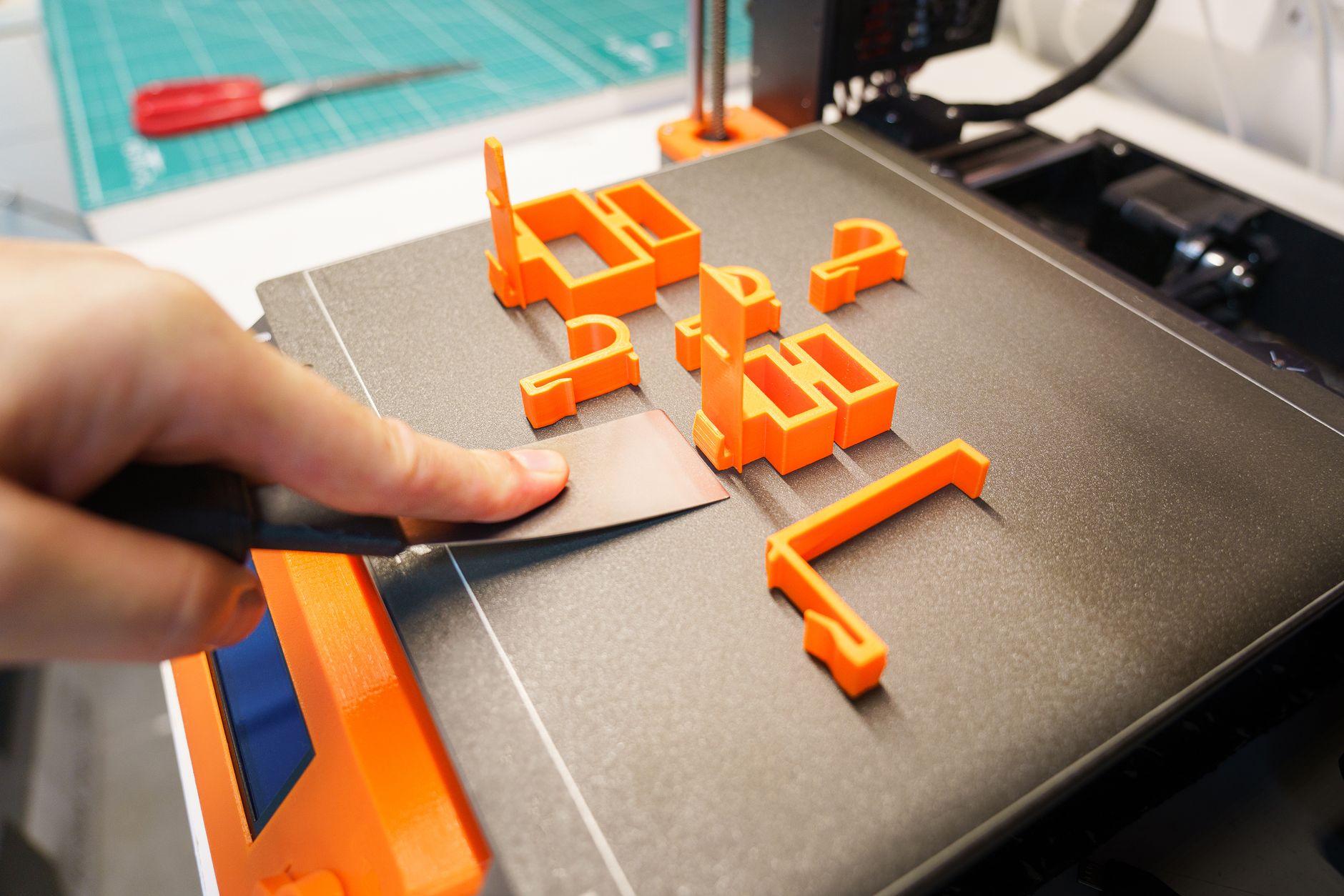
3D Printer Bed Adhesion Guide: How to Fix Prints Not Sticking

TL;DR: Prints that won’t stick are almost always caused by one of four things: a dirty bed, an incorrect Z-offset (nozzle too far from the bed), wrong bed temperature, or incompatible surface/adhesive. Fix them in this order: clean the bed with isopropyl alcohol (or dish soap), re-level and set the Z-offset so the first layer is squished but not scraped, raise the bed temp 5°C, and if it still won’t stick, add glue stick, hairspray, or a PEI sheet. Inexpensive fixes resolve 90% of adhesion failures. ...
August 8, 2026 · 9 min · Jarrod Gravison

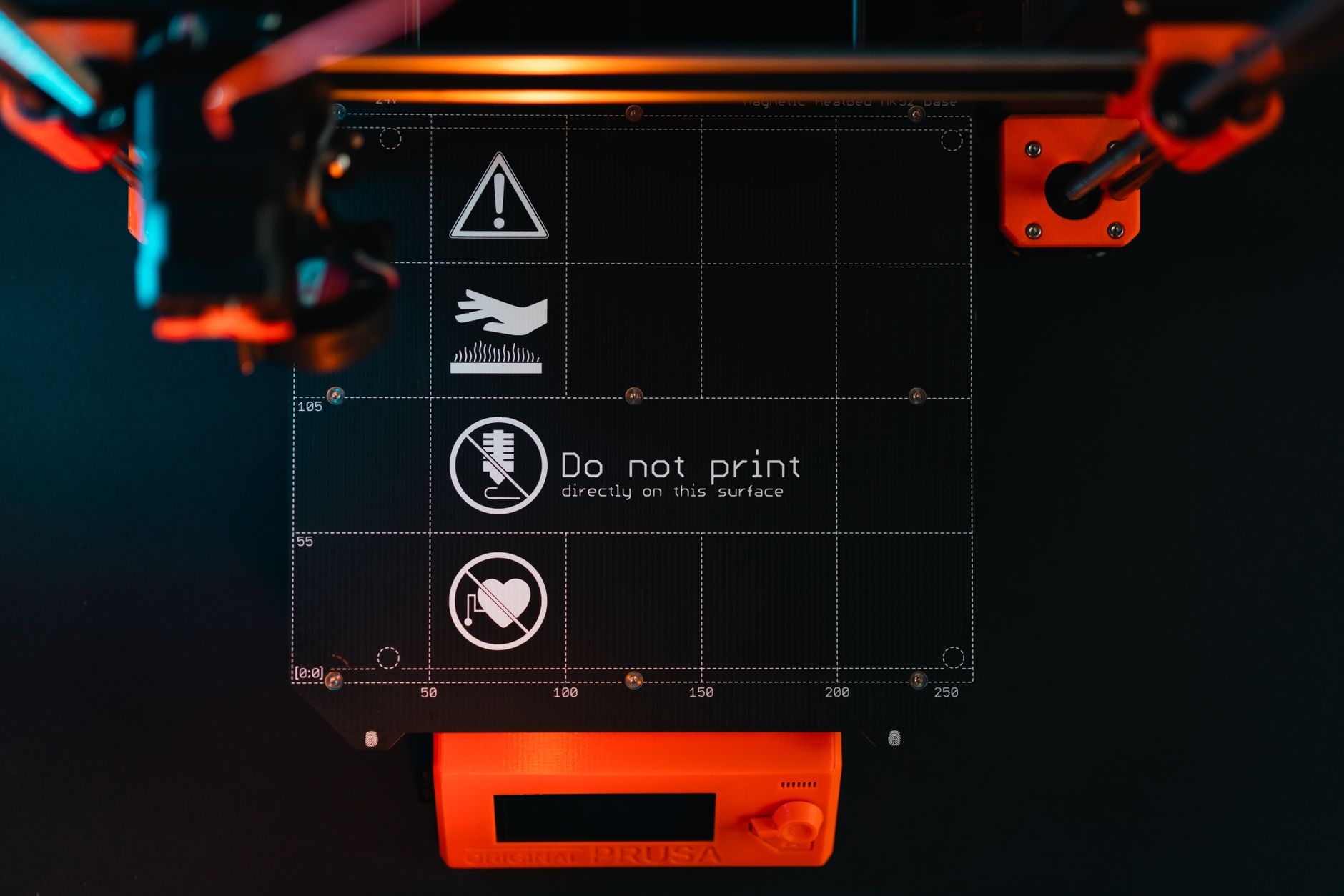
3D Printer Maintenance: The Complete Preventive Care Guide

TL;DR: Preventive 3D printer maintenance takes 20 minutes a month and prevents 80% of print failures. Do these on schedule: clean/level the bed, check belt tension, clean the nozzle, lubricate rails, tighten loose screws, keep firmware updated, and dry/replace worn consumables (nozzles, PTFE tubes, PEI sheets). Quick Answer: What Maintenance Does a 3D Printer Need? A simple schedule keeps most machines printing for years: Frequency Task Every print Clean bed, check first layer, make sure no debris/oozing filament Weekly Wipe Z rods/rails, check for loose screws, empty/clean debris Monthly Check belt tension, clean nozzle + hotend, inspect bed level (re-run auto level), lubricate motion Quarterly Replace/rotate nozzle if brass, replace PTFE tube if signs of wear, deep-clean, check firmware update As needed Replace PEI sheet, replace thermistor/fan, tighten gantry, recalibrate The exact cadence depends on print hours — a busy print farm does weekly deep-cleans; a hobbyist can stretch monthly. Track print hours (most firmware does) for accurate intervals. ...

August 5, 2026 · 9 min · Jarrod Gravison