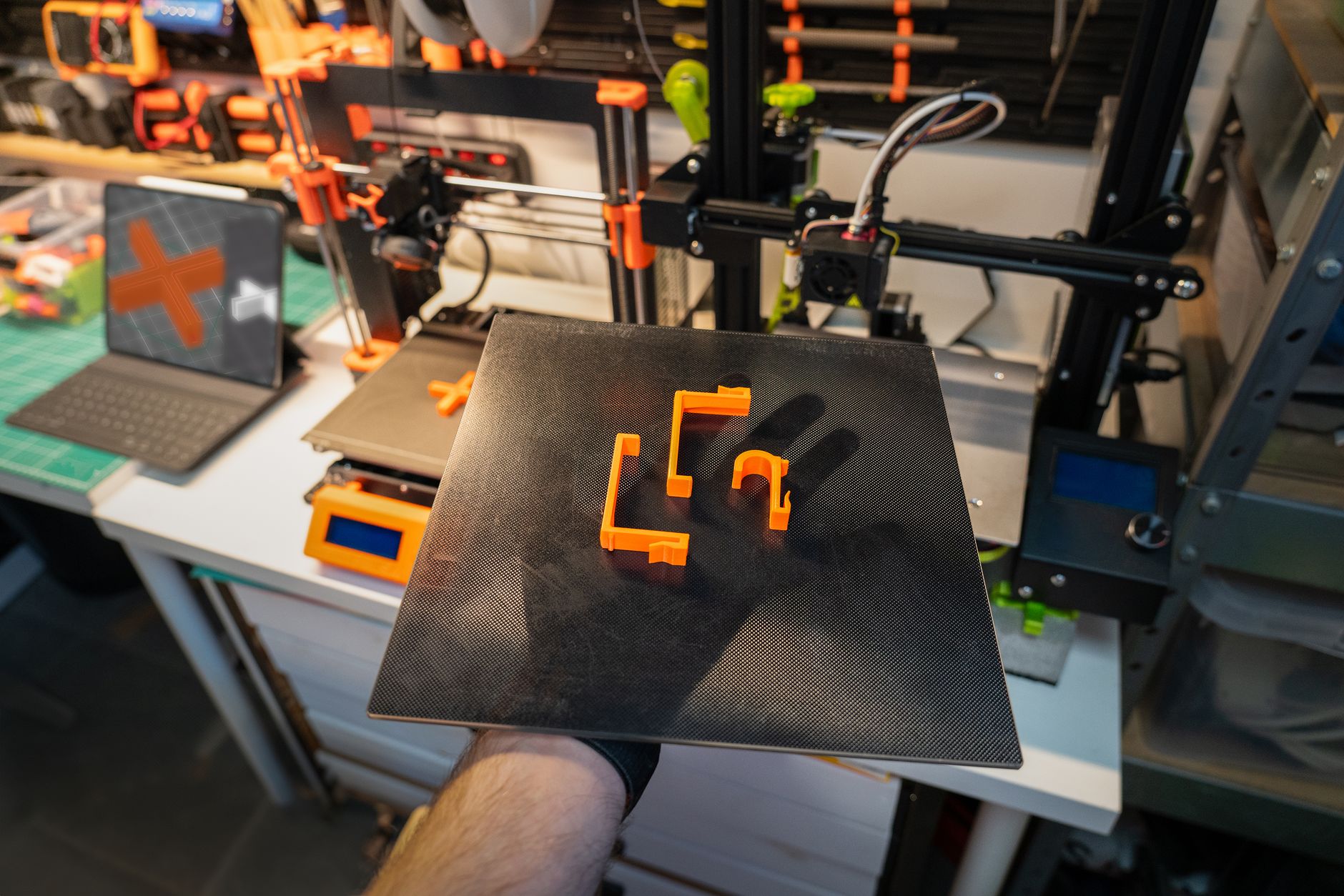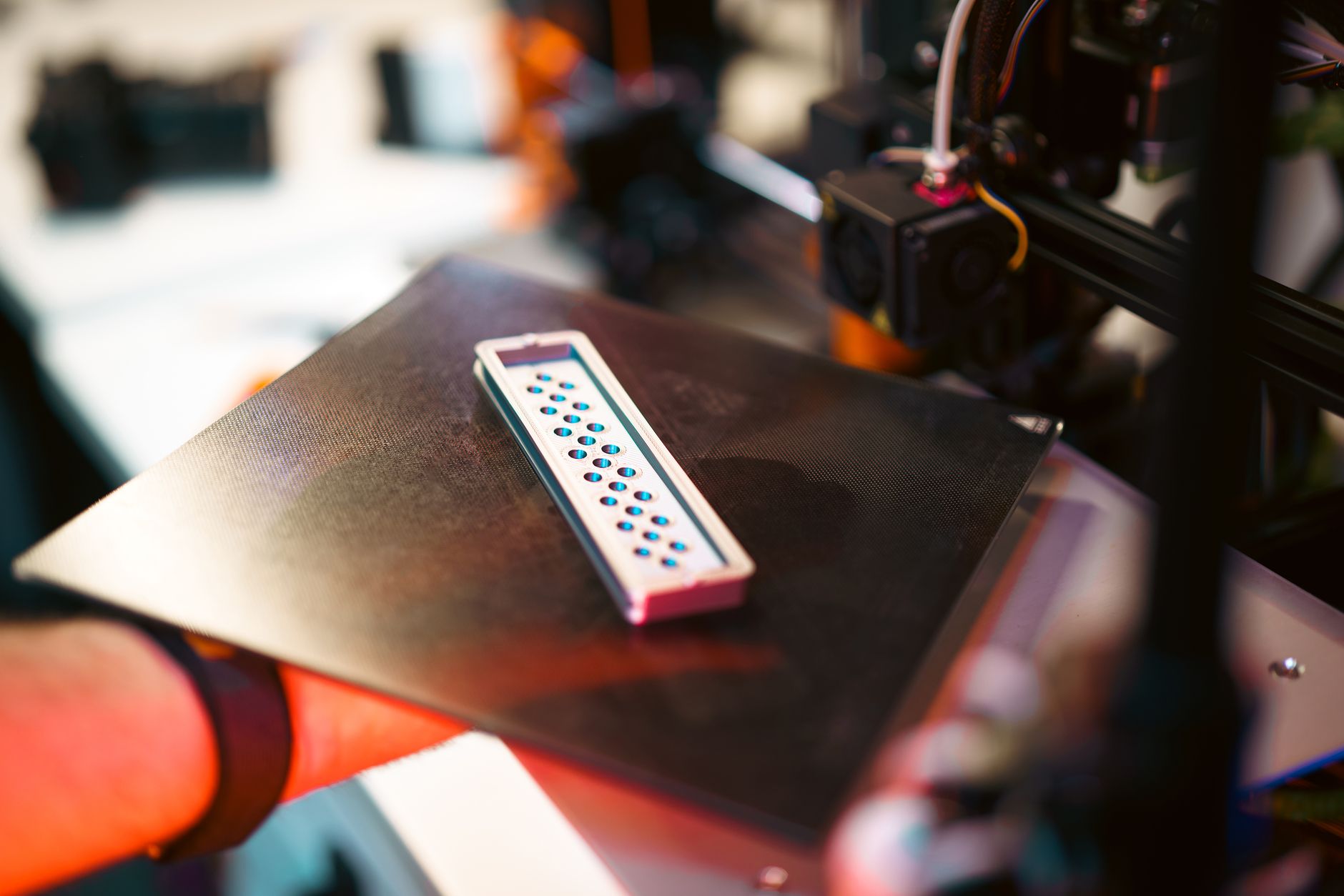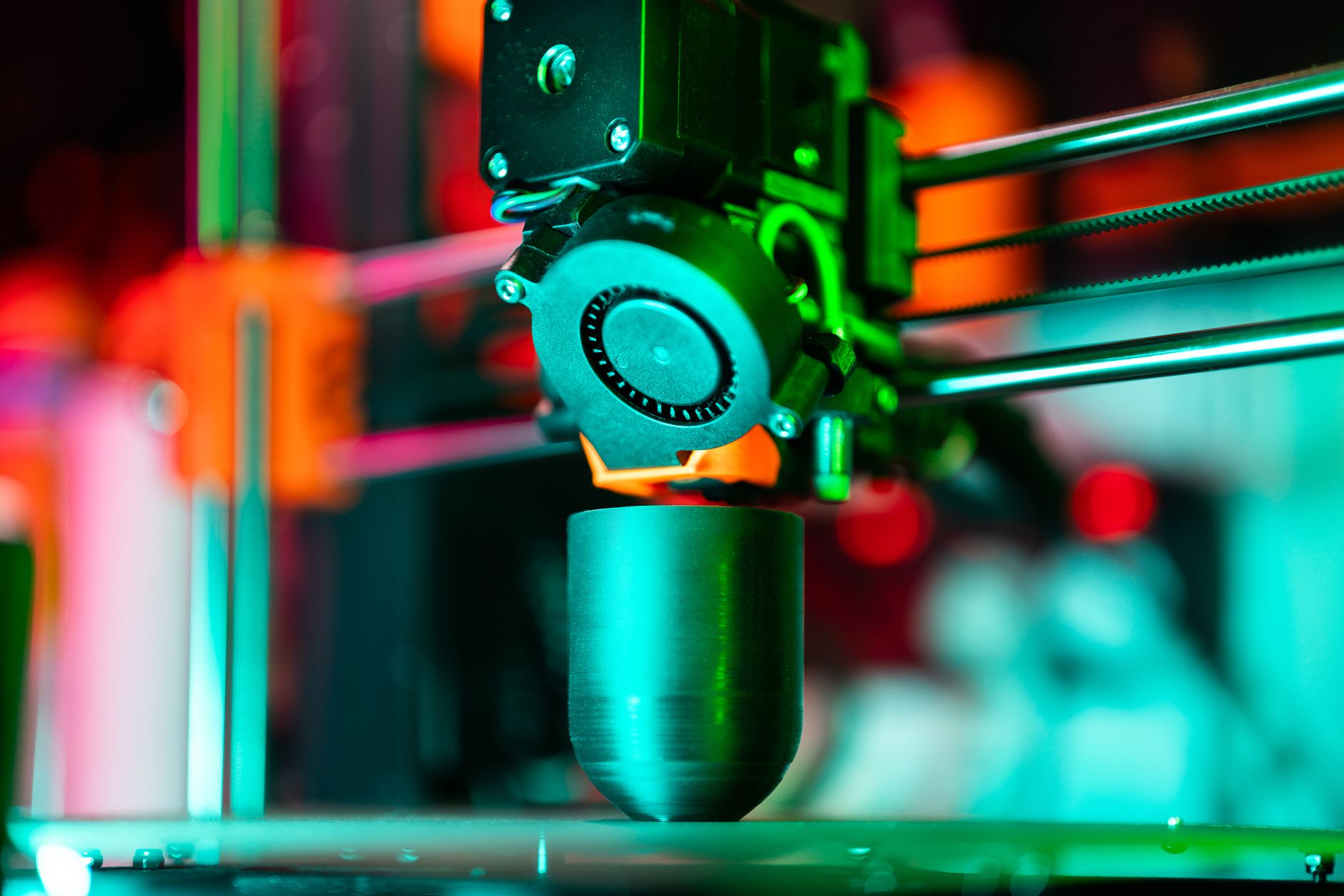
The 2026 FDM printer market has shifted hard toward speed and materials flexibility. Machines that once required constant tinkering now ship with auto bed leveling, input shaping, and direct-drive extruders. Print speeds of 300 to 600 mm/s are common, even on machines priced under $400. Build volumes have also grown, with several models offering 256 mm cubed or larger. Many new printers also include quick-swap nozzles and Wi-Fi printing. If you are buying your first printer or replacing a 2020-era machine, the difference will feel dramatic. Start with our 3D printing materials guide so you know what each printer can actually run.
We judged printers on build volume, real-world speed, nozzle and bed temperature ceilings, layer resolution, and price. We did not rank on marketing claims alone. We cross-checked official specs from Bambu Lab and Prusa Research. Filament requirements came from Simplify3D’s materials reference. A printer that promises 500 mm/s is useless if the hotend cannot maintain flow. Nozzle temperature matters especially for ABS, nylon, and polycarbonate. We paid attention to how machines behave after 300 hours, not just during the first week.
Think about what you actually print. PLA toys and brackets do not need an enclosed chamber. ABS, ASA, and nylon do. If you mostly print miniatures, a resin printer may fit better. For a first machine, do not overspend on a five-toolhead system. If you need to print ABS or polycarbonate, look for an enclosed model. Build volume matters more than top speed for large functional parts. A 220 mm bed is fine for brackets and toys. A 360 mm bed changes what you can make. Some printers have active chamber heaters. That feature is worth paying for only if you print engineering materials. Choose based on your actual filament plan.
Below, we compare seven 3D printers we recommend in 2026. You will find a spec table first, then detailed breakdowns with pros, cons, and who each machine is for. Prices are approximate street prices in early 2026 and change often. The table price cells link to Amazon so you can check current availability. If you are still deciding between FDM and resin, read our how to start 3D printing guide before you buy. The right printer depends on your workspace, noise tolerance, and whether you plan to print functional parts or display models. We have also included honest cons because no machine is perfect.
How Do the Top Options Compare?
| Printer | Best For | Build Volume | Max Speed | Layer Resolution | Price |
|---|---|---|---|---|---|
| Bambu Lab X1 Carbon | Advanced multi-material | 256 x 256 x 256 mm | 500 mm/s | 0.1-0.4 mm | Check the Bambu Lab X1 Carbon on Amazon |
| Prusa MK4S | Open-source workhorse | 250 x 210 x 220 mm | 600 mm/s | 0.05-0.4 mm | Check the Prusa MK4S on Amazon |
| Bambu Lab A1 | Beginners on a budget | 256 x 256 x 256 mm | 500 mm/s | 0.1-0.4 mm | Check the Bambu Lab A1 on Amazon |
| Creality K1C | Carbon fiber and abrasives | 220 x 220 x 250 mm | 600 mm/s | 0.1-0.4 mm | Check the Creality K1C on Amazon |
| Anycubic Kobra 3 | Low-cost starters | 250 x 250 x 260 mm | 300 mm/s | 0.1-0.3 mm | Check the Anycubic Kobra 3 on Amazon |
| Elegoo Neptune 4 Pro | Fast budget printing | 225 x 225 x 265 mm | 500 mm/s | 0.1-0.4 mm | Check the Elegoo Neptune 4 Pro on Amazon |
| Prusa XL | Large-format multi-tool | 360 x 360 x 360 mm | 200 mm/s | 0.05-0.4 mm | Check the Prusa XL on Amazon |
Speeds are manufacturer maximums. Real world speeds depend on filament, nozzle size, layer height, and part geometry. Prices are approximate street prices for early 2026 and may change.
1. Bambu Lab X1 Carbon , Best overall for advanced multi-material
The Bambu Lab X1 Carbon remains the benchmark for enclosed FDM in early 2026. Its build volume is 256 x 256 x 256 mm, maximum toolhead speed is 500 mm/s, nozzle temperature reaches 300°C, and bed temperature reaches 120°C. That temperature ceiling lets this machine print PLA, PETG, ABS, ASA, PA, PC, and carbon fiber filled materials with the included hardened steel nozzle. The enclosure and active chamber heater control warp prone filaments better than an open frame. The AMS unit runs four or more materials and changes spools with fewer manual swaps. It is not cheap, and proprietary parts can slow repairs. But few machines match its out of box reliability. Check current pricing with Check the Bambu Lab X1 Carbon on Amazon.
Key strengths:
- ✅ Handles high-temp and abrasive filaments with the hardened steel hotend
- ✅ Enclosed chamber and heated bed reduce warping on ABS and nylon
- ✅ AMS multi-material system works without constant manual babysitting
- ✅ Strong print quality at 500 mm/s with input shaping
- ❌ High price around $1,199
- ❌ Proprietary replacement parts can delay repairs
- ❌ AMS unit adds cost and takes desk space
Who it’s for: Choose the X1 Carbon if you print engineering materials or want advanced multi-material with minimal tinkering.
2. Prusa MK4S , Best open-source workhorse
The Prusa MK4S carries a 250 x 210 x 220 mm build volume, with input shaping enabled speeds around 600 mm/s. The 300°C nozzle and 120°C bed cover PETG, ABS, ASA, and most flexibles. Layer resolution starts at 0.05 mm for fine detail work. Prusa’s open source design means spare parts, community mods, and long firmware support are easy to find. The kit saves money and teaches you how the machine works. The build plate is smaller than the X1 Carbon and many other competitors at this price. Add an enclosure if you print ABS. Check current pricing with Check the Prusa MK4S on Amazon.
Key strengths:
- ✅ Open-source design means easy repairs and upgrades
- ✅ Excellent TPU and flexible filament handling
- ✅ Consistent first layers with load cell bed leveling
- ✅ Long firmware support from Prusa Research
- ❌ Smaller build volume than Bambu X1 Carbon
- ❌ Kit assembly takes several hours
- ❌ Price climbs after importing or adding an enclosure
Who it’s for: Choose the MK4S if you want a repairable, open-source printer and do not need the largest build area.
3. Bambu Lab A1 , Best budget pick for beginners
The Bambu Lab A1 delivers a 256 x 256 x 256 mm build volume and up to 500 mm/s maximum speed for about $399. The 300°C nozzle and 100°C bed handle PLA, PETG, and TPU without trouble. Its open frame means ABS and nylon are not a good fit unless you add an aftermarket tent. For a first printer, the A1 is forgiving. Automatic bed leveling, quick swap hotends, and quiet operation reduce early frustration. See our best 3D printer for beginners guide for other good choices. Check current pricing with Check the Bambu Lab A1 on Amazon.
Key strengths:
- ✅ Large build volume for the $399 price
- ✅ Very quiet during normal PLA prints
- ✅ Quick-swap hotends reduce maintenance
- ✅ Strong out-of-box calibration
- ❌ Open frame struggles with ABS and ASA
- ❌ Proprietary parts are harder to source than Prusa components
- ❌ AMS Lite can be finicky with cardboard spools
Who it’s for: Choose the A1 if you are new to printing and want a forgiving, fast PLA and PETG machine.
4. Creality K1C , Best for carbon fiber and abrasive filaments
The Creality K1C uses a 220 x 220 x 250 mm build volume and a 600 mm/s maximum speed. Its 300°C hardened steel hotend handles carbon fiber and glow in the dark filament without immediate wear. The bed reaches 120°C, and the factory enclosure helps with drafts. The chamber does not actively heat as strongly as the X1 Carbon, so large ABS parts can still warp at the edges. The K1C responds well to tuning and aftermarket mods. If you like working on your machine, read our best 3D printer upgrades guide. Otherwise, buy a simpler printer.
Key strengths:
- ✅ Hardened steel hotend included for abrasive filament
- ✅ Faster than most direct-drive machines at this price
- ✅ Enclosed frame helps with drafts and small ABS parts
- ✅ Good aftermarket part availability
- ❌ Smaller build volume than the Bambu A1
- ❌ Bed leveling and firmware can require tweaks
- ❌ Factory chamber temperatures still limit large ABS prints
Who it’s for: Choose the K1C if you print carbon fiber, glow-in-the-dark, or other abrasive filaments on a mid budget.
5. Anycubic Kobra 3 , Best low-cost first printer
The Anycubic Kobra 3 offers a 250 x 250 x 260 mm build volume, 300 mm/s maximum speed, a 260°C nozzle, and a 110°C bed. At about $299, it is one of the cheapest reliable ways to start printing PLA, PETG, and TPU. The touchscreen and automatic bed leveling reduce setup confusion. You give up temperature headroom for advanced materials, and the open frame cannot handle ABS or ASA. But for everyday PLA prints, the print quality is hard to fault at this price.
Key strengths:
- ✅ Very low entry price
- ✅ Generous build volume for a budget machine
- ✅ Simple setup with automatic bed leveling
- ✅ Large community support
- ❌ Lower max nozzle temperature limits material range
- ❌ Open frame cannot handle ABS or ASA well
- ❌ Slower than similarly priced speed-focused models
Who it’s for: Choose the Kobra 3 if you want the cheapest reliable entry into PLA and PETG printing.
6. Elegoo Neptune 4 Pro , Best fast budget printer
The Elegoo Neptune 4 Pro has a 225 x 225 x 265 mm build volume, a 500 mm/s maximum speed, a 300°C nozzle, and a 110°C bed for about $299. It runs Klipper based firmware, which gives you pressure advance and fine control if you want it. Assembly requires more attention than a Bambu A1, and the fan noise at full speed is noticeable. It is not the best first printer for someone who hates tuning. But if you want speed on a tight budget, it delivers.
Key strengths:
- ✅ 500 mm/s speed on a $299 printer
- ✅ 300°C nozzle allows more filament options
- ✅ Klipper firmware gives advanced users control
- ✅ Tall build volume for the price
- ❌ Open frame design limits ABS and ASA
- ❌ Initial assembly and belt tension need care
- ❌ Fan noise is noticeable at full speed
Who it’s for: Choose the Neptune 4 Pro if you want maximum print speed on a tight budget.
7. Prusa XL , Best large-format multi-tool machine
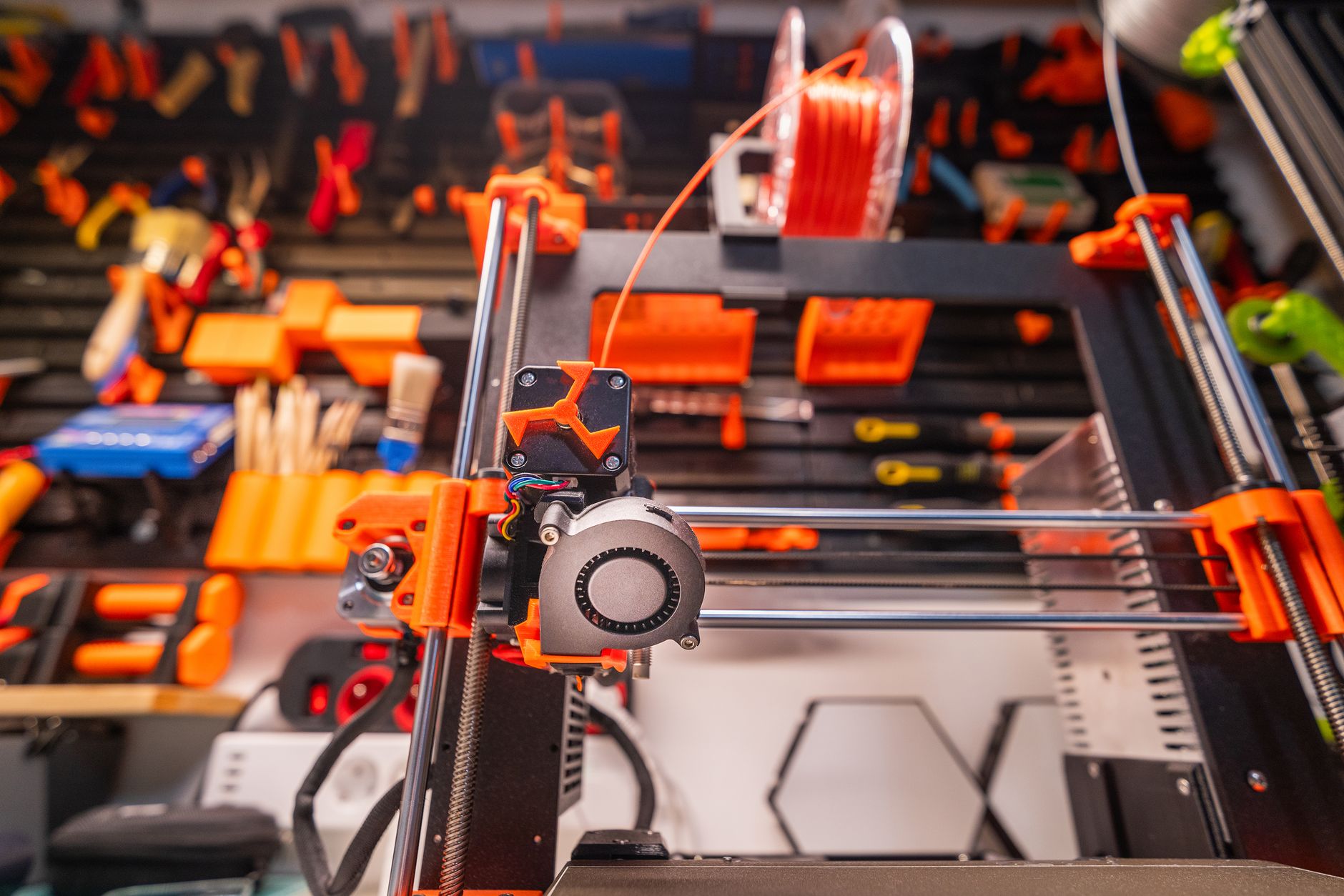
The Prusa XL has a 360 x 360 x 360 mm build volume and supports up to five independent toolheads. The 300°C nozzle and 110°C bed cover engineering materials, while the modular design makes large part access easy. The real advantage is multi-material printing without waste towers. Independent toolheads save filament and time on parts that need soluble supports or different colors. Prices start around $2,499 and climb fast. It is large, heavy, and expensive. See our best large 3D printers guide for more options.
Key strengths:
- ✅ 360 mm cubed build volume handles large functional parts
- ✅ Up to five toolheads reduce multi-material print time
- ✅ Independent toolheads reduce filament waste
- ✅ Open modular frame is easy to access
- ❌ Very high starting price
- ❌ Large footprint and heavy frame need dedicated space
- ❌ Bed leveling across a full 360 mm plate requires patience
Who it’s for: Choose the Prusa XL if you need large parts or production-scale multi-material without waste.
Frequently Asked Questions
What is the best 3D printer for beginners in 2026?
The Bambu Lab A1 is the best beginner pick because it offers a 256 mm cubed build volume, automatic calibration, and 500 mm/s speed for about $399. The Anycubic Kobra 3 is a cheaper alternative at $299.
How much should I spend on a 3D printer?
Spend between $299 and $399 for a reliable starter printer. If you need an enclosed machine for ABS, nylon, or polycarbonate, plan to spend $559 to $1,199.
Is a 500 mm/s printer actually faster for every print?
No. Manufacturer speed claims are maximums. Real prints depend on filament flow, layer height, nozzle size, and part geometry. Most users run high-quality settings below the max speed.
Do I need an enclosed 3D printer?
Only if you print warp-prone materials like ABS, ASA, nylon, or polycarbonate. PLA, PETG, and TPU print fine on open-frame machines.
What build volume do I need for miniatures?
A 220 x 220 x 250 mm build volume is enough for most miniatures and small props. For large terrain or cosplay parts, look for 256 mm cubed or larger.
Which 3D printer is best for printing ABS or nylon?
The Bambu Lab X1 Carbon is the best enclosed pick for ABS and nylon because it has a 300°C nozzle, 120°C bed, and active chamber heating. The Creality K1C is a more affordable alternative.
What Should You Remember?
- Best overall: The Bambu Lab X1 Carbon leads for enclosed, multi-material, and engineering-grade printing.
- Best budget: The Bambu Lab A1 gives a 256 mm cubed build volume and 500 mm/s speed for $399.
- Speed myth: A 500 mm/s printer will not hit that speed on every part because filament flow and part geometry limit real speed.
- Open vs enclosed: Choose an enclosed machine like the X1 Carbon or Creality K1C for ABS, ASA, and nylon.
- Large format: The Prusa XL has a 360 mm cubed build volume and up to five toolheads for low-waste multi-material prints.
- Repairability: The Prusa MK4S is the easiest to repair and upgrade because it is open source.
- Filament matters: Match filament temperatures to your nozzle and bed before buying a printer.
This article is for general information only. Always follow your printer manufacturer’s guidelines and material safety data sheets (MSDS) for safe operation.