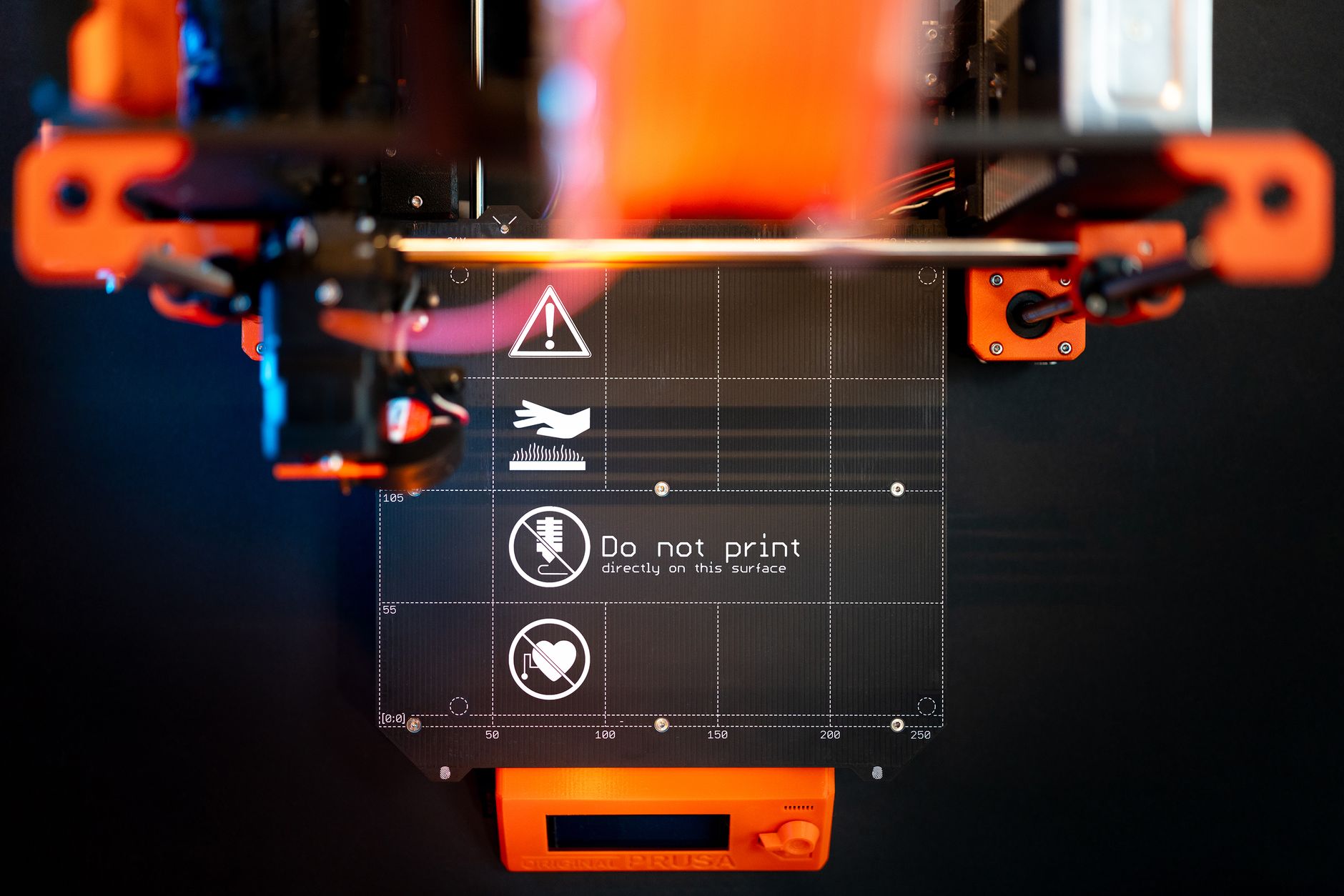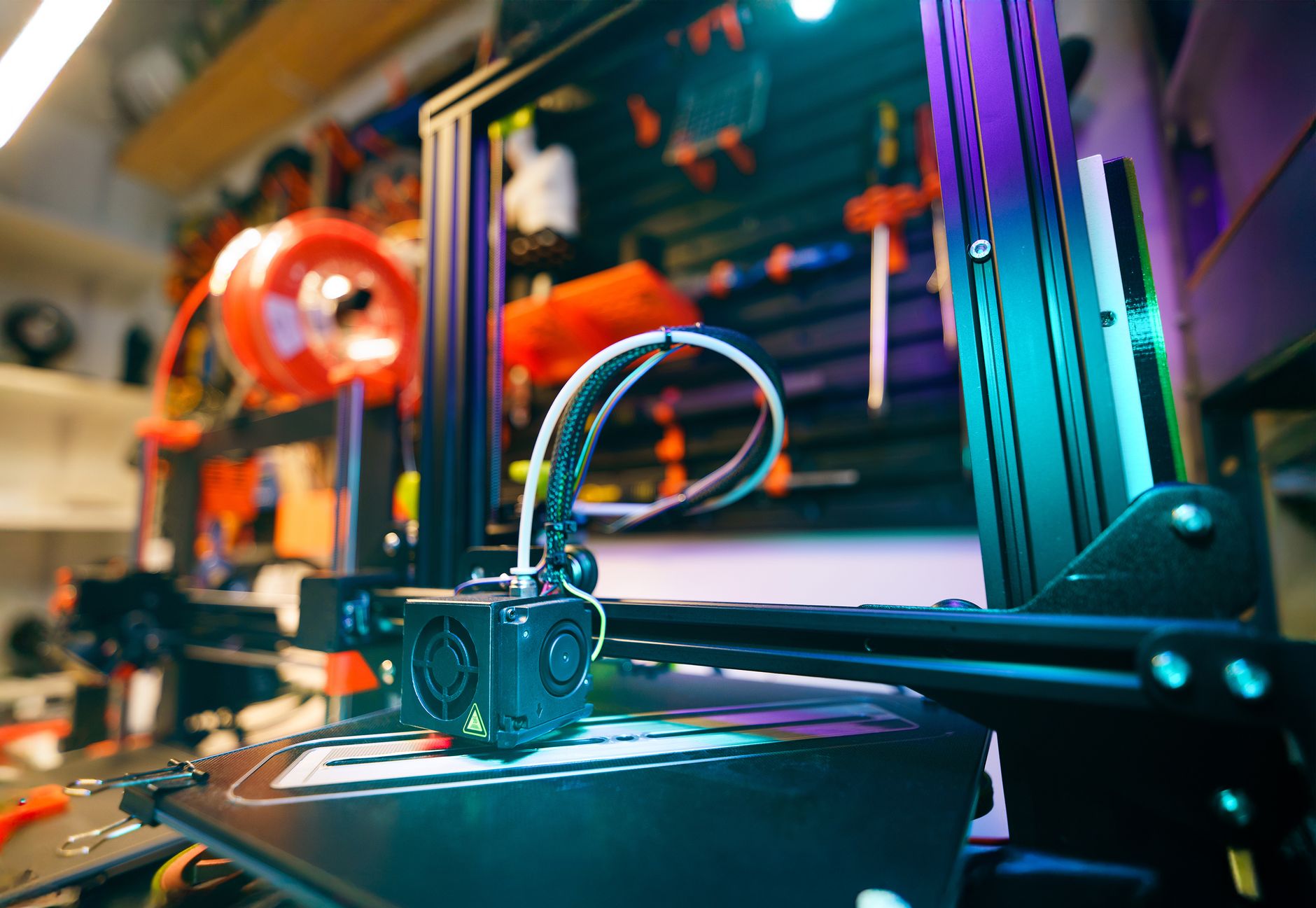
Beginner 3D printers changed more in the last three years than they did in the previous decade. Auto bed leveling, direct-drive extruders, and fast motion systems are no longer $1,000 upgrades. Machines like the Bambu Lab A1 Mini now ship with automatic calibration, input shaping, and quiet stepper drivers at a price under $300. That means a first printer can work on day one instead of becoming a weekend tuning project. The old advice about spending weeks calibrating an Ender 3 is finally outdated. In 2026, the right beginner printer is the one that gets out of the way.
We focused this list on FDM printers because they are the safest starting point. Resin printers produce incredible detail but involve messy resins, post-processing, and ventilation. If you want miniatures, check our best resin 3D printers guide instead. Beginners should also understand one thing before buying: filament type matters. PLA is the default because it prints cool and sticks well. PETG and ABS require higher bed and nozzle temperatures, which small entry printers can struggle to hold. Our 3D printing materials guide covers those differences.
We compared specs against real use cases, not just marketing numbers. Build volume in millimeters tells you the largest object you can print. A 180x180x180mm plate handles most brackets, toys, and functional parts. A 300x300x340mm plate handles helmets, cosplay armor, and larger prototyping. Max speed matters less than consistency, but 200-500 mm/s is now common. We also considered assembly time, slicer setup, and whether the printer recovers from failed prints. The material properties reference from Simplify3D helped verify temperature limits.
Before you buy, spend some time with our how to start 3D printing guide. It walks through first prints, bed adhesion, and slicing basics. Also check our best 3d slicer software 2026 roundup because the slicer is where most beginner frustration starts. After that, pick a printer below and start with PLA. Every machine here can print PLA out of the box. Most can handle PETG and TPU with a few settings changes.
How Do the Top Options Compare?
| Printer | Best For | Build Volume | Max Speed | Price |
|---|---|---|---|---|
| Bambu Lab A1 Mini | Best overall beginner | 180 x 180 x 180 mm | 500 mm/s | Check on Amazon |
| Creality Ender 3 V3 SE | Best budget pick | 220 x 220 x 250 mm | 250 mm/s | Check on Amazon |
| Elegoo Neptune 4 Pro | Best speed under $300 | 225 x 225 x 265 mm | 500 mm/s | Check on Amazon |
| Anycubic Kobra 3 | Easiest setup | 250 x 250 x 260 mm | 300 mm/s | Check on Amazon |
| Sovol SV06 Plus | Best larger build | 300 x 300 x 340 mm | 250 mm/s | Check on Amazon |
| Prusa Mini+ | Most reliable open source | 180 x 180 x 180 mm | 200 mm/s | Check on Amazon |
Prices are approximate and change often. Max speed is the manufacturer’s listed maximum; realistic quality speeds are usually 40 to 60 percent of that number.
1. Bambu Lab A1 Mini , Best overall beginner
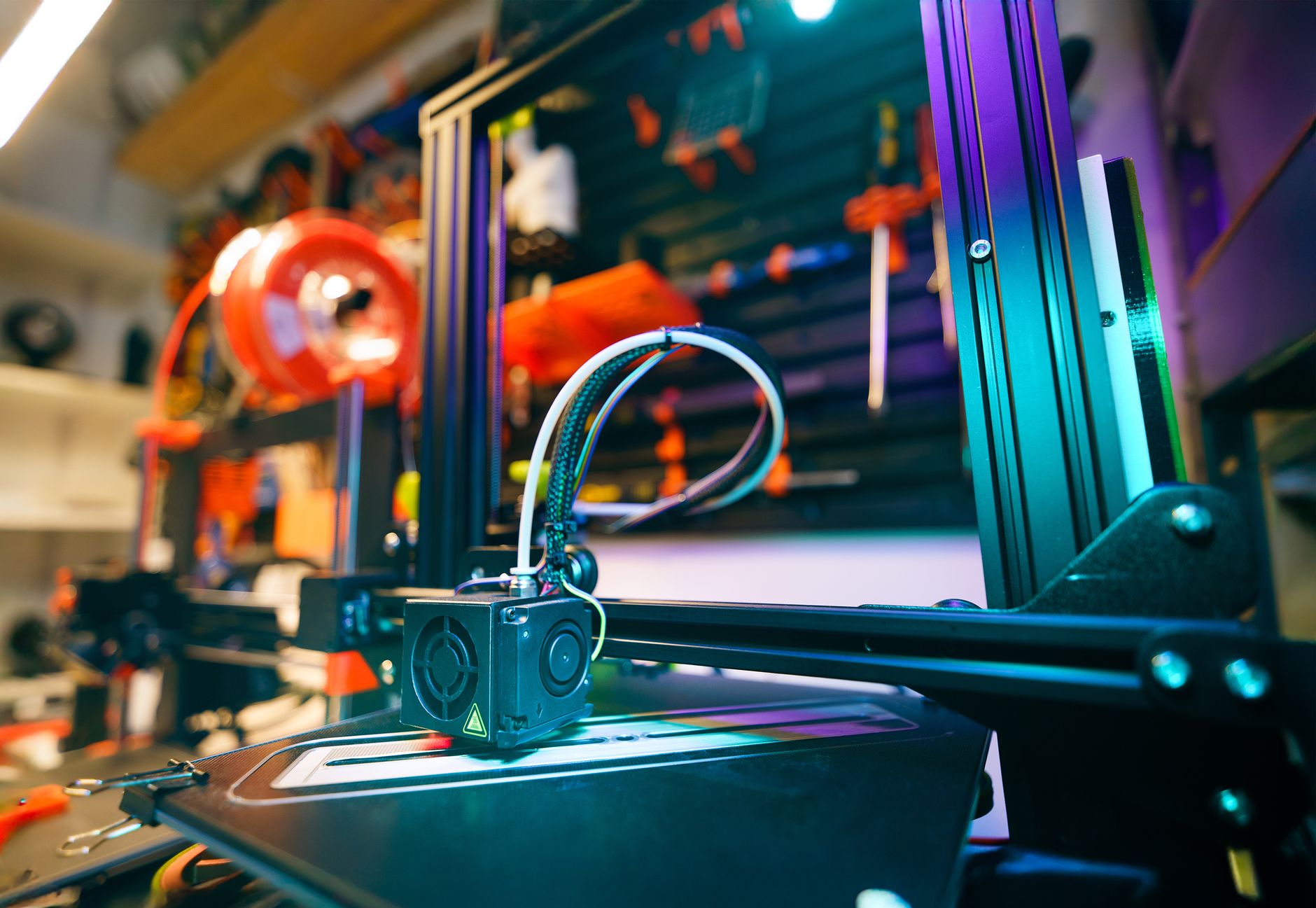
Bambu Lab did something simple: it made a printer that actually works when you press print. The A1 Mini includes automatic bed leveling, active flow compensation, and a quick-swap nozzle. Its build volume is 180x180x180mm, which is compact but enough for most starter projects. Bambu Lab lists maximum speed at 500 mm/s with acceleration up to 10,000 mm/s², but beginners should treat 200-300 mm/s as a realistic quality range. What you give up is build size and some third-party flexibility. The hotend is easy to change, but some parts are proprietary, so long-term repairability depends on Bambu Lab’s supply. For PLA, PETG, and TPU, it just works. Check the Bambu Lab A1 Mini on Amazon and print something before moving into mods.
Key strengths:
- ✅ Most reliable auto bed leveling of any entry printer
- ✅ Compact 180x180x180mm build volume handles starter projects
- ✅ Quick-swap nozzle makes maintenance easy
- ✅ Prints PLA, PETG, and TPU out of the box
- ❌ Small build plate limits larger models
- ❌ Some proprietary parts reduce long-term repairability
- ❌ No enclosure, so ABS is not recommended
Who it’s for: First-time makers who want a printer that works out of the box without constant tuning.
2. Creality Ender 3 V3 SE , Best budget beginner printer
The Ender 3 V3 SE is the printer you recommend when someone has $170 and zero patience for tinkering. It has a 220x220x250mm build volume, direct-drive extruder, and auto bed leveling. Max speed is 250 mm/s, but most prints look cleaner at 150-180 mm/s. That is a massive improvement over the old Ender 3, which required manual leveling and a separate bed probe. At this price, sacrifices show up in the frame and long-term wear. The rods and wheels need occasional cleaning, and the part cooling fan is fine but not great for steep overhangs. Still, the Ender 3 V3 SE is the right default gift for a tween or a first benchy. Check the Creality Ender 3 V3 SE on Amazon and pair it with our best 3d printer filament picks.
Key strengths:
- ✅ Excellent price for a direct-drive printer
- ✅ Auto bed leveling included, unlike older Ender 3 models
- ✅ 220x220x250mm build volume fits most beginner projects
- ✅ Large community and spare parts support
- ❌ Frame requires occasional cleaning and tightening
- ❌ Part cooling fan struggles with steep overhangs
- ❌ Max speed is lower than many 2026 competitors
Who it’s for: Budget buyers who want a capable first printer and do not mind basic maintenance.
3. Elegoo Neptune 4 Pro , Best speed under $300
Elegoo came from resin printers and then dropped a surprisingly fast FDM machine. The Neptune 4 Pro has a 225x225x265mm build volume and a listed max speed of 500 mm/s. Out of the box, the default profile is aggressive, so first prints often finish in half the time of older printers. Klipper firmware is on board, which means you can tune pressure advance and input shaping later. The catch is cooling. Fast prints on small parts need more fan than the stock duct provides, so bridging can sag until you print a better shroud. The bed also takes longer to heat than some competitors, reaching 70°C for PETG in about three minutes. If you want speed without the $600 price tag, it is a strong buy. Check the Elegoo Neptune 4 Pro on Amazon and read our filament storage guide to keep spools dry.
Key strengths:
- ✅ Fast 500 mm/s maximum speed for quick prints
- ✅ Klipper firmware allows advanced tuning later
- ✅ 225x225x265mm build volume is a solid starter size
- ✅ Direct-drive extruder handles PETG and TPU well
- ❌ Stock part cooling is weak for very fast small prints
- ❌ Bed heating is slower than some direct competitors
- ❌ Default fast profiles may need slowing for quality
Who it’s for: Beginners who want faster print times without paying for a premium CoreXY machine.
4. Anycubic Kobra 3 , Easiest setup
Anycubic wants the Kobra 3 to be the first printer you never have to level. It ships mostly assembled and uses a strain gauge auto-leveling system that probes the bed directly through the nozzle. The build volume is 250x250x260mm, which is a meaningful step up from the A1 Mini. Maximum speed is 300 mm/s, with typical high-quality prints around 150-200 mm/s. The touchscreen and quick-start guide are clearer than most Chinese printer docs. The main downside is part availability. Anycubic revisions change fast, so aftermarket parts can be hit or miss. If you want the largest build volume before $250 and do not plan to modify much, this one works well.
Key strengths:
- ✅ Simple quick-start guide and touchscreen interface
- ✅ Strain gauge auto leveling requires almost no setup
- ✅ 250x250x260mm build volume is larger than entry rivals
- ✅ 300 mm/s max speed keeps prints reasonably quick
- ❌ Aftermarket parts can be inconsistent between revisions
- ❌ Not as fast or quiet as Klipper-equipped rivals
- ❌ Fewer third-party upgrades than Creality printers
Who it’s for: New makers who want the easiest possible setup and a larger build area.
5. Sovol SV06 Plus , Best larger build on a budget
The Sovol SV06 Plus solves the problem of people who want to print helmets, drone frames, or large cosplay props on a beginner budget. It offers a 300x300x340mm build volume, which dwarfs most printers at this price. The direct-drive extruder handles flexible TPU better than older Bowden systems. Maximum speed is listed at 250 mm/s, but large PETG parts print more reliably at 80-120 mm/s. That bigger bed also means more heat and vertical space. The printer is not as polished as a Bambu Lab machine, and you should verify the frame is square during assembly. The bed temperature reaches 100°C, enough for ABS with an enclosure or a warm room.
Key strengths:
- ✅ 300x300x340mm build volume fits helmets and large props
- ✅ Direct-drive extruder handles TPU and PETG reliably
- ✅ 100°C bed temperature allows some ABS with an enclosure
- ✅ Lower price than many large-format competitors
- ❌ Frame needs careful squaring during assembly
- ❌ Not as polished or quiet as Bambu Lab machines
- ❌ Large prints can be slow at quality settings
Who it’s for: Makers who want a big build volume without spending on a premium large-format printer.
6. Prusa Mini+ , Most reliable open-source printer
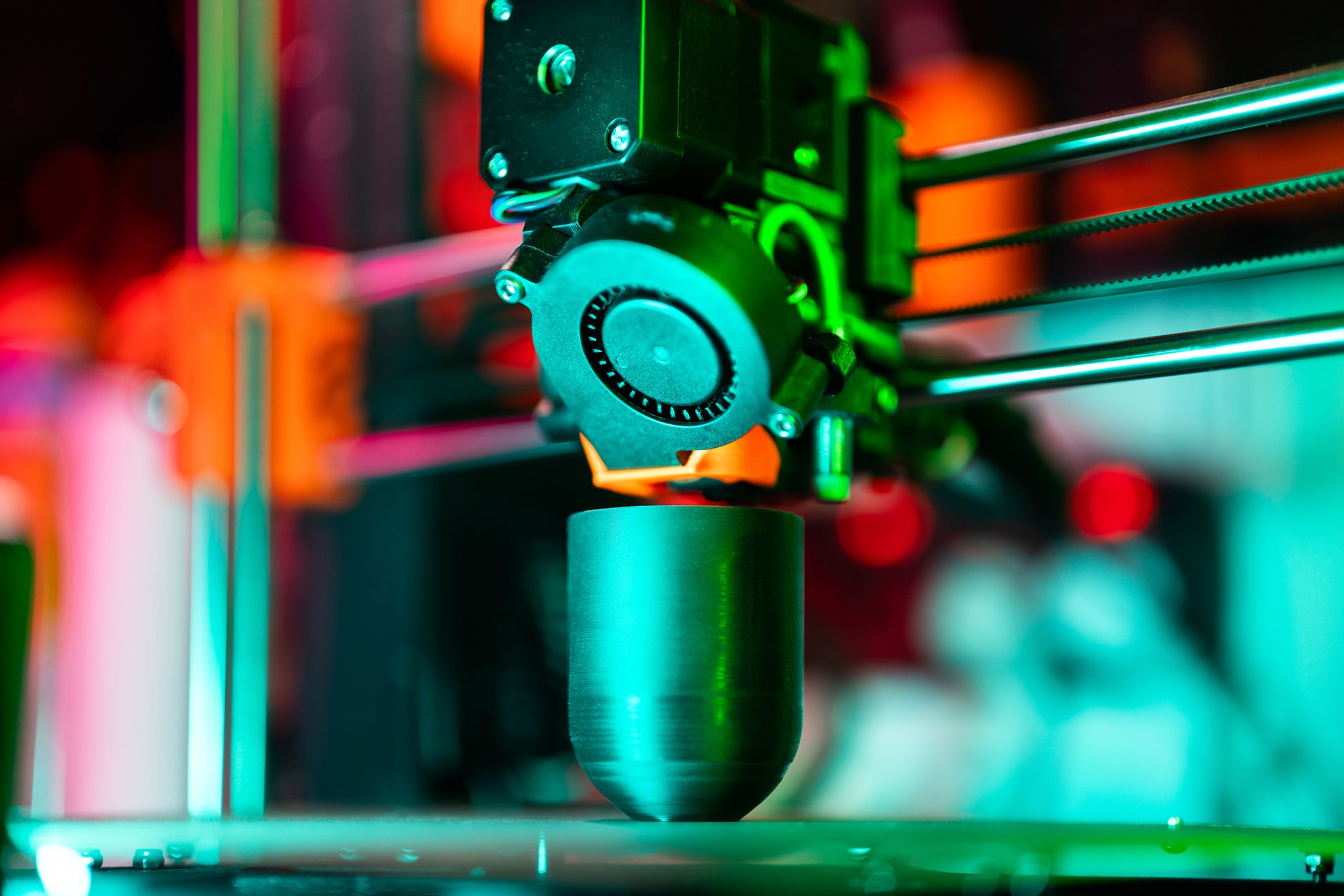
The Prusa Mini+ is the slow, dependable choice. It has a small 180x180x180mm build volume and a listed max speed around 200 mm/s, but its reliability is legendary. Prusa Research maintains open-source firmware and offers long-term support for every part. According to Prusa’s official specs, the Mini+ includes a SuperPINDA probe and a magnetic PEI sheet, which remain excellent for first-layer adhesion. You pay for that support. The Mini+ is expensive for its build size, especially when shipping is included. The cantilever arm needs periodic adjustment, and the 32-bit board is capable but not as fast as Klipper machines. Choose this if you want a printer you can repair for a decade and do not mind slower prints.
Key strengths:
- ✅ Open-source firmware and long-term Prusa support
- ✅ Magnetic PEI sheet gives reliable first-layer adhesion
- ✅ SuperPINDA probe provides consistent bed leveling
- ✅ Repairable design with readily available parts
- ❌ Expensive for a small 180x180x180mm build volume
- ❌ Cantilever arm needs periodic adjustment
- ❌ Slower than most 2026 competitors
Who it’s for: Makers who value long-term repairability and open-source support over speed or build size.
Frequently Asked Questions
Do I need an enclosed 3D printer as a beginner?
No, not for PLA or PETG. An enclosed printer helps with ABS and other high-temperature filaments because it keeps heat stable. Most beginners can skip the enclosure until they need those materials.
Is FDM or resin better for a first printer?
FDM is the safer first choice. It uses solid filament, has fewer fumes, and requires less post-processing than resin. Resin printers are better for fine detail but add mess and ventilation concerns.
Is a 180mm build volume enough for beginners?
Yes for most people. A 180x180x180mm plate prints brackets, toys, phone stands, and small cosplay bits. You only need a larger 300mm-class bed for helmets or full-size props.
What print speed should I actually use?
Start between 100 and 200 mm/s for most machines. Manufacturer maximums like 500 mm/s require perfect cooling and calibration. Slower settings usually produce better first-layer adhesion and cleaner overhangs.
How much should I spend on a beginner 3D printer in 2026?
Plan to spend $170 to $350 for a reliable starter FDM printer. The best value sits around $250, where you get auto bed leveling, a direct-drive extruder, and decent speed.
Does auto bed leveling really matter?
Yes. Auto bed leveling removes the most common beginner failure: a bad first layer. Manual leveling can work, but it frustrates new users and wastes hours.
What Should You Remember?
- Best overall: The Bambu Lab A1 Mini works out of the box with auto calibration and is the top 2026 beginner pick.
- Budget pick: The Creality Ender 3 V3 SE gives a direct-drive extruder and auto leveling for about $170.
- Build volume: Check millimeters first; 180mm is enough for most parts, while 300mm fits helmets.
- Speed: Ignore max speed claims and print at half the listed maximum for reliable quality.
- Materials: Start with PLA; PETG and TPU are next, but ABS usually needs an enclosure.
- Setup: Auto bed leveling and a direct-drive extruder save more beginner time than any other feature.
This article is for general information only. Always follow your printer manufacturer’s guidelines and material safety data sheets (MSDS) for safe operation.