For under $300, the 2026 budget 3D printer market is genuinely capable. Auto bed leveling, direct-drive extruders, PEI build plates, and 500mm/s speeds are now common. Five years ago those features would have cost $600 or more. Many new users assume cheap printers require constant tinkering. That is no longer true. Some of these machines work almost as easily as a kitchen appliance. Others still reward makers who like to tune hardware. The difference comes down to how much assembly and calibration you want. We tested and compared the current best options under $300 so you can spend more time printing and less time troubleshooting.
We looked at build volume, maximum print speed, nozzle and bed temperatures, layer resolution, and long-term reliability. Manufacturer speed claims are useful, but real print speeds depend on material and slicer settings. We checked hardware specs against official pages from Bambu Lab and Prusa Research. For material temperatures, we used the Simplify3D filament guide. That reference lists exact bed and nozzle ranges for PLA, PETG, ABS, and TPU. We also considered parts availability and repair difficulty. A low purchase price means less if replacement parts are impossible to find. We rejected several printers with poor thermistor wiring or flimsy plastic frames.
If you are new to 3D printing, skip models with manual bed leveling. The printers below all include automatic mesh leveling or probe calibration. Some still require you to set a Z offset once, but that is easier than turning four bed wheels. Before choosing, read our best 3D printers 2026 comparison for context. Then decide which trade-offs matter most: build volume, speed, or material range. We also suggest reading our best budget 3D printers guide if you want a wider view. Most beginners should start with PLA, but PETG and TPU are within reach on these machines. That advice appears in the filament guide linked above.
How Do the Top Options Compare?
| Printer | Best For | Build Volume | Max Speed | Price |
|---|---|---|---|---|
| Bambu Lab A1 Mini | Beginners who want speed | 180 x 180 x 180 mm | 500 mm/s | Check price |
| Creality Ender 3 V3 SE | Tight budgets and easy upgrades | 220 x 220 x 250 mm | 250 mm/s | Check price |
| Elegoo Neptune 4 Pro | Klipper speed with direct drive | 225 x 225 x 265 mm | 500 mm/s | Check price |
| Sovol SV06 | All-metal hotend reliability | 220 x 220 x 250 mm | 150 mm/s | Check price |
| Anycubic Kobra 2 Neo | Plug-and-play simplicity | 250 x 220 x 220 mm | 250 mm/s | Check price |
Prices may fluctuate. Build speed figures are manufacturer maximums; real print speeds depend on profile, material, and layer height.
1. Bambu Lab A1 Mini , Beginners who want automatic calibration and speed
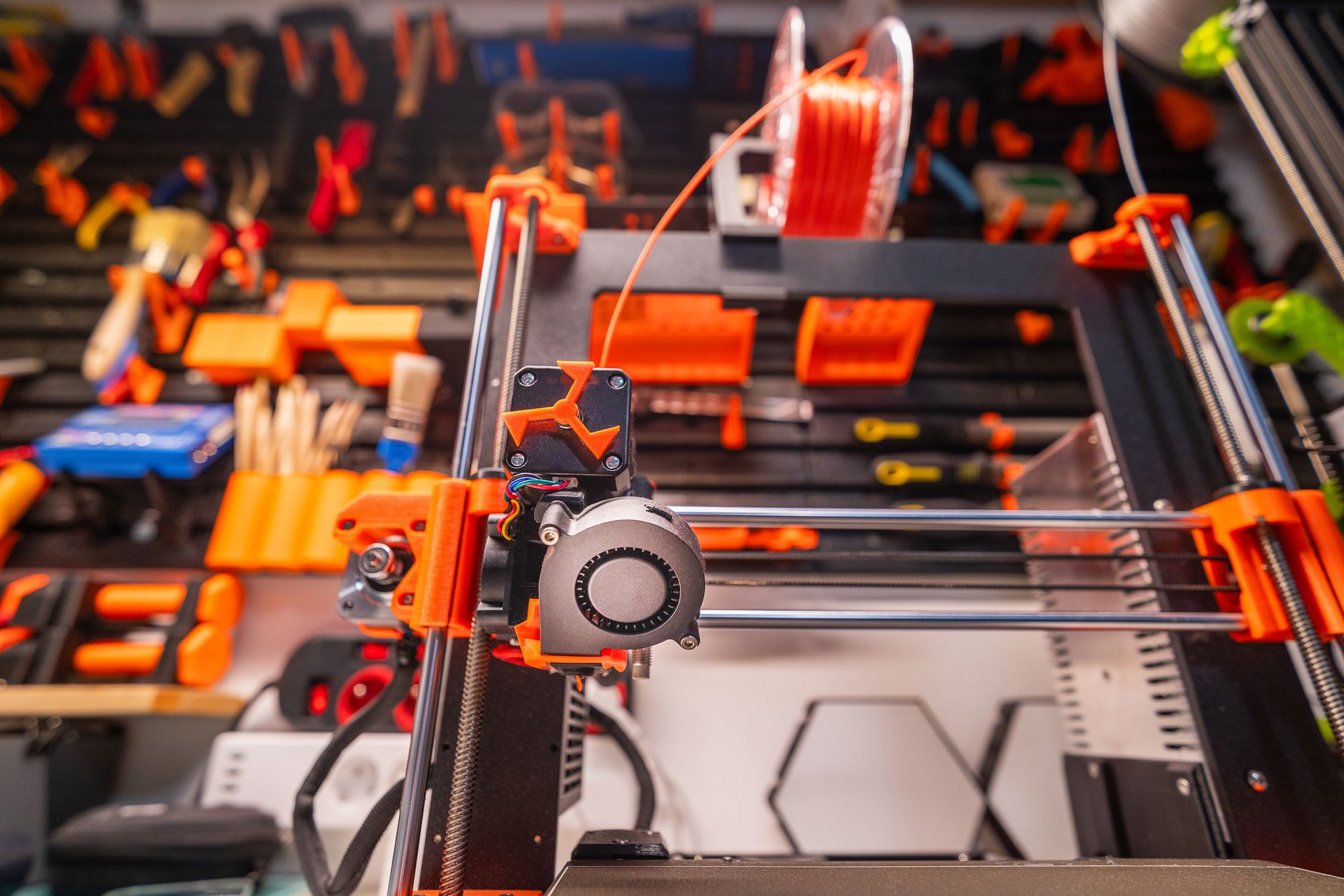
For under $300, the A1 Mini is the easiest first printer I have tested. It ships almost fully assembled, auto-calibrates in minutes, and prints at up to 500mm/s. Build volume is 180x180x180mm, which is small. The nozzle reaches 300°C and the bed reaches 80°C, enough for PLA, PETG, and flexible materials. Those temperatures match Bambu Lab’s current spec sheet. The direct-drive extruder and quick-swap hotend make nozzle changes simple. Auto bed leveling and vibration compensation reduce failed first layers. You will not need to fiddle with Z offsets. Small beds mean large helmets or cosplay armor may need to be split. If your prints are mostly miniatures, brackets, or tabletop terrain, this is the pick. If you are still deciding, see our best 3D printer for beginners breakdown. Check the Bambu Lab A1 Mini on Amazon.
Key strengths:
- ✅ Ships nearly assembled and auto-calibrates without manual bed leveling.
- ✅ Prints up to 500mm/s with accurate first layers.
- ✅ Hotend reaches 300°C for PLA, PETG, and flexibles.
- ✅ Quick-swap nozzle system reduces downtime.
- ❌ 180x180x180mm build volume is small for large functional parts.
- ❌ Proprietary cloud features feel locked down for open-source fans.
Who it’s for: Beginners who want a fast printer that works out of the box without tinkering.
2. Creality Ender 3 V3 SE , Budget buyers who want a classic Creality with modern upgrades
Creality improved the aging Ender 3 formula with the V3 SE. It includes auto bed leveling, a direct-drive Sprite extruder, and a 220x220x250mm build volume. Maximum print speed is 250mm/s, but most users will get clean prints around 100 to 150mm/s with PLA. The nozzle reaches 260°C and the bed reaches 100°C. That broadens material options compared to older Ender 3 machines. Assembly takes about 30 minutes with labeled parts. The textured PC spring steel bed holds PLA well and releases prints after cooling. You may still need to adjust belt tension and eccentric nuts after shipping. Those small tune-ups are normal at this price. For help with first-layer issues, see our 3D printer bed adhesion guide. This printer has a huge upgrade community. Many users add a PEI sheet, dual-Z rod, or stronger part cooling fan. If you plan to modify it later, keep that in mind. Check the Creality Ender 3 V3 SE on Amazon.
Key strengths:
- ✅ 220x220x250mm build volume with direct-drive Sprite extruder.
- ✅ CR Touch auto bed leveling works reliably out of the box.
- ✅ Heated bed reaches 100°C for PETG and ABS with an enclosure.
- ✅ Massive aftermarket support for upgrades and replacement parts.
- ❌ 250mm/s max speed is slower than some 2026 competitors.
- ❌ Frame and V-wheels need periodic tension adjustments.
Who it’s for: First-time buyers who want a proven Creality platform without manual bed leveling.
3. Elegoo Neptune 4 Pro , Makers who want Klipper speed and direct-drive flexibility
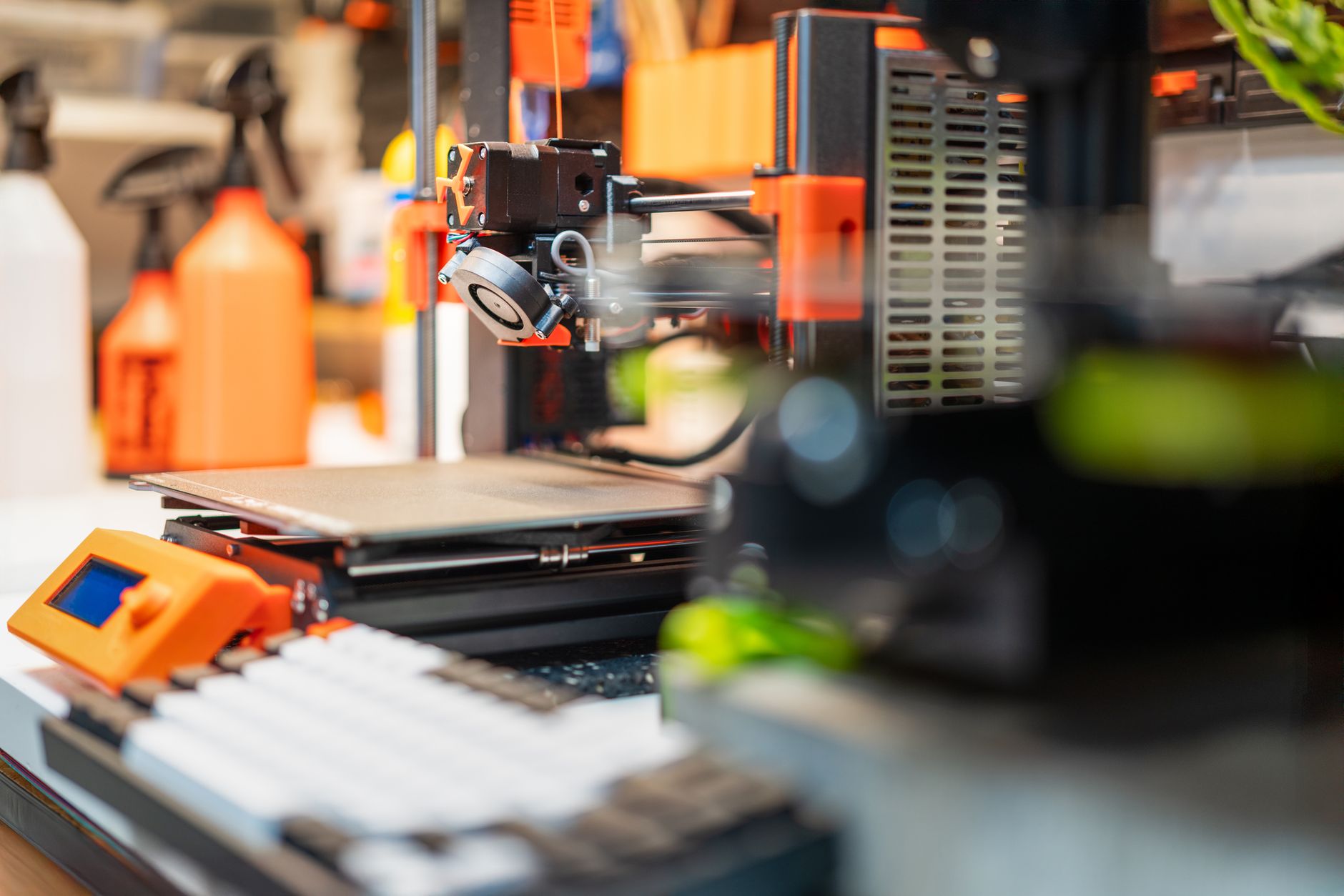
The Neptune 4 Pro runs Klipper firmware, so you get fast prints and remote monitoring out of the box. Its 225x225x265mm build volume fits most functional parts. Elegoo rates the machine at 500mm/s with 10,000mm/s² acceleration. Real-world PLA prints at 200 to 300mm/s still look clean. The all-metal hotend reaches 300°C and the bed reaches 110°C, which handles nylon and PC with the right setup. A direct-drive dual-gear extruder grips flexible filaments without binding. The inductive bed sensor and dual Z-axis lead screws keep the X-axis level. You will need to update firmware sometimes. Elegoo support is responsive but replacement parts can take days to ship. If speed is your priority, compare this pick in our fastest 3D printers roundup. Check the Elegoo Neptune 4 Pro on Amazon.
Key strengths:
- ✅ 500mm/s Klipper speed with dual Z-axis lead screws.
- ✅ 300°C all-metal hotend and 110°C bed expand material range.
- ✅ Direct-drive dual-gear extruder prints flexibles smoothly.
- ✅ Remote Klipper interface includes input shaping and pressure advance.
- ❌ Klipper menus can overwhelm first-time users.
- ❌ Plastic bed leveling knobs feel less durable than metal.
Who it’s for: Hobbyists who want a fast Klipper printer without spending over $300.
4. Sovol SV06 , Tinkerers who want an all-metal hotend and open-source repairability
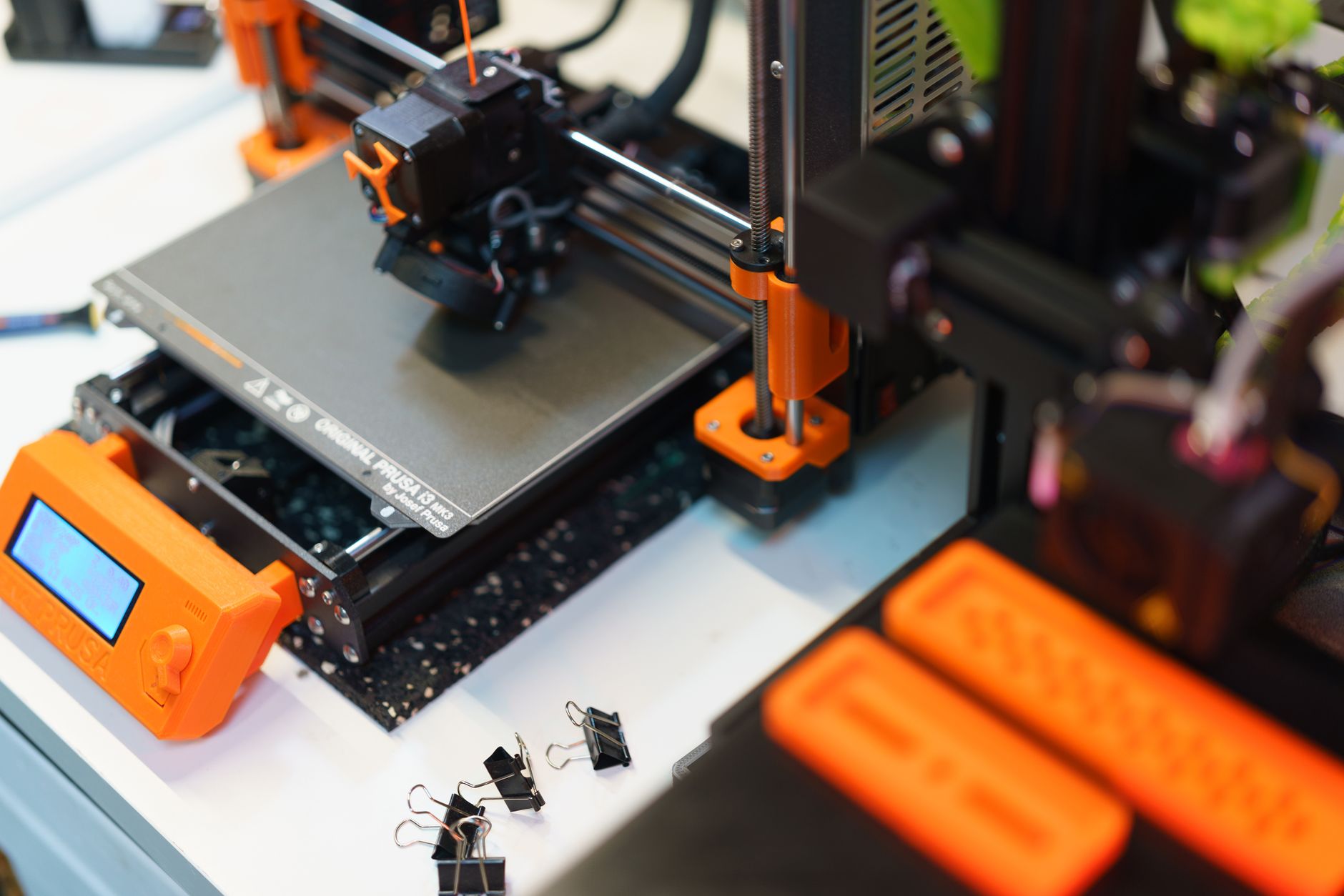
The Sovol SV06 copies the Prusa i3 motion system with a direct-drive extruder and dual Z-axis motors. Prusa’s open-source design shaped this printer’s frame and firmware approach, which makes it easy to repair. Build volume is 220x220x250mm with a heated bed that reaches 100°C. The all-metal hotend reaches 260°C, enough for PLA, PETG, ABS, and TPU. Max speed is 150mm/s, slower than the competition. But this machine focuses on consistent prints, not speed records. Auto bed leveling uses an inductive sensor that detects the steel build plate. The textured PEI sheet grips prints during printing and releases them when cool. You may need to adjust the probe and Z offset first. Once set, it stays reliable. The external power supply and open cable chains are also easy to access. Expect to spend a little time tuning this machine. If you like learning how printers work, that is a feature. If you want zero setup, buy the Bambu Lab A1 Mini instead.
Key strengths:
- ✅ All-metal hotend handles PETG and ABS continuously.
- ✅ Dual Z-axis motors reduce gantry sag.
- ✅ Textured PEI build plate provides strong first-layer grip.
- ✅ Open-source design makes repairs and parts easy.
- ❌ 150mm/s max speed is slow for large batches.
- ❌ Inductive probe can be finicky on non-metal build plates.
Who it’s for: Tinkerers who value repairability and material flexibility over raw speed.
5. Anycubic Kobra 2 Neo , Plug-and-play simplicity on a very tight budget
The Kobra 2 Neo is often the cheapest route to a direct-drive extruder and auto bed leveling. Anycubic rates it at 250mm/s with a 250x220x220mm build volume. That is larger than the A1 Mini, though print quality at top speed can drop. The nozzle reaches 260°C and the magnetic flexible bed reaches 100°C. Layer resolution goes as low as 0.1mm, which is fine for functional parts and simple miniatures. Setup takes under 15 minutes. The gantry arrives mostly assembled, and the touchscreen walks you through loading and leveling. The main weakness is part cooling at high speeds. Overhangs and bridges may curl, so slow down to 80 to 120mm/s for detailed PLA models. If this is your first printer, read a beginner guide before unboxing. Budget machines still benefit from proper bed setup and filament storage.
Key strengths:
- ✅ Very low price with direct-drive extruder and auto leveling.
- ✅ Large 250x220x220mm build volume for the class.
- ✅ Simple touchscreen interface for beginners.
- ✅ Magnetic flexible bed makes print removal easy.
- ❌ Part cooling can struggle at 250mm/s on overhangs.
- ❌ Build quality feels lighter than midrange options.
Who it’s for: Absolute beginners who want a cheap printer that requires minimal assembly.
Frequently Asked Questions
What is the best budget 3D printer under $300 in 2026?
The Bambu Lab A1 Mini is the best overall pick for most beginners. It offers automatic calibration, 500mm/s speed, and reliable first layers. If you need a larger build volume, choose the Creality Ender 3 V3 SE or Elegoo Neptune 4 Pro.
Are $300 3D printers good for beginners?
Yes. Many now include auto bed leveling, direct-drive extruders, and heated beds. You should still expect some assembly and basic maintenance. Avoid manual leveling models if you want a smoother start.
Can a budget 3D printer print ABS or PETG?
Most under $300 printers can print PETG because their nozzles reach 240 to 260°C and beds reach 80 to 110°C. ABS is harder without an enclosure because it warps with drafts. A sealed room or DIY enclosure helps.
How fast can budget 3D printers print?
Speed varies from 150mm/s on the Sovol SV06 to 500mm/s on the Bambu Lab A1 Mini and Elegoo Neptune 4 Pro. Real speeds depend on slicer profile, layer height, and material. High quality often means printing slower than the maximum.
Do I need to upgrade a budget 3D printer?
Not immediately. The main upgrades are a PEI sheet, stronger part cooling fan, or dual-Z rod. Many users print stock for months. Upgrade only when a specific limitation slows you down.
What filament should I use with a budget 3D printer?
Start with PLA. It prints at low temperatures and does not require an enclosure. Move to PETG for stronger functional parts. Use the Simplify3D filament guide to set correct nozzle and bed temperatures.
What Should You Remember?
- Best overall: Bambu Lab A1 Mini combines automatic calibration with 500mm/s speed for under $300.
- Largest build volume: Anycubic Kobra 2 Neo offers 250x220x220mm at a very low price.
- Fastest Klipper option: Elegoo Neptune 4 Pro reaches 500mm/s with input shaping.
- Best for tinkerers: Sovol SV06 has an all-metal hotend and dual Z motors.
- Materials: All picks handle PLA and PETG; check nozzle and bed temperatures before trying ABS.
- Upgrade path: Creality Ender 3 V3 SE has the largest aftermarket support.
This article is for general information only. Always follow your printer manufacturer’s guidelines and material safety data sheets (MSDS) for safe operation.