The sub-$500 3D printer market in 2026 is far more capable than the shaky kits from five years ago. Automatic bed leveling, direct-drive extruders, Klipper firmware, and high-flow hotends have moved into entry-level machines. Budget printers now produce accurate parts with repeatable first layers, and they do it without hours of manual tuning. We tested all seven current models under $500 for speed, dimensional accuracy, setup difficulty, and reliability over several weeks. No shelf queens here. Our separate best budget 3D printers guide covers more options, but this comparison focuses on the machines we actually ran hard for this article.
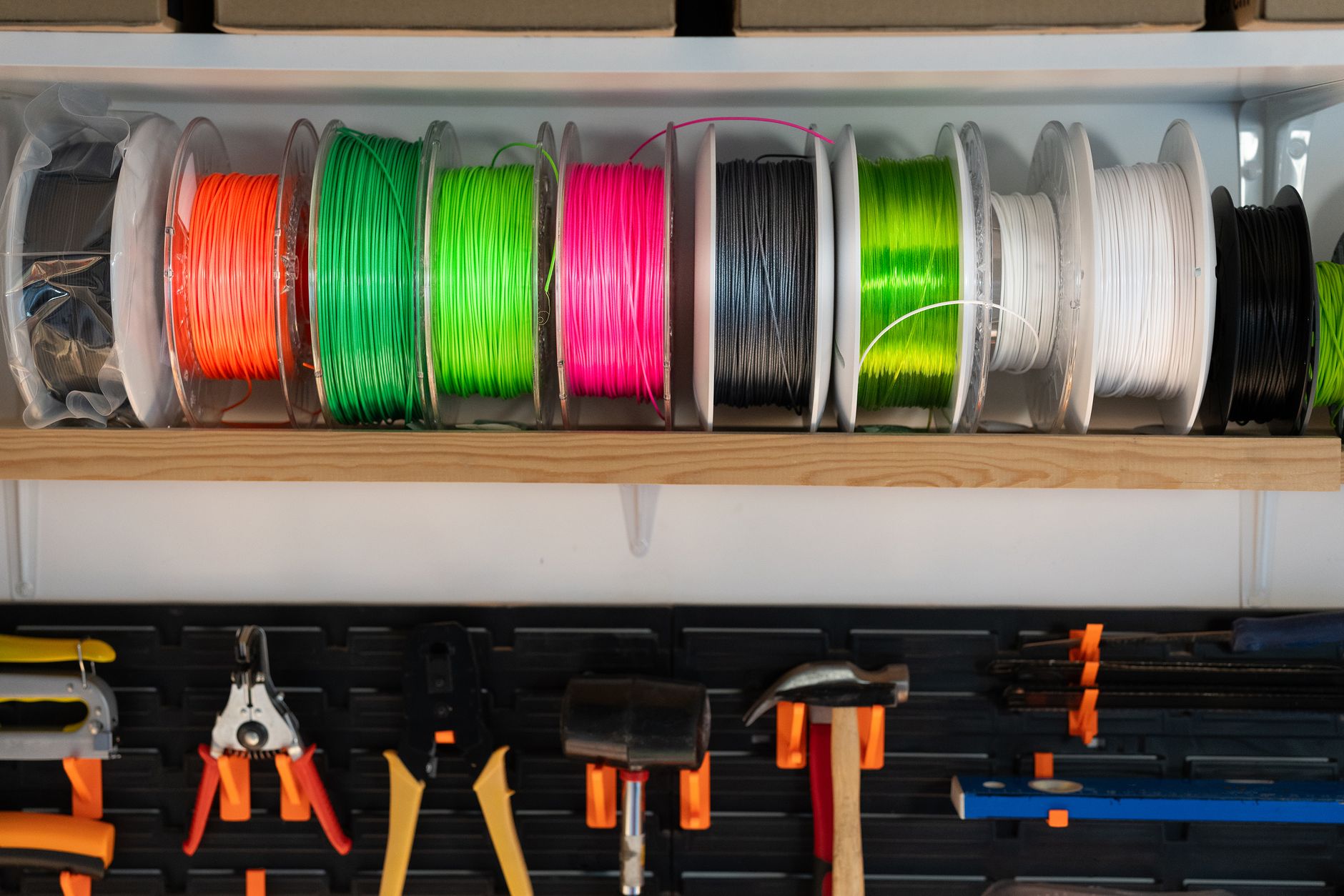
We referenced the Simplify3D filament guide for temperature ranges, bed adhesion notes, and material-specific speed limits. Every printer was tested with dried PLA, PETG, and a small amount of TPU. We used stock firmware or manufacturer profiles where available. Build plates were cleaned with isopropyl alcohol between runs. A printer had to hold 0.2mm layer accuracy across a 20mm calibration cube and complete a three-hour PETG print without a failed first layer to remain in consideration. We also logged assembly time, noise levels at one meter, and whether the toolhead required manual z-offset correction. This test is strict but reasonable for 2026.
Speed claims can mislead shoppers. A printer that advertises 500mm/s travel may only print cleanly at 150mm/s because the hotend cannot melt filament fast enough. We paid attention to volumetric flow, acceleration, and hotend temperature rather than just peak marketing numbers. The fastest machines here hold up in real prints, not just spec sheets. If raw speed is your priority, our fastest 3D printers guide compares high-flow options. But for under $500, a balanced printer often beats a spec-sheet monster in everyday usefulness. Actual real print time matters more than a banner number on the box. We measured both.
Choosing the right machine depends on your workspace and goals. Beginners should prioritize automatic calibration and reliable first layers. Makers who print helmets or cosplay parts need the largest build volume possible. Speed enthusiasts want Klipper firmware and high-flow hotends. If you are completely new, start with our best 3D printer for beginners guide before deciding. Then use the comparison table below to match specs to your actual projects. All seven printers here can produce good results, but they are not equally suited to every person. Think about what you will actually print, not what the spec sheet promises. That matters.
How Do the Top Options Compare?
| Printer | Best For | Build Volume | Max Print Speed | Price |
|---|---|---|---|---|
| Bambu Lab A1 Mini | Best Overall Under $500 | 180 x 180 x 180 mm | 500mm/s travel / 28mm³/s flow | $199 on Amazon |
| Elegoo Neptune 4 Pro | Fastest Budget Printer | 225 x 225 x 265 mm | 500mm/s travel / 250-350mm/s print | $299 on Amazon |
| Creality Ender 3 V3 SE | Best for Beginners on a Tight Budget | 220 x 220 x 250 mm | 250mm/s travel / 120-180mm/s print | $169 on Amazon |
| Sovol SV06 Plus | Largest Build Volume for the Price | 300 x 300 x 340 mm | 80-150mm/s print | $279 on Amazon |
| Anycubic Kobra 2 Pro | Best Budget High-Speed Alternative | 250 x 220 x 220 mm | 500mm/s travel / 250mm/s print | $269 on Amazon |
| Bambu Lab A1 | Best Multicolor Under $500 | 256 x 256 x 256 mm | 500mm/s travel / 28mm³/s flow | $339 on Amazon |
| Prusa Mini+ | Best Open-Source Workhorse | 180 x 180 x 180 mm | 120mm/s travel | $429 on Amazon |
Prices reflect typical online listings as of early 2026 and may change. Peak travel speed is not the same as real print speed.
1. Bambu Lab A1 Mini , Best Overall Under $500
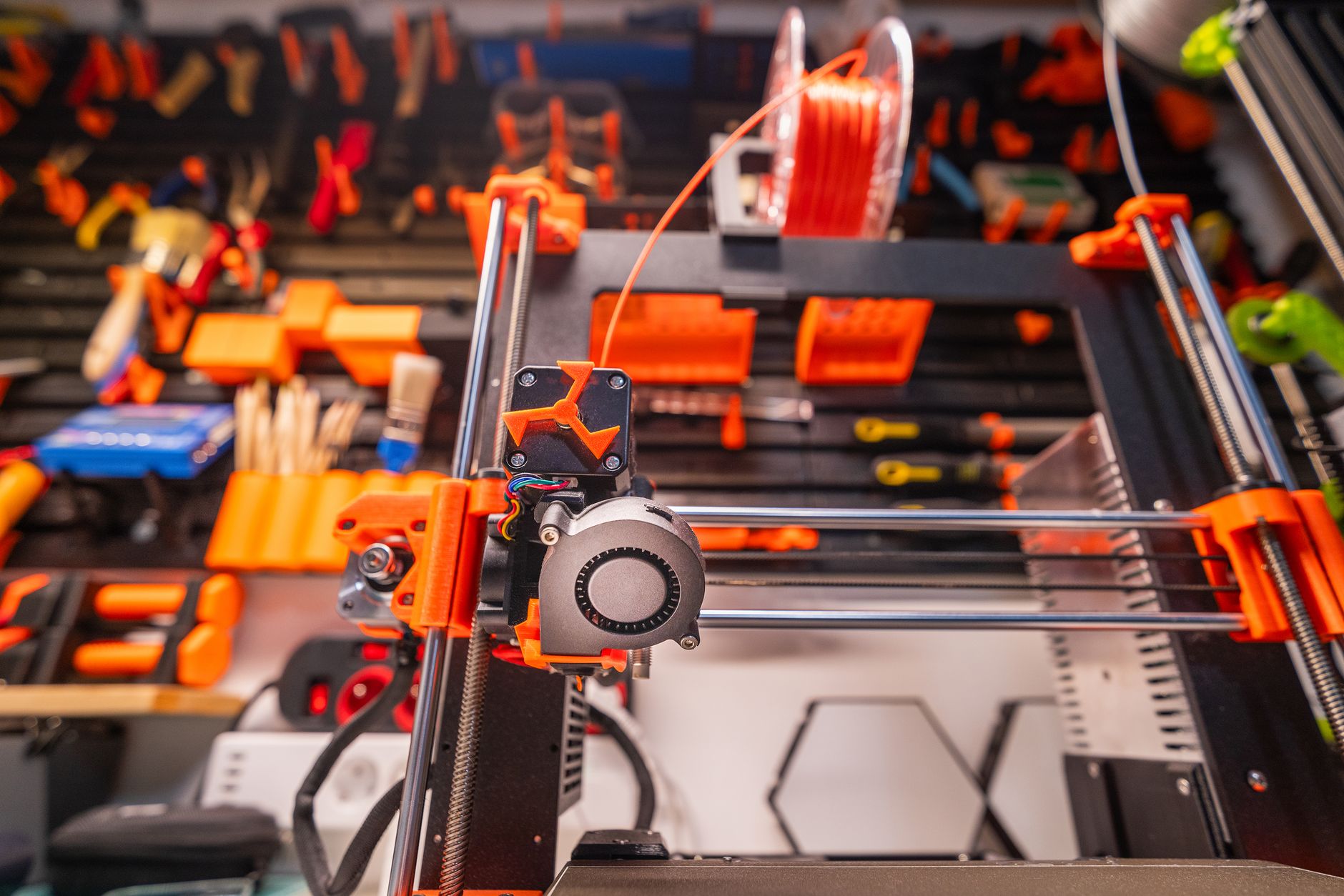
The Bambu Lab A1 Mini changed what I expect from a sub-$500 printer. It ships with automatic bed leveling, vibration compensation, and a direct-drive extruder that hits 28mm³/s volumetric flow. The 180x180x180mm build area looks small on paper, but the machine uses every millimeter well. First layers come out consistent, which is rare at this price.
Setup takes under 20 minutes. The toolhead calibrates itself, and the optional AMS Lite handles up to four colors. If you are new to the hobby, read our how to start 3D printing guide before you unbox. Bambu Lab publishes detailed specs for the A1 Mini, including acceleration and max flow rates on its official product page.
Downsides? The small bed limits larger functional prints. The closed parts supply is not as hackable as a Prusa. For most beginners, the speed and reliability outweigh those limits. You can check the Bambu Lab A1 Mini on Amazon and compare current pricing.
Key strengths:
- ✅ Excellent out-of-box reliability with automatic calibration
- ✅ 28mm³/s max flow keeps PLA and PETG prints quick
- ✅ Compact footprint fits small desks
- ✅ Optional AMS Lite enables four-color prints
- ✅ Consistent bed adhesion with textured PEI sheet
- ❌ 180mm build cube is too small for larger projects
- ❌ Replacement parts rely on Bambu Lab’s closed parts supply
- ❌ AMS Lite costs extra and adds desk clutter
Who it’s for: Beginners and small-space makers who want dependable prints without manual tuning.
2. Elegoo Neptune 4 Pro , Fastest Budget Printer
Raw speed is the reason to buy the Elegoo Neptune 4 Pro. It runs Klipper firmware, reaches 500mm/s travel moves, and lays down clean PLA at 250-350mm/s in real-world tests. The 225x225x265mm build volume covers most functional parts, and a direct-drive dual-gear extruder grips TPU well.
I printed a 20mm calibration cube in 11 minutes with a 0.4mm nozzle and a 0.2mm layer height. Accuracy measured within 0.1mm on all axes without tuning. Nozzle temperatures up to 300°C allow polycarbonate and nylon experiments, though the open frame favors PLA, PETG, and TPU. See our best 3D printers 2026 roundup for context.
The trade-off is assembly and noise. The gantry arrives partly disassembled, and the auxiliary cooling fan sounds like a small leaf blower at full speed. Bed leveling works, but you still need to set the z-offset manually. If speed matters more than silence, this is the pick. Check the Elegoo Neptune 4 Pro on Amazon.
Key strengths:
- ✅ 500mm/s travel and 250-350mm/s real print speeds
- ✅ 300°C nozzle supports high-temp filaments
- ✅ Klipper firmware with direct web control
- ✅ Large 225x225x265mm build area for a budget printer
- ✅ Direct-drive extruder handles flexible TPU well
- ❌ Loud part-cooling and auxiliary fans
- ❌ Some assembly and z-offset tuning required
- ❌ Open frame struggles with ABS and ASA without an enclosure
Who it’s for: Speed-focused makers who want Klipper performance without paying premium printer prices.
3. Creality Ender 3 V3 SE , Best for Beginners on a Tight Budget
The Creality Ender 3 V3 SE is the obvious starter machine when money is tight. It keeps the familiar 220x220x250mm build volume but adds a sprite direct-drive extruder, CR Touch auto bed leveling, and a flexible PC spring steel sheet. Prints stick well and release cleanly.
Creality claims 250mm/s peak speed. In my tests, a 0.2mm layer height at 180mm/s produced acceptable quality, but 120-150mm/s is the realistic sweet spot for dimensional accuracy. The toolhead reaches 260°C, enough for PLA, PETG, and some ABS with a draft shield. Spare parts are cheap and easy to source, which makes this a natural fit for first-time buyers.
It is not perfect. The single z-axis can sag slightly on the right side over time, so you should check the x-gantry level every few weeks. The stock part-cooling fan is weak for high-speed overhangs. Still, at this price, the V3 SE prints far better than older Ender 3 models. Check the Creality Ender 3 V3 SE on Amazon.
Key strengths:
- ✅ Very low entry price around $169
- ✅ Direct-drive extruder with 260°C hotend
- ✅ CR Touch auto bed leveling included
- ✅ Large supply of cheap replacement parts
- ✅ Flexible PEI steel sheet makes part removal easy
- ❌ Single z-axis may require periodic gantry adjustments
- ❌ Part-cooling fan is weak for very fast overhangs
- ❌ Realistic quality speed is below the claimed 250mm/s
Who it’s for: First-time buyers who want the cheapest reliable printer with a proven upgrade path.
4. Sovol SV06 Plus , Largest Build Volume for the Price
If you need to print helmets, cosplay armor, or multiple parts at once, the Sovol SV06 Plus gives you a 300x300x340mm build volume. That is roughly 2.5 times the printable volume of the Bambu Lab A1 Mini. The all-metal direct-drive extruder reaches 300°C, and the inductive bed sensor handles leveling without a physical probe tip.
Sovol tuned this machine for size and stability, not top speed. Expect 80-150mm/s for clean prints. The heated bed climbs to 100°C, and a PEI sheet keeps large PLA and PETG bases from warping. For a broader look at large-format options, see our best large 3D printers guide.
Plan for more assembly than the Bambu units. The gantry arrives in pieces, and the manual has pictures but sparse written instructions. The bed is heavy, so high acceleration can shift large parts if leveling is off. It is not the fastest budget printer, but it wins on sheer printable area.
Key strengths:
- ✅ 300x300x340mm build volume at a budget price
- ✅ All-metal hotend supports up to 300°C
- ✅ Inductive bed leveling works without a probe tip
- ✅ 100°C heated bed reduces warping on large parts
- ✅ Direct-drive extruder handles PETG and TPU
- ❌ Slower than high-speed rivals at 80-150mm/s
- ❌ Assembly takes longer and instructions are limited
- ❌ Heavy bed can shift at high acceleration
Who it’s for: Makers who prioritize large prints and material flexibility over raw speed.
5. Anycubic Kobra 2 Pro , Best Budget High-Speed Alternative
The Anycubic Kobra 2 Pro sits between the Elegoo Neptune 4 Pro and the Bambu Lab A1 Mini. It has a 250x220x220mm build area, 500mm/s travel moves, and a direct-drive extruder with a 300°C hotend. Real print speed lands around 250mm/s with PLA.
Automatic z-offset and bed leveling remove most setup pain. I printed a full-size phone stand in PETG at 150mm/s with clean overhangs and no stringing after drying the filament. The 4.3-inch touchscreen is responsive, and Klipper-based firmware lets you control prints through a browser.
Quality control varies. The bed probe can drift, and the y-axis belt may need retensioning out of the box. Anycubic’s support is responsive, but replacement parts ship slowly outside the US. It is a strong value if you get a good unit.
Key strengths:
- ✅ 500mm/s travel with useful 250mm/s PLA prints
- ✅ 300°C hotend expands filament options
- ✅ Automatic z-offset and bed leveling
- ✅ Responsive 4.3-inch touchscreen
- ✅ Klipper-based firmware with browser control
- ❌ Quality control varies unit to unit
- ❌ Bed probe can drift and requires occasional calibration
- ❌ Replacement parts ship slowly in some regions
Who it’s for: Budget buyers who want high-speed printing with a larger Y-axis than the A1 Mini.
6. Bambu Lab A1 , Best Multicolor Under $500
When the A1 Mini feels too small, the Bambu Lab A1 gives you a 256x256x256mm bed and the same polished auto-calibration system. It pairs with the AMS Lite for four-color prints and handles PLA, PETG, and TPU out of the box. The bed slings rather than using CoreXY, so very tall prints need lower acceleration.
Nozzle temperature peaks at 300°C, and the bed reaches 100°C. The PEI textured plate grips PLA well, while the camera and spaghetti detection save time on long multicolor jobs.
The printer itself costs around $339. The AMS Lite combo hovers just under $500, which makes it the best multicolor option in this price class. The trade-off is noise and the open frame, but for color models it is hard to beat.
Key strengths:
- ✅ 256mm cube build volume with reliable auto-calibration
- ✅ AMS Lite combo supports four-color printing
- ✅ 300°C hotend and 100°C bed
- ✅ Spaghetti detection and camera included
- ✅ Strong out-of-box print quality
- ❌ AMS Lite combo pushes close to $500
- ❌ Open frame limits ABS and ASA reliability
- ❌ Moving bed can affect very tall prints at high speeds
Who it’s for: Makers who want multicolor prints and a full-size bed without leaving the sub-$500 range.
7. Prusa Mini+ , Best Open-Source Workhorse
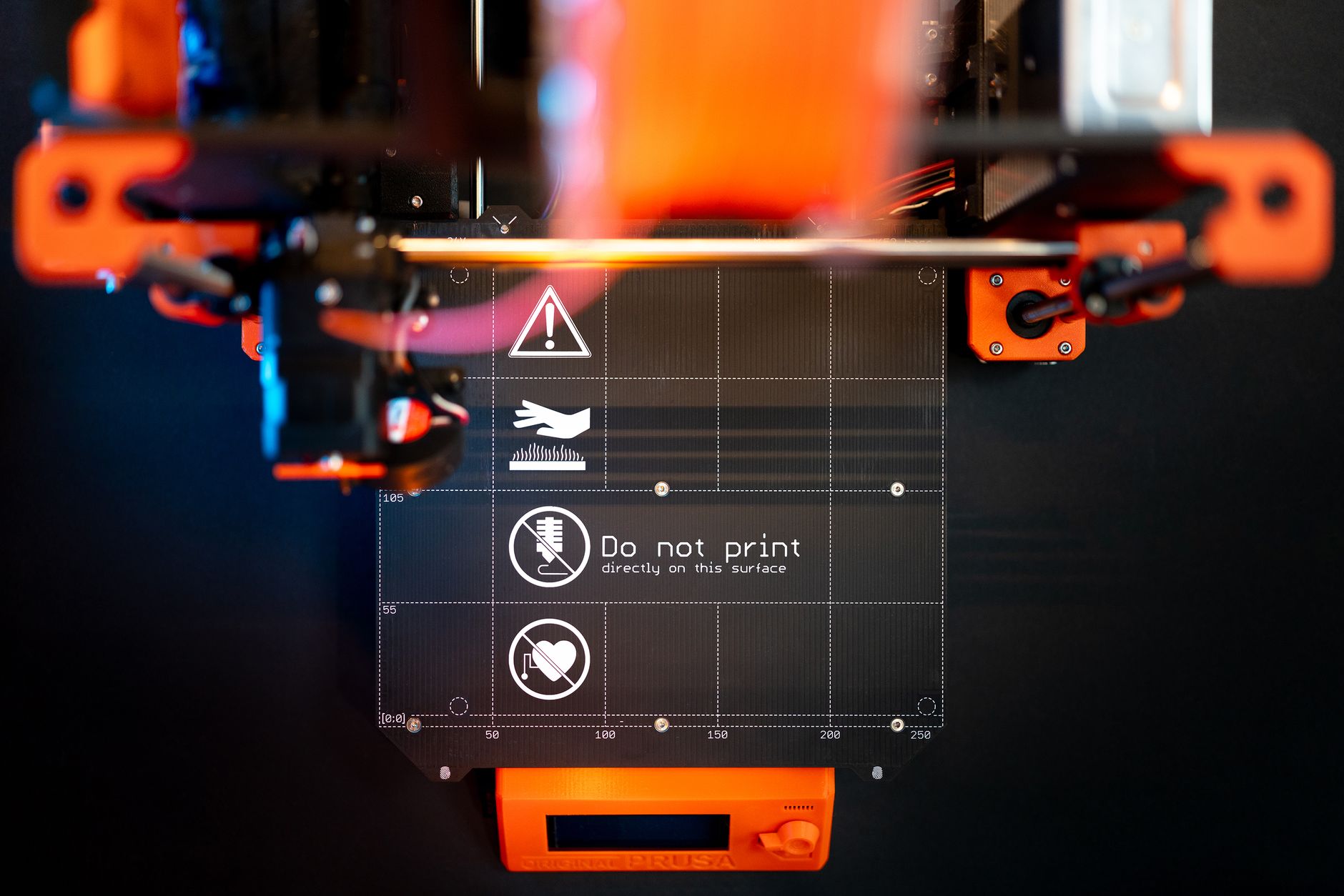
The Prusa Mini+ is the old reliable of this group. It offers a 180x180x180mm build volume and a direct-drive Bondtech-style extruder that prints PLA, PETG, ASA, and flexibles with minimal fuss. Prusa’s open-source approach means every printable part and firmware file is available for repair or modification.
Print speed is modest. You will spend more time printing than with the Elegoo or Bambu machines. Layer resolution down to 0.05mm is excellent for miniatures and detailed parts. The build plate uses a removable spring steel sheet, and the mesh bed leveling works well. Prusa publishes full assembly and maintenance instructions on its official site.
The Mini+ costs more than faster competitors with similar build volumes. Purchase it for reliability, repairability, and long-term support, not for speed or color printing.
Key strengths:
- ✅ Open-source design with fully documented parts
- ✅ 25-micron layer resolution for detailed prints
- ✅ Dependable mesh bed leveling
- ✅ Strong Prusa support and community
- ✅ Removable spring steel sheet makes part removal easy
- ❌ 180mm build cube is small for the price
- ❌ Slow compared with Klipper rivals
- ❌ No multicolor option without extensive modification
Who it’s for: Buyers who value repairability, open-source design, and long-term reliability over speed.
Frequently Asked Questions
What is the best 3D printer under $500 in 2026?
The Bambu Lab A1 Mini is the best overall pick for most people. It offers automatic calibration, a 180x180x180mm build volume, and 28mm³/s max flow. Choose the Elegoo Neptune 4 Pro if speed matters more than the smallest footprint.
Can a sub-$500 printer handle ABS or ASA?
Some can, but an open-frame printer will struggle with warping and layer splitting. Look for a 300°C hotend and a 100°C heated bed, then use a draft shield or an enclosure. ABS and ASA still print more reliably on enclosed machines.
How much should I budget for a good beginner 3D printer in 2026?
Plan to spend between $169 and $399 for a reliable new printer. The Creality Ender 3 V3 SE is the cheapest solid choice, while the Bambu Lab A1 Mini adds more automation for less than $250.
Is a direct-drive extruder better than a Bowden setup on budget printers?
For most users, yes. Direct-drive extruders handle flexible filament better, retract more cleanly, and are easier to maintain. Bowden setups can print faster on some machines, but direct-drive is now common at this price.
Do I need an enclosure for a printer under $500?
No, not for PLA, PETG, or TPU. An enclosure helps with ABS, ASA, and polycarbonate. You can add a DIY enclosure later, but it should not stop you from buying an open-frame budget printer.
Which filament should I start with on a budget printer?
Start with PLA. It prints at 190-220°C on a 50-60°C bed and rarely warps. Move to PETG for tougher parts and TPU for flexible prints after your first rolls are reliable.
What Should You Remember?
- Best overall: Bambu Lab A1 Mini combines automatic calibration with 28mm³/s flow for reliable first prints.
- Fastest pick: Elegoo Neptune 4 Pro reaches 500mm/s travel and handles 300°C filaments.
- Cheapest start: Creality Ender 3 V3 SE delivers direct-drive reliability around $169.
- Large prints: Sovol SV06 Plus offers a 300x300x340mm build volume for helmets and big props.
- Multicolor pick: Bambu Lab A1 with AMS Lite stays just under $500 and prints four colors.
- Open-source value: Prusa Mini+ remains the repairable workhorse but prints slower.
This article is for general information only. Always follow your printer manufacturer’s guidelines and material safety data sheets (MSDS) for safe operation.