Resin 3D printing has matured enough in 2026 that a $300 machine can hold detail that FDM printers simply cannot match. If you print tabletop miniatures, dental models, or jewelry patterns, this is the category to watch. We compared the most relevant SLA, DLP, and mSLA machines using build volume, pixel resolution, light source, and real workflow demands. Small details like chainmail, tooth margins, and prong settings are where resin wins. Before you choose, check our best 3D printers 2026 roundup and our materials guide for resin properties. The current market has never been faster or sharper.
Resin printers are not plug-and-play toys. You need gloves, ventilation, and a post-processing station. Liquid photopolymer resin is toxic before curing, and uncured waste must be handled responsibly. That warning is not an exaggeration. Simplify3D’s materials guide explains how different resin types cure and why temperature ranges matter. We still recommend resin for detail work, but you should budget for washing and curing. Check our post-processing guide before buying. Cleaning prints properly is part of the craft, not an optional step.
For this comparison, we prioritized five use cases: 32mm miniatures, larger display busts, dental models, castable jewelry patterns, and small batch production. We looked at 2026 pricing, real build volume, resolution, and whether the printer works reliably without constant tinkering. The current generation of mSLA printers using monochrome LCD screens and ACF release film is much faster than older machines. Some now print a full 200mm build plate in under three hours. Our best 3D printer for miniatures guide covers the fine detail side in depth. A fast printer still needs good supports.
The picks below range from a compact $260 starter to a $4,000 dental workhorse. We also note where a machine will frustrate you. Big build plates amplify peel forces, and high resolution means larger file sizes and longer exposure dialing. If you are upgrading from an older Mars or Photon, the jump in speed and clarity is immediately visible. The category now splits into open 8K, 12K, and 16K machines and closed professional systems. Both have a place. Your work type should drive the decision, not just resolution numbers.
How Do the Top Options Compare?
| Model | Best For | Build Volume | Resolution | Price |
|---|---|---|---|---|
| Elegoo Saturn 4 Ultra 16K | Best overall 16K detail | 218.88 x 122.88 x 220 mm | 16K LCD, 14 x 19 µm XY | Check price |
| Anycubic Photon Mono M7 Pro | High speed and high resolution | 223 x 126 x 230 mm | 14K LCD, 16.8 x 24.8 µm XY | Check price |
| Phrozen Sonic Mega 8K S | Large-format batch production | 330 x 185 x 400 mm | 8K LCD, 43 µm XY | Check price |
| Elegoo Mars 5 Ultra | Budget miniatures | 153.36 x 77.76 x 165 mm | 9K LCD, 18 x 18 µm XY | Check price |
| Uniformation GKtwo | High-temp castable and dental | 228 x 128 x 245 mm | 8K LCD, 29 µm XY | Check price |
| Formlabs Form 4B | Dental and biocompatible | 200 x 125 x 320 mm | LFD, 50 µm XY | Check price |
Prices are typical street prices as of early 2026. Build volume is in millimeters. Actual print speed depends on resin, layer height, and temperature.
1. Elegoo Saturn 4 Ultra 16K , Best overall 16K detail for miniatures and casting
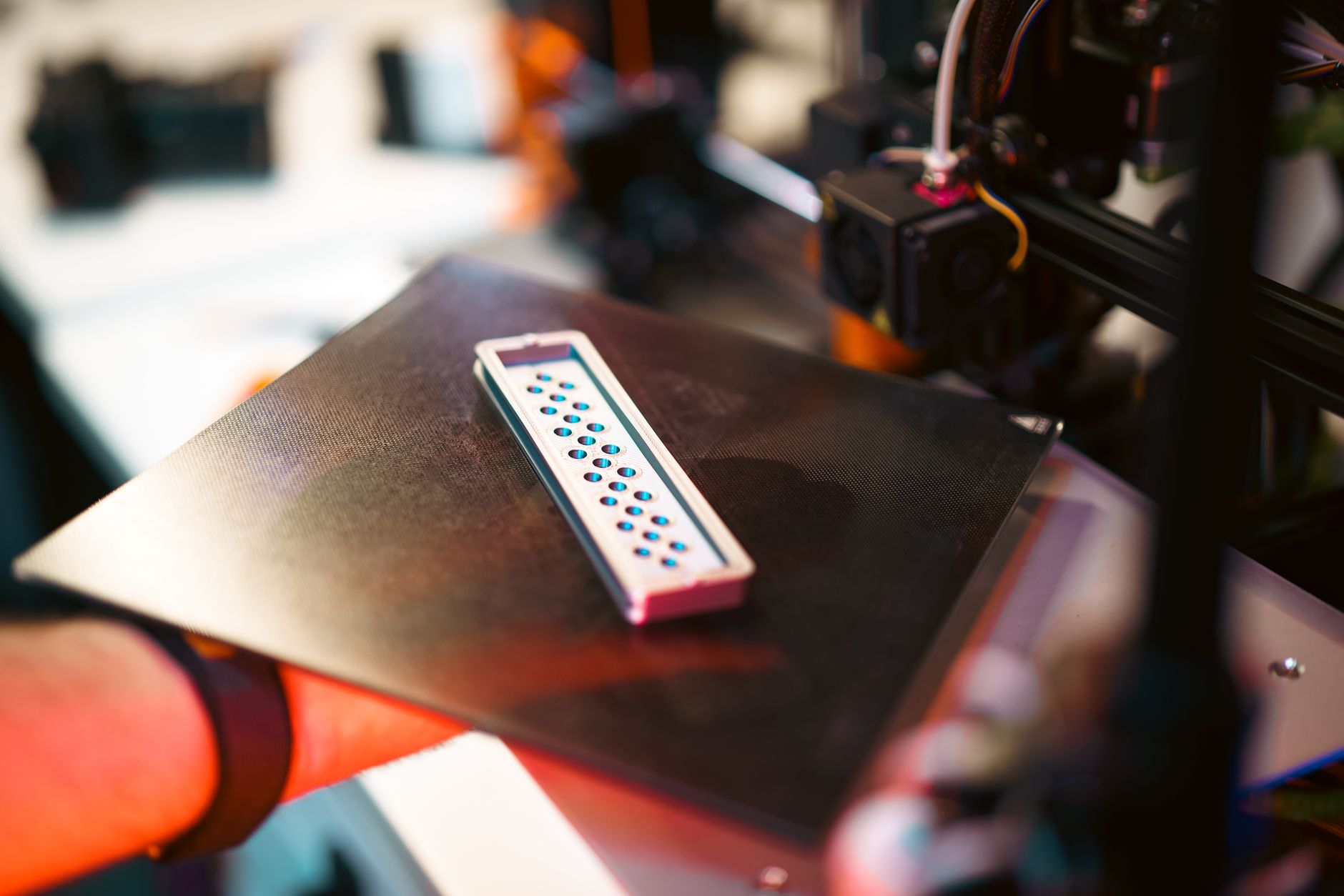
Elegoo Saturn 4 Ultra 16K is the default answer for miniatures in 2026. Its 16K monochrome LCD delivers a 14 x 19 µm XY resolution across a 218.88 x 122.88 x 220 mm build volume. That means an entire 32mm army prints in one run without losing sword tips or facial features. Check the Elegoo Saturn 4 Ultra 16K on Amazon.
Speed matters as much as resolution. This printer pairs the high-res screen with ACF release film and a tilting vat, so it can run normal layers around 3 to 4 seconds each. Full build plates often finish in under three hours. That is a huge upgrade from older resin printers that needed eight hours for the same job. If you want to dial in support settings, read our how to 3D print miniatures guide. The auto-leveling build plate removes one more beginner pain point.
Downsides are real. The build volume is mid-size, and tall prints near 220mm will test your resin settings. The machine has no integrated heater. Cold workshops below 20°C will slow curing and cause failures. You will need a separate wash and cure station, budget around $150 to $250. Resin consumption also climbs with a larger vat.
Key strengths:
- ✅ 16K detail resolves 14 x 19 µm XY features
- ✅ 218.88 x 122.88 x 220 mm build volume fits full squads
- ✅ Fast ACF release and tilting vat cut print times
- ✅ Auto-leveling and Wi-Fi simplify the workflow
- ✅ Large community and proven aftermarket support
- ❌ No built-in heater for cold environments
- ❌ Mid-size build plate is not ideal for 300mm statues
- ❌ Requires separate wash and cure station
Who it’s for: Miniature painters and tabletop gamers who want maximum detail without spending professional money.
2. Anycubic Photon Mono M7 Pro , High-speed 14K workhorse
Anycubic Photon Mono M7 Pro targets the same detail bracket as the Saturn but with a slightly larger 223 x 126 x 230 mm build volume. Its 14K LCD has a 16.8 x 24.8 µm pixel size, which is very close to the Elegoo in practice. Anycubic pairs that screen with an intelligent heating system and a self-check routine. Those features matter in garages and basements. Check the Anycubic Photon Mono M7 Pro on Amazon.
Print speed is competitive. Standard 50µm layers can run at about 70 to 90 mm per hour depending on resin. The added height above 230mm helps for dental arches and larger jewelry sprues. The camera monitoring and pause detection work so-so. You should still check on prints regularly. The bigger body takes more desk space than a Mars, but the taller build volume makes up for it.
Key strengths:
- ✅ 14K LCD resolves 16.8 x 24.8 µm XY
- ✅ 223 x 126 x 230 mm build volume is slightly taller
- ✅ Integrated resin heater helps in cold spaces
- ✅ Self-check and auto-leveling reduce setup mistakes
- ❌ Best resin profiles favor Anycubic resins
- ❌ Camera monitoring can be unreliable
- ❌ Larger body takes more desk space
Who it’s for: Makers who want high resolution and a larger build volume with fewer cold-shop failures.
3. Phrozen Sonic Mega 8K S , Large-format batch production
Phrozen Sonic Mega 8K S is the big plate answer for small studios and dental labs. Its 330 x 185 x 400 mm build volume lets you stack dozens of miniatures, multiple dental models, or long jewelry sprues in one run. That size comes with a 43 µm XY resolution from an 8K screen. The detail is not as fine as 16K, but the raw throughput is unmatched at this price.
Expect slower layer times. Big plates mean more peel force and longer pauses. The Mega 8K S includes a heated chamber, which helps viscous engineering resins flow. Phrozen in-house slicing software has improved, but many users still prefer Lychee or CHITUBOX. All3DP tracks this class of large resin printers closely. The machine is heavy, around 40 kg, and needs a sturdy bench.
Key strengths:
- ✅ 330 x 185 x 400 mm build volume suits batch work
- ✅ Heated chamber handles thick engineering resins
- ✅ Strong metal frame stays stable during large prints
- ✅ Reliable 8K monochrome screen with long lifespan
- ❌ 43 µm XY resolution is less fine than 14K or 16K
- ❌ Heavy footprint requires a dedicated bench
- ❌ Slower per-layer times due to large peel forces
Who it’s for: Small studios and dental labs that need to print many parts in one run.
4. Elegoo Mars 5 Ultra , Budget miniatures
Elegoo Mars 5 Ultra is the budget pick, but it is not a toy. It uses a 9K LCD with an 18 x 18 µm XY resolution inside a 153.36 x 77.76 x 165 mm build volume. That is enough for a handful of 32mm figures or a single small jewelry sprue. For under $300, the detail is excellent. First-time resin buyers should check our best budget 3D printers guide.
Print speed is modest. The smaller plate means less peel force, so failures are less common. The Mars 5 Ultra includes a 3.5-inch touchscreen and Wi-Fi, but no built-in heater. Sanding and washing small parts is easier than on larger machines. This printer is ideal for learning without spending too much.
Key strengths:
- ✅ 18 x 18 µm XY resolution from a 9K screen
- ✅ 153.36 x 77.76 x 165 mm build volume is easy to manage
- ✅ Affordable entry price under $300
- ✅ Lower peel force reduces failed prints
- ✅ Touchscreen and Wi-Fi built in
- ❌ Small build plate limits larger projects
- ❌ No heated chamber
- ❌ Slower than larger 2026 models
Who it’s for: Beginners and miniature hobbyists who want excellent detail on a tight budget.
5. Uniformation GKtwo , High-temperature castable and dental wax
Uniformation GKtwo stands out for its heated build chamber and stable 10.3-inch 8K screen. The 228 x 128 x 245 mm build volume is similar to the Saturn, but the GKtwo controls chamber temperature up to 40°C. That matters for castable resins for jewelry and dental wax. Those materials are sensitive to viscosity and low-temperature failure.
The GKtwo includes a built-in air filtration system and a hinged door, which makes resin handling less messy. Layer times are decent, not class-leading. The 29 µm XY resolution is enough for most jewelry patterns but less sharp than 14K or 16K machines. You pay for reliability and temperature control. This machine does not chase headline resolution.
Key strengths:
- ✅ Heated chamber controls resin viscosity
- ✅ Built-in air filtration reduces odor
- ✅ 228 x 128 x 245 mm build volume handles jewelry sprues
- ✅ Hinged door and solid frame improve usability
- ❌ 29 µm XY resolution trails 14K and 16K screens
- ❌ Expensive for the resolution
- ❌ Proprietary slicer workflow has a learning curve
Who it’s for: Jewelry designers and dental technicians who need stable temperatures for castable resins.
6. Formlabs Form 4B , Dental and biocompatible workflows
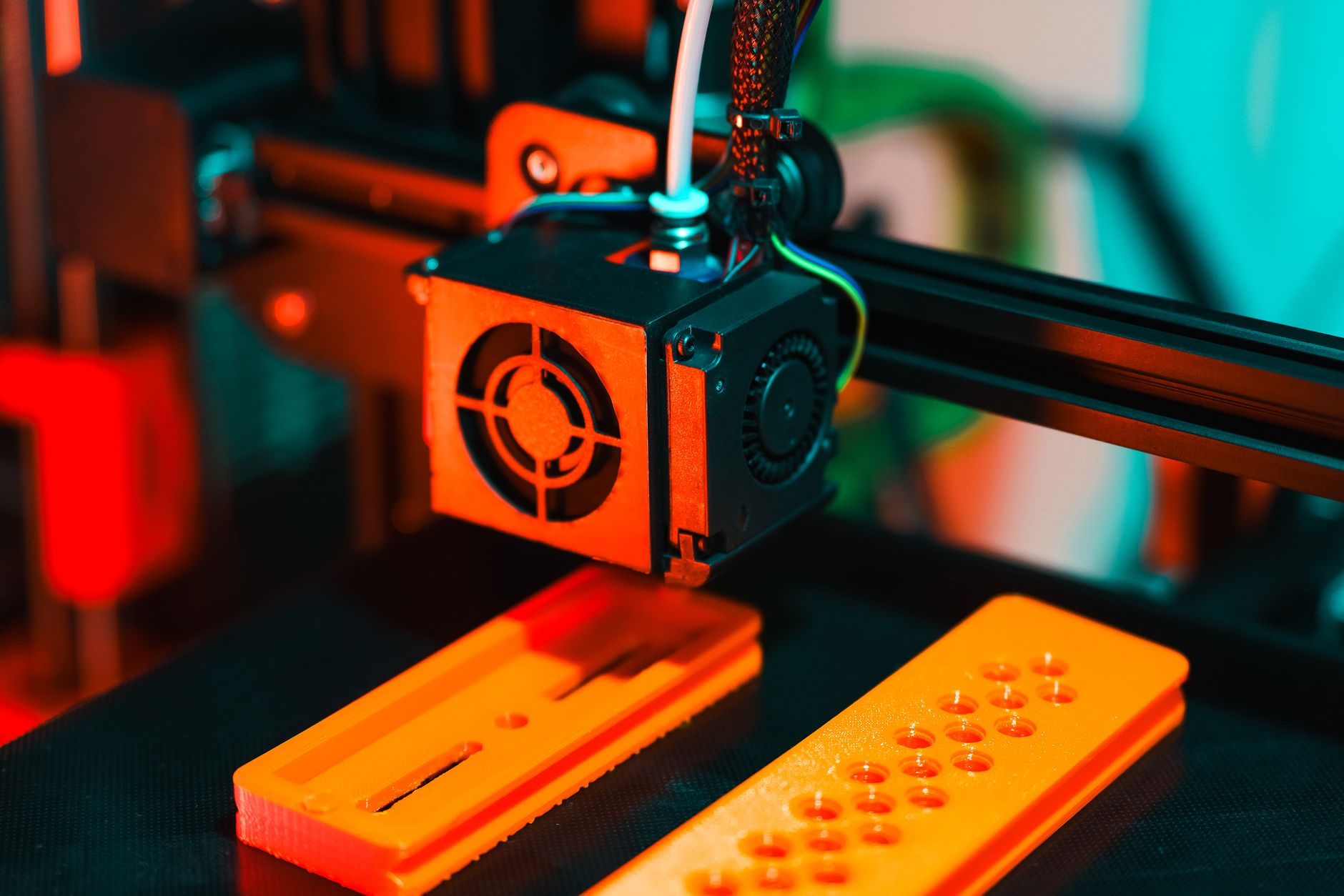
Formlabs Form 4B is the only true closed professional system in this roundup. It uses Low Force Display technology instead of an LCD, with a 200 x 125 x 320 mm build volume and 50 µm XY resolution. The resolution number looks lower, but the optics produce smoother surfaces and fewer layer lines. Dental labs choose the 4B because it works with validated biocompatible and surgical guide resins. Those materials are not usable on open machines without risk. Check the Formlabs Form 4B on Amazon.
Print speed is fast for a professional system. The Form 4B can print a full dental model in under 30 minutes using draft resin. Closed cartridges cost much more than bottle resin. A single resin cartridge often runs $149 to $250. You also need Form Wash and Form Cure for a complete workflow. If you charge for dental appliances, the cost pays for itself. Hobbyists should avoid this machine.
Another advantage is the closed system. Formlabs offers 40+ resins with validated workflows. You do not need to guess exposure settings. The printer, software, and resin are tuned together. This removes trial and error but locks you into proprietary materials. If you want open resins, buy an Elegoo or Phrozen.
Key strengths:
- ✅ Validated dental and biocompatible resins
- ✅ Smooth surfaces despite 50 µm XY resolution
- ✅ 200 x 125 x 320 mm build volume suits dental arches
- ✅ Closed system removes exposure guesswork
- ✅ Fast draft mode for same-day dental models
- ❌ Proprietary resin cartridges are expensive
- ❌ Lower stated XY resolution than open 8K and 16K machines
- ❌ Requires Form Wash and Form Cure for best results
Who it’s for: Dental labs and professionals who need validated materials and repeatable results.
Frequently Asked Questions
Are resin 3D printers safe to use at home?
Yes, with precautions. Use nitrile gloves, eye protection, and a well-ventilated room or enclosure. Uncured resin is toxic and can cause skin irritation. Always wash and cure parts fully before handling.
What is the best resin 3D printer for miniatures in 2026?
The Elegoo Saturn 4 Ultra 16K is our top pick for miniatures. It delivers 14 x 19 µm XY resolution and a 218.88 x 122.88 x 220 mm build volume. It prints an entire squad in under three hours.
Can I print dental models with a consumer resin printer?
Yes, for study models and some surgical guides, but not all resins are biocompatible. Dental labs should use a validated system like the Formlabs Form 4B with approved resins.
How much should I spend on a resin 3D printer?
A good starter machine costs $260 to $500. Mid-size 12K and 16K printers run $500 to $900. Professional dental and jewelry systems start around $3,000.
What resin should I use for jewelry casting?
Use a castable resin designed for burnout. Uniformation GKtwo and Phrozen castable resins work well. Follow the manufacturer burnout schedule closely.
Do I need a wash and cure station?
Yes. You need isopropyl alcohol or a water-washable resin wash step plus UV curing. A separate station keeps the process consistent and safer.
What Should You Remember?
- Best overall: The Elegoo Saturn 4 Ultra 16K balances 16K detail, speed, and price for most users.
- Budget pick: The Elegoo Mars 5 Ultra delivers 18 x 18 µm XY resolution for under $300.
- Large format: The Phrozen Sonic Mega 8K S prints 330 x 185 x 400 mm batches.
- Dental use: Choose the Formlabs Form 4B for validated biocompatible resins.
- Jewelry casting: The Uniformation GKtwo heated chamber stabilizes castable resin temperatures.
- Safety first: Always budget for ventilation, gloves, and a wash and cure station.
This article is for general information only. Always follow your printer manufacturer’s guidelines and material safety data sheets (MSDS) for safe operation.