The Bambu Lab A1 Mini price sits at $299 for the base printer and $459 with the AMS Lite. That puts it in a strange spot. It is not the cheapest budget printer, and it is not a large format machine. But it brings auto calibration, 500mm/s peak speed, and a polished first print to a compact 180x180x180mm frame. Many first-time buyers ask whether that $299 price is justified when larger printers cost the same or less. I have tested enough machines to know that price means nothing without reliability. If you are shopping for best 3D printers under $500, the A1 Mini deserves a close look.
For this comparison I chose the Bambu Lab A1 Mini, the larger Bambu Lab A1, the Creality Ender 3 V3 KE, the Elegoo Neptune 4 Pro, and the Prusa Mini+. These five cover the $279 to $509 range. Each has a different build volume, speed profile, and support story. I pulled specs from Bambu Lab and Prusa product pages. I also checked printing temperatures against the Simplify3D materials guide. This is not a spec sheet race. It is about where the A1 Mini price actually delivers value.
In 2026, a cheap printer can hit 500mm/s out of the box. That was not true a few years ago. The A1 Mini is part of that shift. It includes a quick swap nozzle, automatic flow calibration, and resonance compensation. The $299 price includes features that used to cost $800. However, the 180x180x180mm build volume is small. If you print cosplay armor or functional brackets, that becomes a problem fast. Before committing, review our best budget 3D printers page to see how other open-frame options compare.
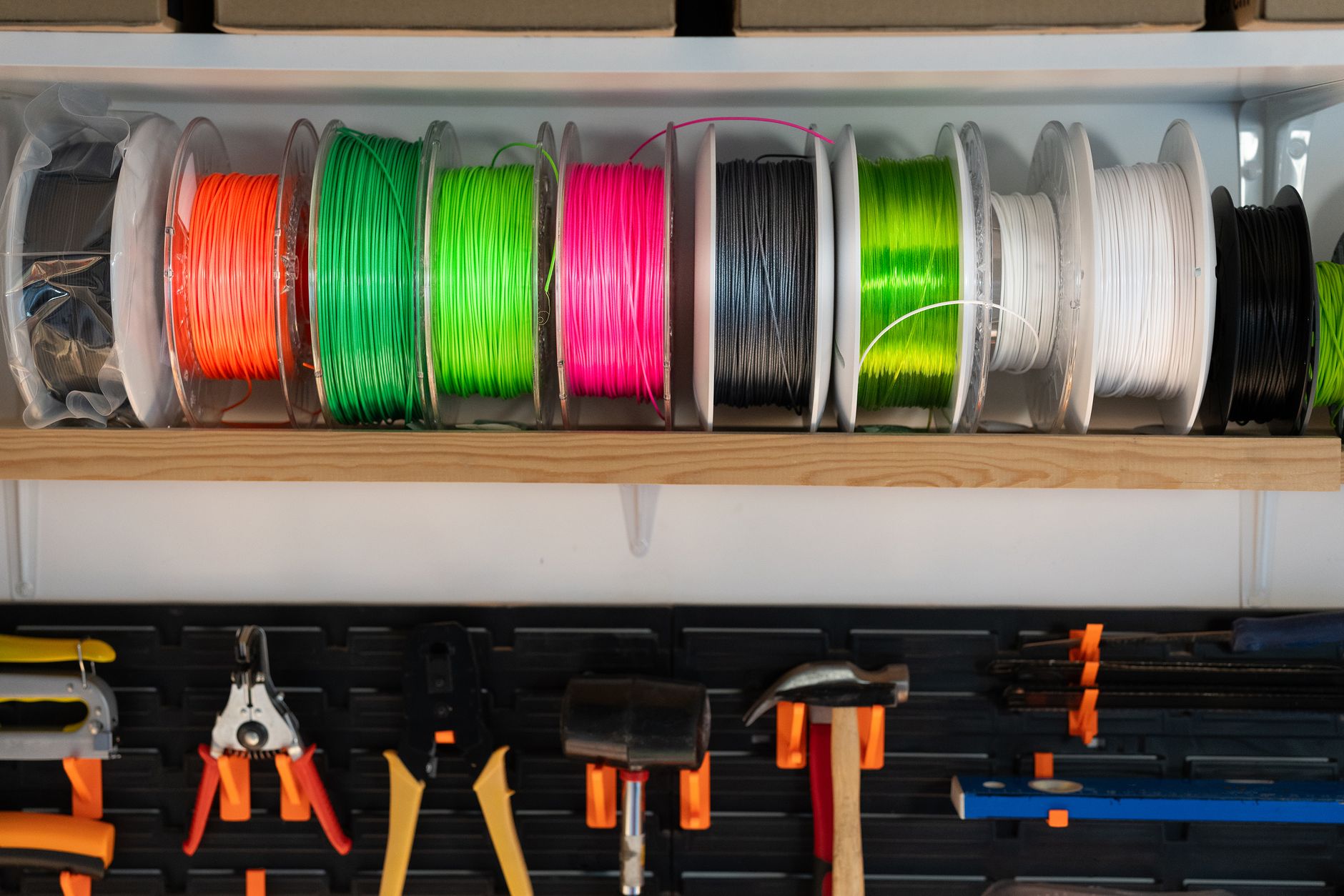
One more thing matters: materials. The A1 Mini can reach a 300C nozzle temperature, so it handles PLA, PETG, TPU, and even some nylon. But the open frame makes ABS and ASA tricky. Bed adhesion and warping depend on chamber temperature and filament storage. I recommend reading the 3D printing materials guide before assuming a printer can handle every spool. Our best 3D printer filament guide covers reliable budget filaments. Now, let’s see exactly how the Bambu Lab A1 Mini price compares.
How Do the Top Options Compare?
| Printer | Best For | Build Volume | Max Speed | Nozzle Temp | Price |
|---|---|---|---|---|---|
| Bambu Lab A1 Mini | Small fast multicolor prints | 180x180x180mm | 500mm/s | 300C | Check the Bambu Lab A1 Mini on Amazon |
| Bambu Lab A1 | Larger Bambu reliability | 256x256x256mm | 500mm/s | 300C | Check the Bambu Lab A1 on Amazon |
| Creality Ender 3 V3 KE | Tinker-friendly budget | 220x220x240mm | 500mm/s | 300C | Check the Creality Ender 3 V3 KE on Amazon |
| Elegoo Neptune 4 Pro | Klipper speed on a budget | 225x225x265mm | 500mm/s | 300C | Check the Elegoo Neptune 4 Pro on Amazon |
| Prusa Mini+ | Open-source reliability | 180x180x180mm | 200mm/s | 280C | Check the Prusa Mini+ on Amazon |
Prices are manufacturer list prices at the time of writing. Street prices change often. Amazon product links are affiliate links.
1. Bambu Lab A1 Mini , Best for compact multicolor printing
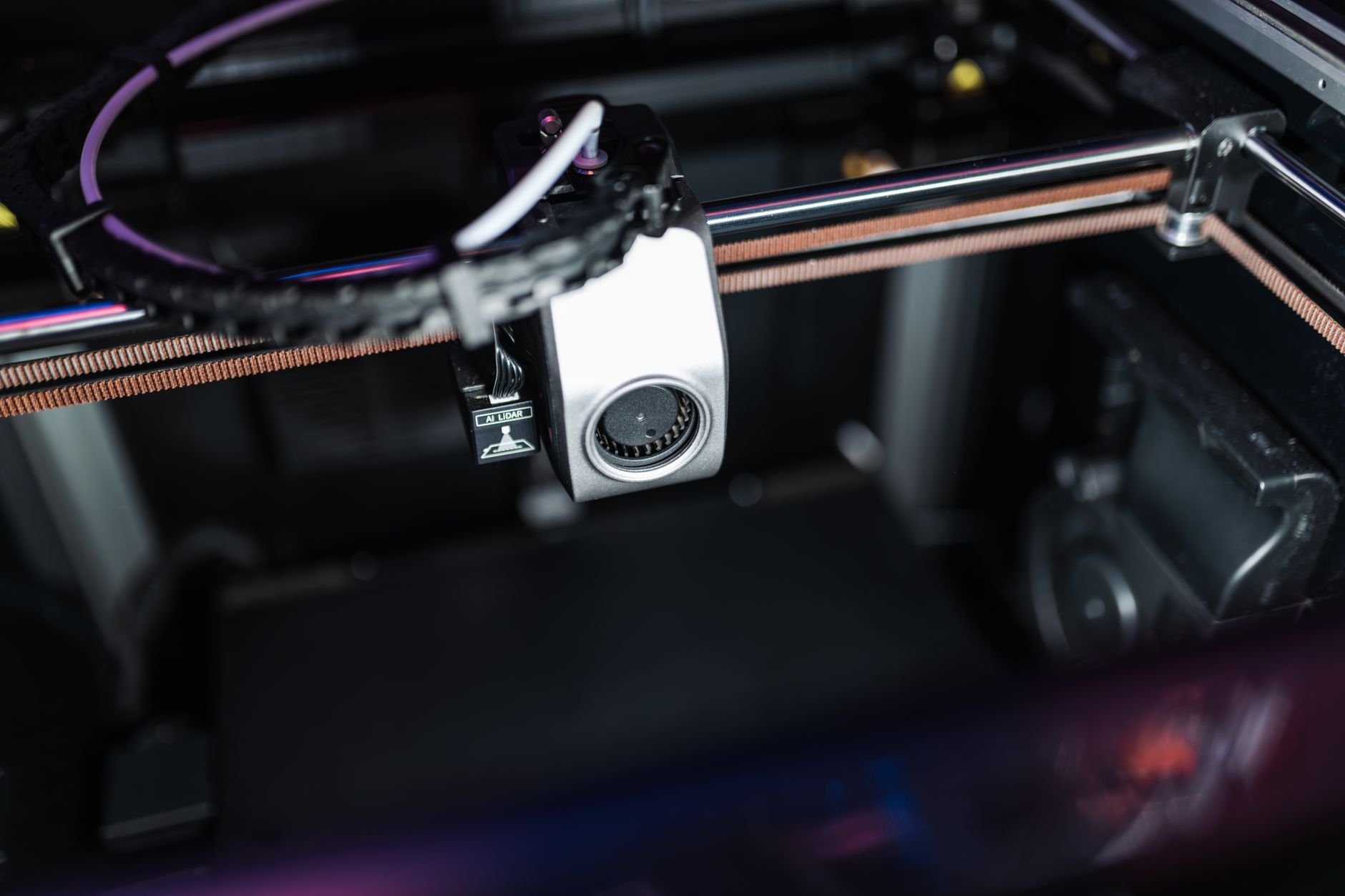
The Bambu Lab A1 Mini price is $299 without the AMS Lite. That base unit includes automatic bed leveling, vibration compensation, and a quick swap nozzle. The 180x180x180mm build volume is small, but the machine reaches 500mm/s peak speed. You can print a flexible dragon in under two hours. If you mainly make miniatures, desk organizers, or small gifts, the size will not bother you. See Check the Bambu Lab A1 Mini on Amazon.
The AMS Lite combo costs $459. That extra $160 buys four color printing, automatic filament backup, and easier material changes. It is a fair price if you want color. If you do not need multicolor, the base model is the smarter buy. The A1 Mini also prints TPU and PETG well because the nozzle reaches 300C. For filament suggestions, read best 3D printer filament.
The downside is the small bed. A 180mm square cannot fit a full sized mask or a large mechanical part. The open frame also hurts ABS and ASA. But for someone new to 3D printing, the A1 Mini is easier than most kits. It is one of our top picks on best 3D printer for beginners.
Key strengths:
- ✅ Very fast out of the box at 500mm/s peak
- ✅ Automatic calibration reduces failed first prints
- ✅ Quick swap nozzle handles different materials
- ✅ AMS Lite adds true multicolor without major assembly
- ✅ Low 299 dollars base price for the feature set
- ❌ 180x180x180mm build volume limits part size
- ❌ Open frame is not great for ABS or ASA
- ❌ Bambu replacement parts can cost more than generic parts
Who it’s for: Choose the A1 Mini if you want a fast, compact printer for small models and multicolor projects without tinkering.
2. Bambu Lab A1 , Best for larger prints with Bambu ease
The Bambu Lab A1 costs $399 base and $559 with AMS Lite. It shares the same 500mm/s speed and 300C nozzle as the Mini, but expands the build volume to 256x256x256mm. That extra size matters for functional parts, helmets, and larger models. The bed also heats to 100C, which helps with PETG and some specialty filaments. This is the printer to choose if the Mini’s 180mm plate feels cramped.
The A1 uses the same auto calibration and quick swap nozzle system. It is not enclosed, so ABS and ASA remain a challenge. But the larger bed and rigid frame make it a better general purpose machine. If you are comparing under $500 machines, the A1 should be near the top of best 3D printers under $500. You can Check the Bambu Lab A1 on Amazon for current pricing.
Compared to the A1 Mini, you pay $100 more for roughly double the build area. That is a good trade for most people. The A1 Mini is cheaper, but many buyers outgrow the small plate in a month. If you have desk space, spend the extra $100.
Key strengths:
- ✅ 256x256x256mm build volume fits most everyday prints
- ✅ Same fast 500mm/s speed as the Mini
- ✅ Auto bed leveling and resonance compensation
- ✅ Strong community and easy spare parts through Bambu Lab
- ✅ Base price under 400 dollars
- ❌ No enclosure limits high temperature materials
- ❌ AMS Lite costs another 160 dollars
- ❌ Slightly larger footprint than the Mini
Who it’s for: Pick the Bambu Lab A1 if you want the ease of a Bambu machine but need a larger build plate than the Mini.
3. Creality Ender 3 V3 KE , Best for budget tinkering with larger build
The Creality Ender 3 V3 KE usually sells for $279. That is $20 less than the A1 Mini base, but you get a 220x220x240mm build volume. The V3 KE also claims 500mm/s max speed and a 300C nozzle. On paper this looks like a better deal. Reality is more complicated.
Creality’s auto leveling and linear rail design work, but the overall experience still has rough edges. First layer calibration, firmware quirks, and assembly quality vary more than Bambu. If you like tuning and upgrading machines, that is not a problem. If you want a tool that just works, the A1 Mini wins. The V3 KE still earns a place on our best budget 3D printers list.
The larger bed makes the V3 KE better for bigger parts. You can Check the Creality Ender 3 V3 KE on Amazon. Just budget time for setup and possible tweaking. It is not a plug and play appliance.
Key strengths:
- ✅ 220x220x240mm bed is bigger than the A1 Mini
- ✅ 300C nozzle and 500mm/s speed for under 300 dollars
- ✅ Large Creality community and cheap spare parts
- ✅ Klipper based firmware with good control
- ❌ More setup and calibration needed
- ❌ Less consistent quality control than Bambu
- ❌ Open frame design and basic part cooling
Who it’s for: Choose the Ender 3 V3 KE if you like tinkering and want a larger build area for less money.
4. Elegoo Neptune 4 Pro , Best for Klipper speed under 300 dollars
The Elegoo Neptune 4 Pro sits at around $299. It offers a 225x225x265mm build volume, 500mm/s peak speed, and a 300C nozzle. The bed temperature goes up to 110C on the Pro, which helps with PETG and TPU. On paper it beats the A1 Mini in size and matches it in speed.
The Neptune 4 Pro runs Klipper firmware. That gives fine manual control and fast acceleration if you are willing to learn. Elegoo has improved assembly, but the printer still needs more calibration than a Bambu. If speed is your main concern, check our fastest 3D printers guide for more context.
For the same $299 as the A1 Mini, the Neptune 4 Pro gives you a bigger bed and a direct drive extruder. But you give up Bambu’s auto calibration and polished slicer profile. That trade off makes sense for experienced users, not absolute beginners.
Key strengths:
- ✅ Larger 225x225x265mm build volume for the same price
- ✅ Peak speed of 500mm/s with Klipper firmware
- ✅ Bed reaches 110C for tougher materials
- ✅ Good value with direct drive extruder
- ❌ Requires more manual calibration
- ❌ Elegoo quality control can be inconsistent
- ❌ No multicolor option like the AMS Lite
Who it’s for: Pick the Neptune 4 Pro if you want a fast, larger budget printer and are comfortable with Klipper tuning.
5. Prusa Mini+ , Best for open source reliability
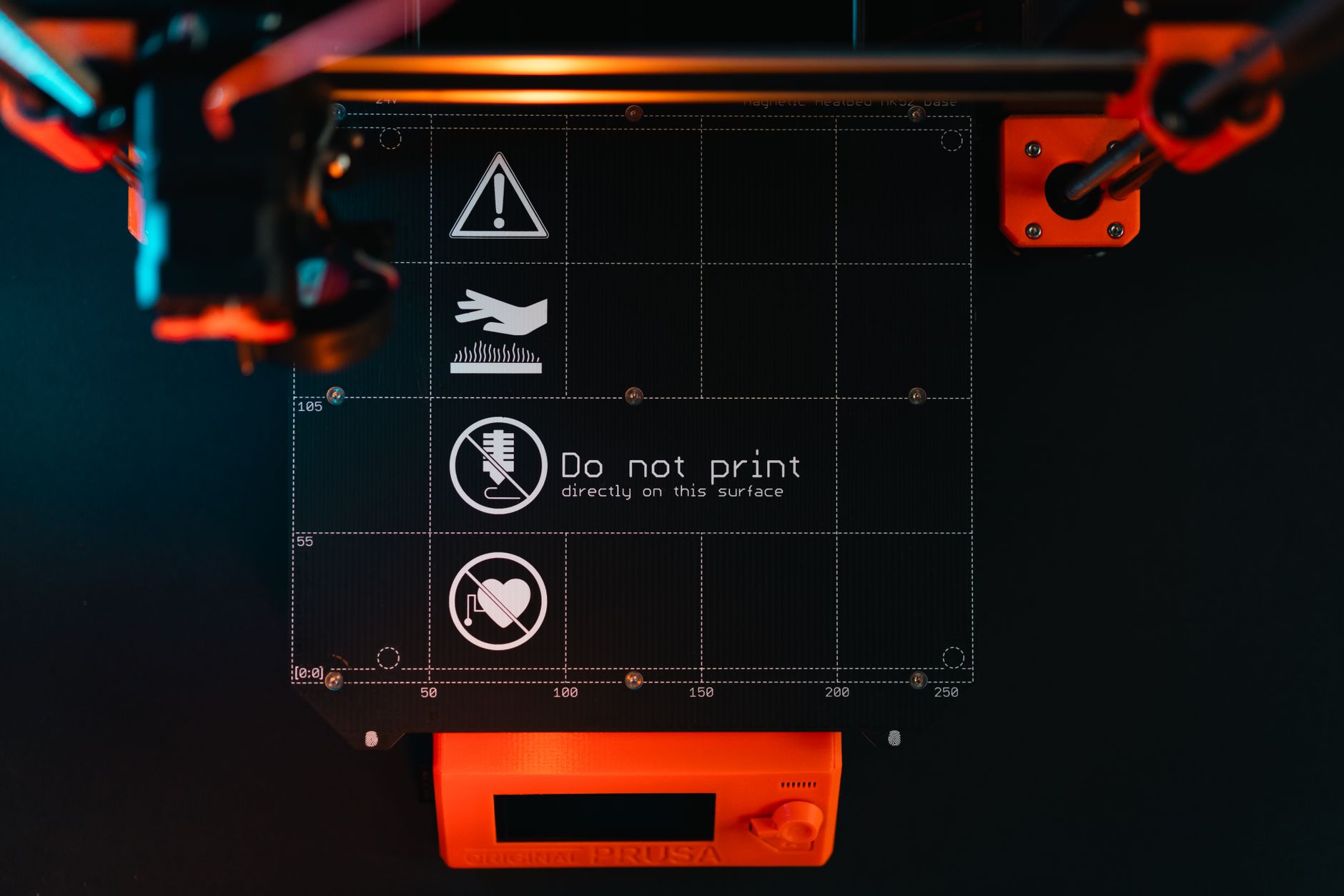
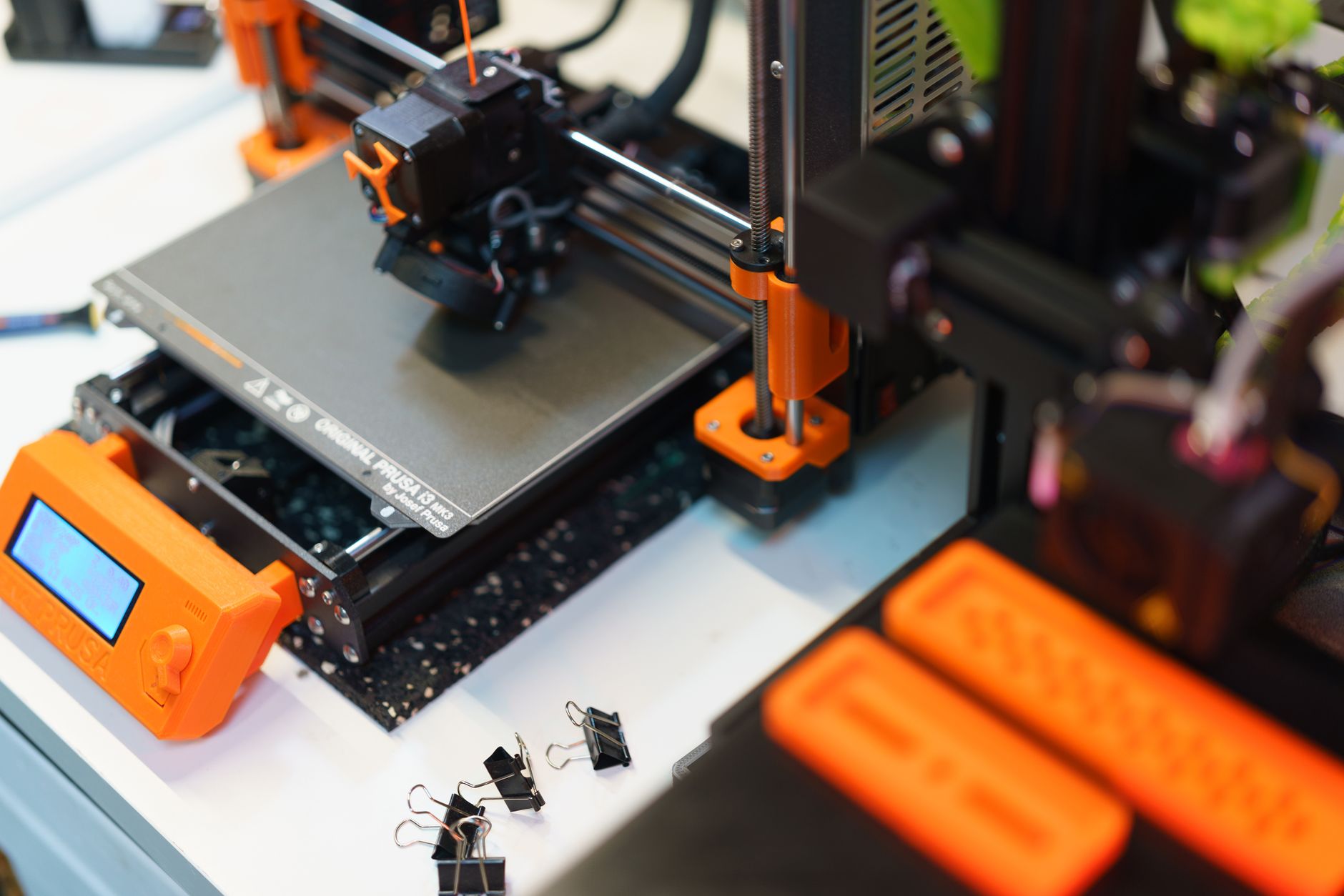
The Prusa Mini+ costs $429 as a kit and $509 assembled. That is much more than the Bambu Lab A1 Mini. It has the same 180x180x180mm build volume, but max speed is lower at around 200mm/s and the nozzle tops out at 280C. On specs alone, the A1 Mini beats it clearly.
Prusa’s advantage is long term support and repairability. Every part is replaceable, printed parts are open source, and firmware updates continue for years. The Prusa product page lists exact details. If you want a printer you can maintain yourself for five years, the Mini+ is the best small option. The A1 Mini is faster and cheaper but more closed.
The Mini+ also has excellent bed leveling and a reliable direct drive extruder. It prints PLA and PETG beautifully, but speed is modest. For a first printer on a budget, the best 3D printer for beginners page may steer you elsewhere. For a repairable workhorse, the Mini+ justifies its price.
Key strengths:
- ✅ Excellent open source support and repairability
- ✅ Proven long term firmware updates
- ✅ Reliable auto bed leveling
- ✅ Strong community and printed parts availability
- ❌ More expensive than the A1 Mini
- ❌ Smaller build volume for the price
- ❌ Slower speed at about 200mm/s
Who it’s for: Choose the Prusa Mini+ if you value repairability, open source design, and long term support over speed and low price.
Frequently Asked Questions
How much does the Bambu Lab A1 Mini cost?
The base Bambu Lab A1 Mini costs $299. The combo with the AMS Lite multicolor unit costs $459. Prices vary by retailer and sales.
Is the Bambu Lab A1 Mini good for beginners?
Yes. It has automatic bed leveling, vibration compensation, and reliable print profiles. The small build volume is the main limitation for beginners.
What is the build volume of the Bambu Lab A1 Mini?
It is 180x180x180mm. That fits small models, miniatures, and desk accessories, but not large helmets or full sized functional parts.
Can the Bambu Lab A1 Mini print ABS or ASA?
Technically the nozzle reaches 300C, but the open frame lacks a heated chamber. ABS and ASA often warp. PLA, PETG, and TPU are safer choices.
Is the AMS Lite worth the extra cost?
If you want multicolor prints or automatic filament switching, yes. If you only print single color, buy the base model and save $160.
How does the A1 Mini compare to the Prusa Mini+?
The A1 Mini is faster and cheaper. The Prusa Mini+ is more repairable and open source. Choose based on whether you value speed or long term control.
What Should You Remember?
- Base price: The Bambu Lab A1 Mini costs $299, while the AMS Lite combo costs $459.
- Build volume: Its 180x180x180mm plate is small, so large parts need a bigger printer.
- Speed: It reaches 500mm/s peak with a 300C nozzle, making it one of the fastest compact printers.
- Value: The A1 Mini beats the Prusa Mini+ on price and speed, but loses on repairability.
- Multicolor: The AMS Lite is the main reason to spend more than the base price.
- Alternatives: The Bambu Lab A1 and Creality Ender 3 V3 KE offer bigger beds for similar money.
This article is for general information only. Always follow your printer manufacturer’s guidelines and material safety data sheets (MSDS) for safe operation.