Metal 3D printing is no longer only for aerospace labs. In 2026 a metal machine can sit in a machine shop, dental lab, or industrial office. Unlike filament printers that squeeze melted plastic, metal systems bind metal powder or metal-filled filament and then heat parts to high temperatures. The price difference is massive. A desktop polymer printer from our best budget 3D printers list costs under $500, while the cheapest production metal systems start near $100,000. The materials also behave differently. You are not just swapping spools.
Who should care? This comparison covers bound metal extrusion, laser powder bed fusion, and binder jetting. Some readers want low-cost metal prototyping in an office. Others need titanium parts for medical implants or aerospace brackets. Your choice depends on part size, material, density, and budget. We chose five systems that show the real spread. For small plastic prototypes, use our best enclosed 3D printers guide. For metal, enclosed is only the start. You also need furnaces, gas supply, or powder handling.
How we compared. We looked at build volume, layer height, material compatibility, ease of use, and total system cost. Specifications come from manufacturer data and industry coverage. All3DP tracks metal printer launches and real-world reviews. Prusa and Bambu Lab show what open hardware approaches do for polymer printing, but metal remains proprietary. Prusa Research is a useful baseline for reliable specs. Bambu Lab has made polymer printing fast and cheap, but metal has no equivalent yet.
Price note. A metal printer is only part of the system. You may need a washer, furnace, sieving station, and compressed gas. Print speed is not measured like a Bambu Lab desktop running 500 mm/s. Metal systems list layer time or build rate in cubic centimeters per hour. We include approximate system prices. If you want to understand metal versus plastic and injection molding, see 3D printing vs injection molding. For shops weighing return on investment, our 3D printing business ideas guide helps.
How Do the Top Options Compare?
| Printer | Best For | Technology | Build Volume | Layer Resolution | Approx. Price |
|---|---|---|---|---|---|
| Markforged Metal X | Small-shop metal prototyping | Bound metal extrusion (ADAM) | 300 x 220 x 180 mm | 50 micron | Check price |
| Desktop Metal Studio System 2 | Office-friendly metal prototyping | Bound metal extrusion | 300 x 200 x 200 mm | 50 micron | Check price |
| EOS M 290 | Serial production and dense parts | Laser powder bed fusion (DMLS) | 250 x 250 x 325 mm | 20-100 micron | Check price |
| Renishaw AM 400 | Aerospace and medical metals | Laser powder bed fusion (SLM) | 250 x 250 x 300 mm | 20-100 micron | Check price |
| HP Metal Jet S100 | High-volume small metal parts | Binder jetting | 430 x 320 x 200 mm | 35-100 micron | Check price |
Prices are approximate base system costs and do not include furnaces, powder handling, installation, or service contracts. Amazon links point to availability searches and may not reflect industrial reseller pricing.
1. Markforged Metal X , Best for small-shop metal prototyping
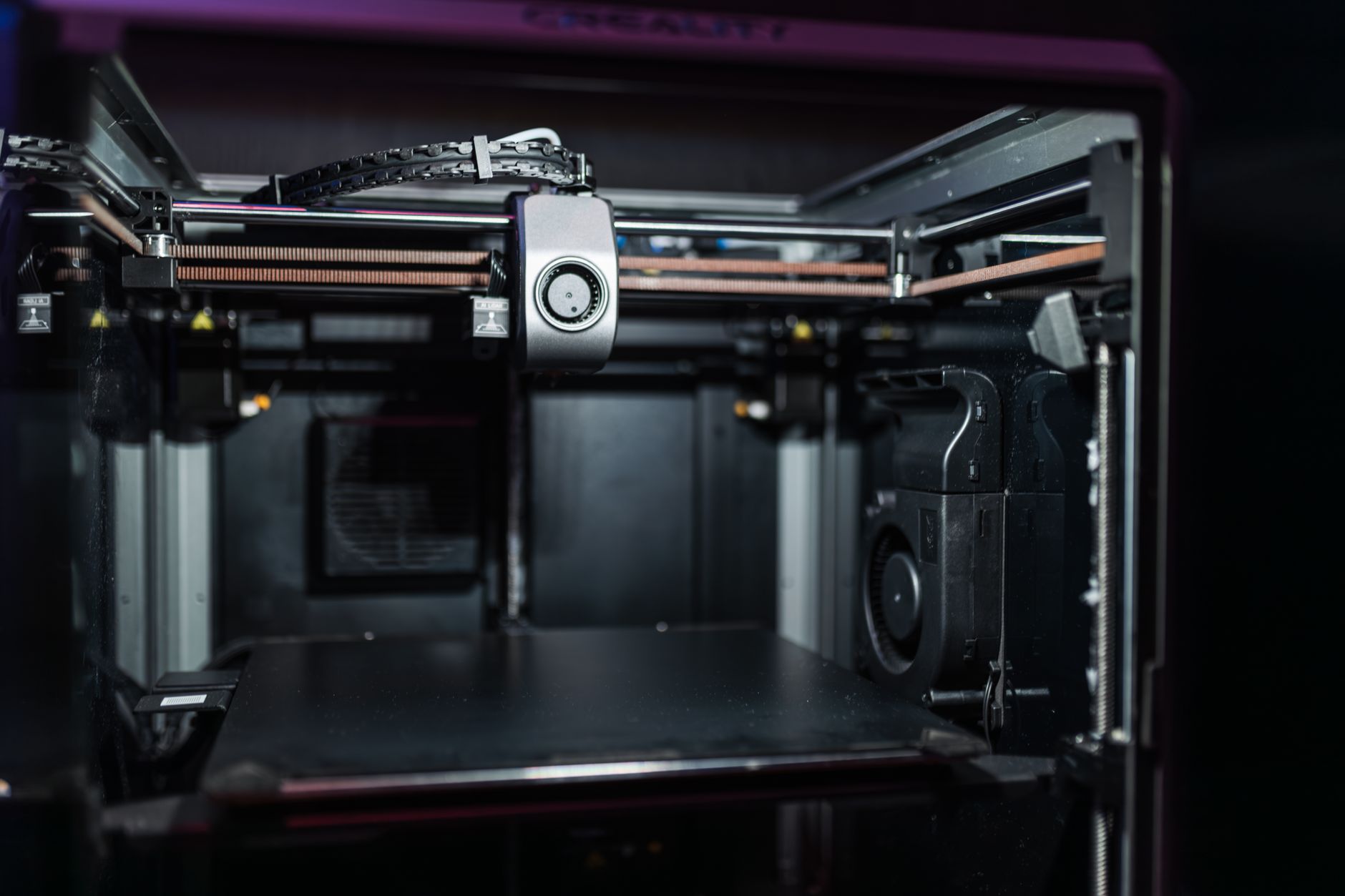
The Metal X uses bound metal extrusion. It prints a metal powder mixed with plastic binder, then you wash and sinter the part in separate stations. The system prints 300 x 220 x 180 mm parts at a 50 micron layer height. Those numbers sound modest compared to a polymer printer, but the sintered part is solid stainless steel, not a plastic mockup.
The workflow is the weak point. You need a wash station, a furnace, and several hours of post-processing. If you skip that, you get a fragile green part. Our 3D printing post-processing guide shows why support removal and heat treatment matter. Still, the Metal X is one of the most approachable metal systems because it does not leave loose powder all over your shop.
The base system cost is high for a small business. Budget $150,000 or more once you include the wash station and furnace. You can check the Markforged Metal X on Amazon for availability, but most buyers go through resellers.
Key strengths:
- ✅ Closed-loop workflow keeps loose powder exposure low
- ✅ Prints stainless steel, tool steel, and copper alloys
- ✅ 300 x 220 x 180 mm build volume fits many brackets and tools
- ✅ 50 micron layer height produces usable metal surfaces
- ✅ Includes cloud software with process controls
- ❌ Requires separate wash and sinter equipment
- ❌ Throughput is slow for production runs
- ❌ System cost with furnace exceeds $150,000
Who it’s for: Small machine shops and product teams that need metal parts without running a full powder bed.
2. Desktop Metal Studio System 2 , Best for office-friendly metal prototyping
The Studio System 2 uses bound metal rods. You print in an office without loose powder, then load parts into the included furnace for sintering. It builds within 300 x 200 x 200 mm and prints at 50 micron layer resolution. That footprint is about the size of a large desktop polymer printer, but the system is much heavier and requires a vent.
Desktop Metal designed this for engineers who want prototypes in 316L stainless steel or 17-4 PH. It handles design changes without tooling. For low-volume production, it can compete with CNC or casting. However, compare costs honestly. If you just need strong polymer parts, our best 3D printers 2026 list is a cheaper starting point.
The biggest limitation is repeatability. Bound metal parts shrink during sintering. Desktop Metal compensates in software, but shrinkage can vary with part geometry. You will need iteration. Start with simple shapes before moving to thin walls.
Key strengths:
- ✅ Office-safe bound rod feedstock, no loose powder
- ✅ 300 x 200 x 200 mm build volume fits typical prototypes
- ✅ Prints stainless steel, tool steel, and copper
- ✅ Integrated furnace simplifies the process
- ✅ Lower entry cost than laser powder bed machines
- ❌ Shrinkage during sintering demands dialed-in parameters
- ❌ Build speed drops on dense solid parts
- ❌ Still costs over $100,000 as a full system
Who it’s for: Engineering teams that want metal prototypes inside an office or light industrial space.
3. EOS M 290 , Best for dense metal serial production
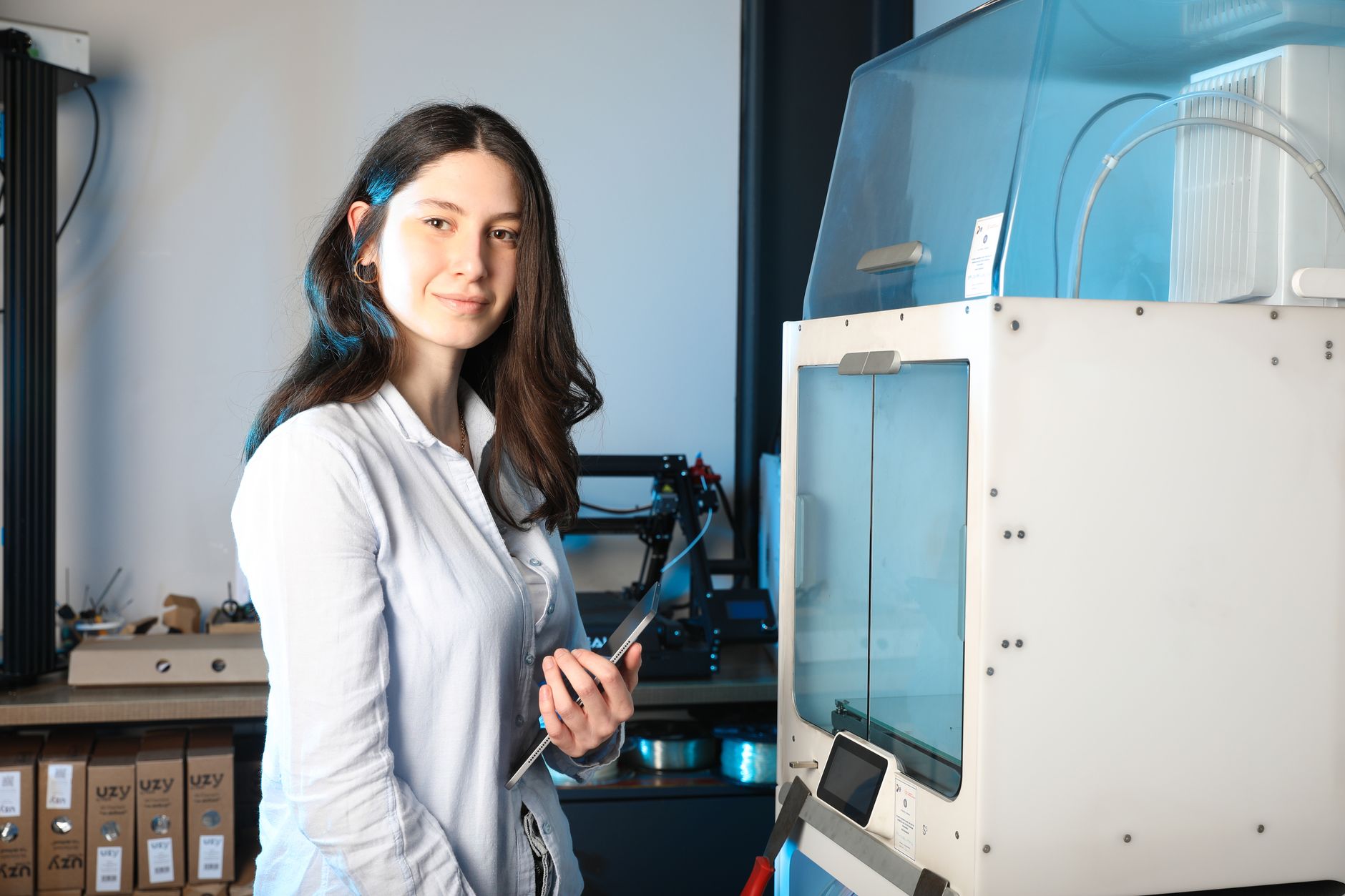
The EOS M 290 is a laser powder bed fusion machine. A 400-watt laser melts metal powder layer by layer inside a 250 x 250 x 325 mm build chamber. It supports titanium, aluminum, nickel alloys, and cobalt chrome. Layer thickness runs from 20 to 100 microns. That fine control produces near-fully-dense parts without a furnace.
This is a production workhorse. Aerospace, medical, and automotive teams use it for topology-optimized parts that cannot be machined. The open parameter settings let you tune lasers for specific powders. That flexibility is powerful, but it is not beginner friendly. You need inert gas, powder sieving, and serious operator training.
If your parts are larger than 250 mm per side, factor in the cost of nesting or moving up. The M 290 price usually starts around $500,000 before accessories and installation. Search for EOS M 290 pricing on Amazon to see why resellers and service contracts dominate.
Key strengths:
- ✅ 20-100 micron layer control for high detail
- ✅ Dense parts from titanium, aluminum, and nickel alloys
- ✅ 250 x 250 x 325 mm build chamber for production batches
- ✅ Open parameter control for advanced users
- ✅ Proven track record in regulated industries
- ❌ Loose powder handling requires safety equipment
- ❌ Base cost near $500,000 without service contracts
- ❌ Not practical for occasional one-off prototypes
Who it’s for: Manufacturers that need certified, dense metal parts in production volume.
4. Renishaw AM 400 , Best for medical and aerospace metals
The Renishaw AM 400 is another laser powder bed fusion system. It builds inside a 250 x 250 x 300 mm chamber at 20 to 100 micron layers. The big difference is Renishaw’s focus on process monitoring and repeatability. Medical implant makers and aerospace suppliers choose it when every batch needs traceability.
Renishaw sells the machine as part of a controlled process, not just hardware. You get software for laser paths, powder management, and build reporting. For teams handling titanium or cobalt chrome, that is essential. Reactive metals require careful atmosphere control and documented workflows.
The AM 400 is not cheap. Expect $400,000 or more for a basic system. Add training, gas, powder, and a service plan and the true cost climbs. The maintenance is also demanding. This machine is for organizations with dedicated lab space, not a spare corner in an office.
Key strengths:
- ✅ Strong process monitoring for regulated industries
- ✅ 250 x 250 x 300 mm build volume for implants and brackets
- ✅ 20-100 micron layers with titanium, aluminum, and steel
- ✅ Repeatable builds with good documentation
- ✅ Large installed base and service network
- ❌ Inert gas and powder handling add complexity
- ❌ Higher entry cost than bound metal systems
- ❌ Small build volume for large structural parts
Who it’s for: Medical, dental, and aerospace manufacturers that need traceable metal parts.
5. HP Metal Jet S100 , Best for high-volume binder jetting
The HP Metal Jet S100 uses binder jetting. It deposits a liquid binder into metal powder, layer after layer, inside a 430 x 320 x 200 mm build box. Layer thickness ranges from 35 to 100 microns. The machine does not melt metal during printing. The green parts go through depowdering and sintering separately.
Binder jetting is fast. HP cites production runs of hundreds or thousands of small parts per day. It works well for 316L stainless steel and other standard alloys. The process is not ideal for titanium or reflective materials common in laser powder bed systems. But for small brackets, clips, and tooling inserts, it dramatically lowers cost per part.
This is a production system, not a prototyping box. You need a complete line with powder management and sintering. The base machine can run $400,000 or more, and the furnace is additional. The business case depends on volume. Shops that need occasional metal parts should start with a service bureau instead.
Key strengths:
- ✅ Large 430 x 320 x 200 mm build volume for batch production
- ✅ 35-100 micron layer thickness suits fine features
- ✅ Fast build rates for small parts
- ✅ Lower per-part cost than laser powder bed
- ✅ Works with 316L stainless steel and other alloys
- ❌ Requires separate sintering furnace
- ❌ Not suited for titanium and high-temperature alloys
- ❌ Powder handling and depowdering demand floor space
Who it’s for: Production facilities that need thousands of small steel parts per month.
Frequently Asked Questions
Is there a true desktop metal 3D printer under $5,000?
No. Some FDM printers run metal-filled PLA, but those parts are still mostly plastic. Real bound metal or laser powder bed systems start around $100,000.
What is the cheapest way to 3D print metal?
Use a metal 3D printing service bureau. You upload a design and pay only for the part. In-house bound metal extrusion systems are cheaper than laser powder bed machines but still cost six figures.
Can I print titanium on a Markforged Metal X?
No. The Markforged Metal X works with stainless steel, tool steel, and copper alloys. Titanium requires laser powder bed fusion with inert gas and higher temperatures.
How fast are metal 3D printers?
Metal speeds are usually measured in cubic centimeters per hour, not millimeters per second. Binder jetting is fastest for small parts, while laser powder bed systems are slower due to laser path and recoating.
Do metal 3D printed parts need heat treatment?
Most do. Laser powder bed parts often need stress relief. Bound metal parts must be washed and sintered in a furnace, which causes part shrinkage.
Is metal 3D printing better than CNC?
For complex internal channels and low volumes, yes. For simple high-volume parts, CNC or injection molding usually has a lower per-part cost.
What Should You Remember?
- Metal printer types split into bound metal extrusion, laser powder bed fusion, and binder jetting.
- Entry cost for in-house metal printing starts near $100,000, not under $5,000.
- Build volume matters less than post-processing. A furnace and powder station determine total footprint.
- Material compatibility drives system choice. Titanium needs laser powder bed; 316L steel works on bound metal and binder jetting.
- Safety and training are non-negotiable. Loose metal powder is a respiratory and fire hazard.
- Production rate favors binder jetting for small stainless parts and laser powder bed for dense titanium parts.
- Service bureaus are the smart first step for most shops before a $150,000 investment.
This article is for general information only. Always follow your printer manufacturer’s guidelines and material safety data sheets (MSDS) for safe operation.