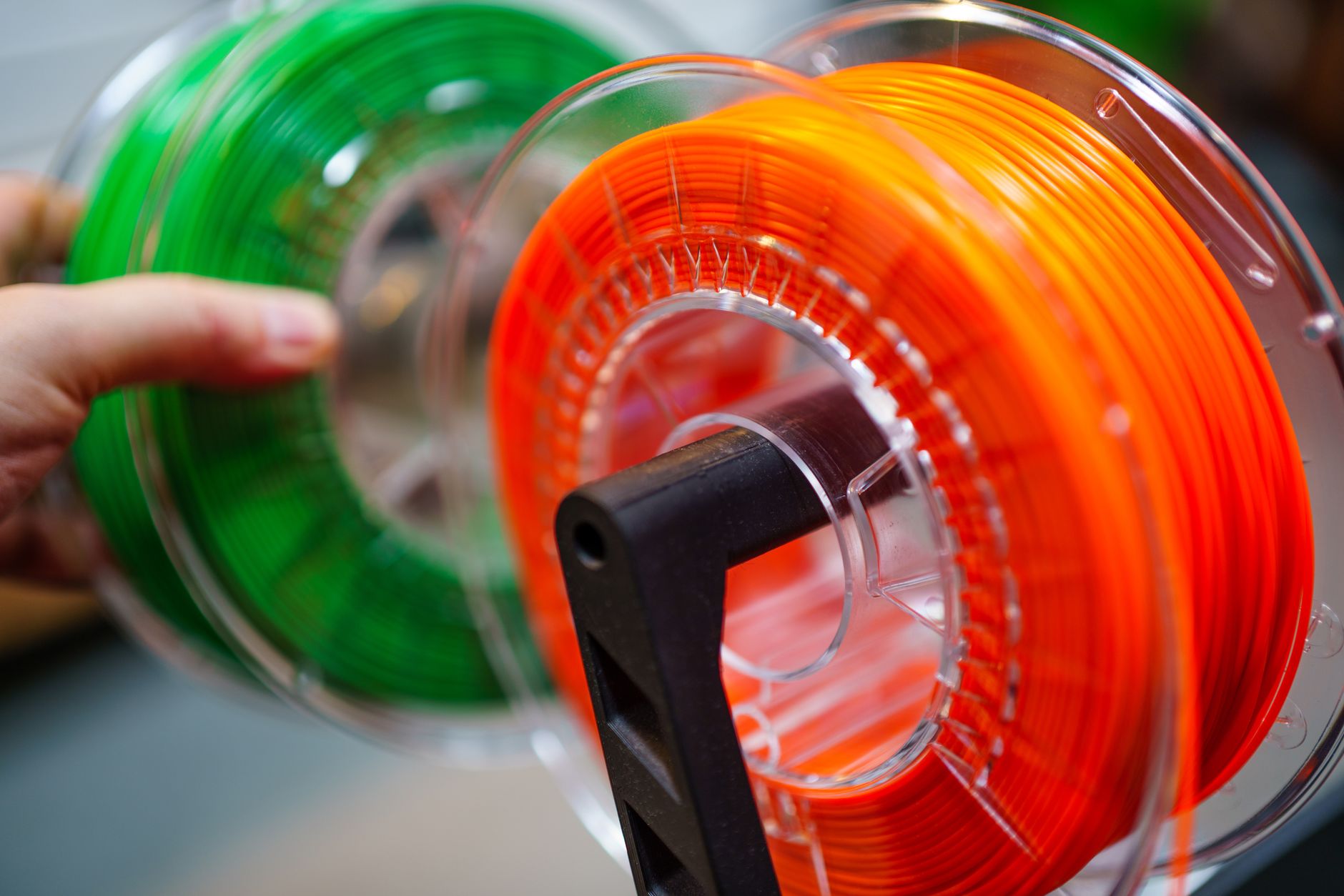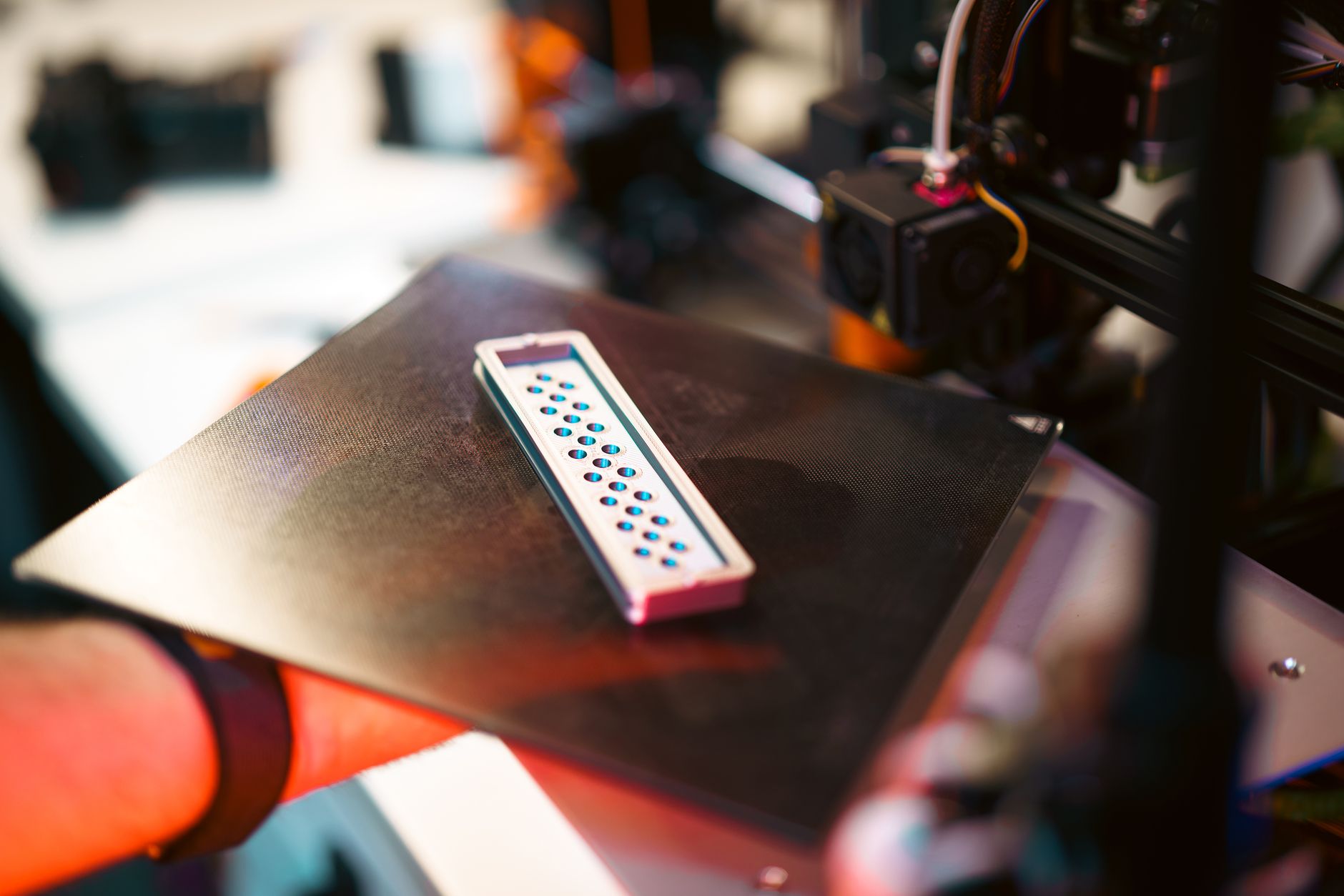
The Bambu Lab A1 mini Combo is the smallest printer Bambu Lab sells, and it is also the one most people should buy first. A single purchase gets you a 180 x 180 x 180 mm cantilever machine plus the AMS lite, a four-spool feeder that swaps between four filaments without you touching anything. That combination used to cost three times as much from any other brand. Bambu Lab did not invent multicolor printing, but the company made it affordable enough that a total beginner can start there. If you want to see where this machine sits against everything else on the market, our best 3D printers of 2026 roundup puts it in context.
Buying advice gets messy fast because Bambu Lab sells several versions of the same machine. There is the printer alone, the printer with the AMS lite, and the larger A1 with the same accessory. The toolhead is shared across the A1 family, so the real questions are build volume, whether you want four colors, and whether an open frame suits your materials. Bambu Lab’s product pages at Bambu Lab list the whole A1 lineup side by side, which helps when you are working out which bundle you actually need. Our beginner printer guide covers the same decision from a different angle.
Speed is where this class of machine changed. Five years ago a small printer running at 60 mm/s was normal, and you spent part of every session tramming the bed. The A1 mini hits 500 mm/s peak with 10,000 mm/s2 acceleration, and it does that with an automatic routine that checks bed level, resonance, and extrusion flow before each job. That matters more than the headline number. A slow printer that needs twenty minutes of setup is worse than a fast one that calibrates itself. If you have never owned a machine, our walkthrough on how to start 3D printing covers the first week.
Here is how I compared it. Five machines that shoppers actually cross-shop against the A1 mini Combo, judged on published specs rather than marketing language. Build volume in millimeters, peak speed in mm/s, hotend and bed temperature ceilings, layer height range, and whether multi-color works out of the box. Where a rival needs an add-on to match a feature, I say so in the row instead of pretending the feature is included. Nothing here is sponsored, and you will not find price figures, because listings move every few weeks and a stale number is worse than none.
How Do the Top Options Compare?
| Printer | Best For | Build Volume | Max Speed | Hotend Max | Multi-Color | Check Price |
|---|---|---|---|---|---|---|
| Bambu Lab A1 mini Combo | Best overall for most buyers | 180 x 180 x 180 mm | 500 mm/s | 300C | Yes, 4 colors via AMS lite | Check price |
| Bambu Lab A1 Combo | Best for bigger multi-color prints | 256 x 256 x 256 mm | 500 mm/s | 300C | Yes, 4 colors via AMS lite | Check price |
| Bambu Lab A1 mini (printer only) | Best single-color value in the A1 line | 180 x 180 x 180 mm | 500 mm/s | 300C | No | Check price |
| Prusa MINI+ | Best for tinkerers and repairability | 180 x 180 x 180 mm | 200 mm/s | 290C | Optional MMU3 | Check price |
| Creality Ender-3 V3 KE | Best budget high-speed pick | 220 x 220 x 240 mm | 500 mm/s | 300C | No | Check price |
| Elegoo Neptune 4 Pro | Best for large single-color parts | 225 x 225 x 265 mm | 500 mm/s | 300C | No | Check price |
Speeds shown are manufacturer-published maximums. Real throughput depends on model geometry, layer height, and filament type, and most owners see a fraction of the peak number on detailed parts. Check current listings for pricing, since these machines are discounted and bundled differently throughout the year.
1. Bambu Lab A1 mini Combo , Best Overall for First-Time Multicolor Printing
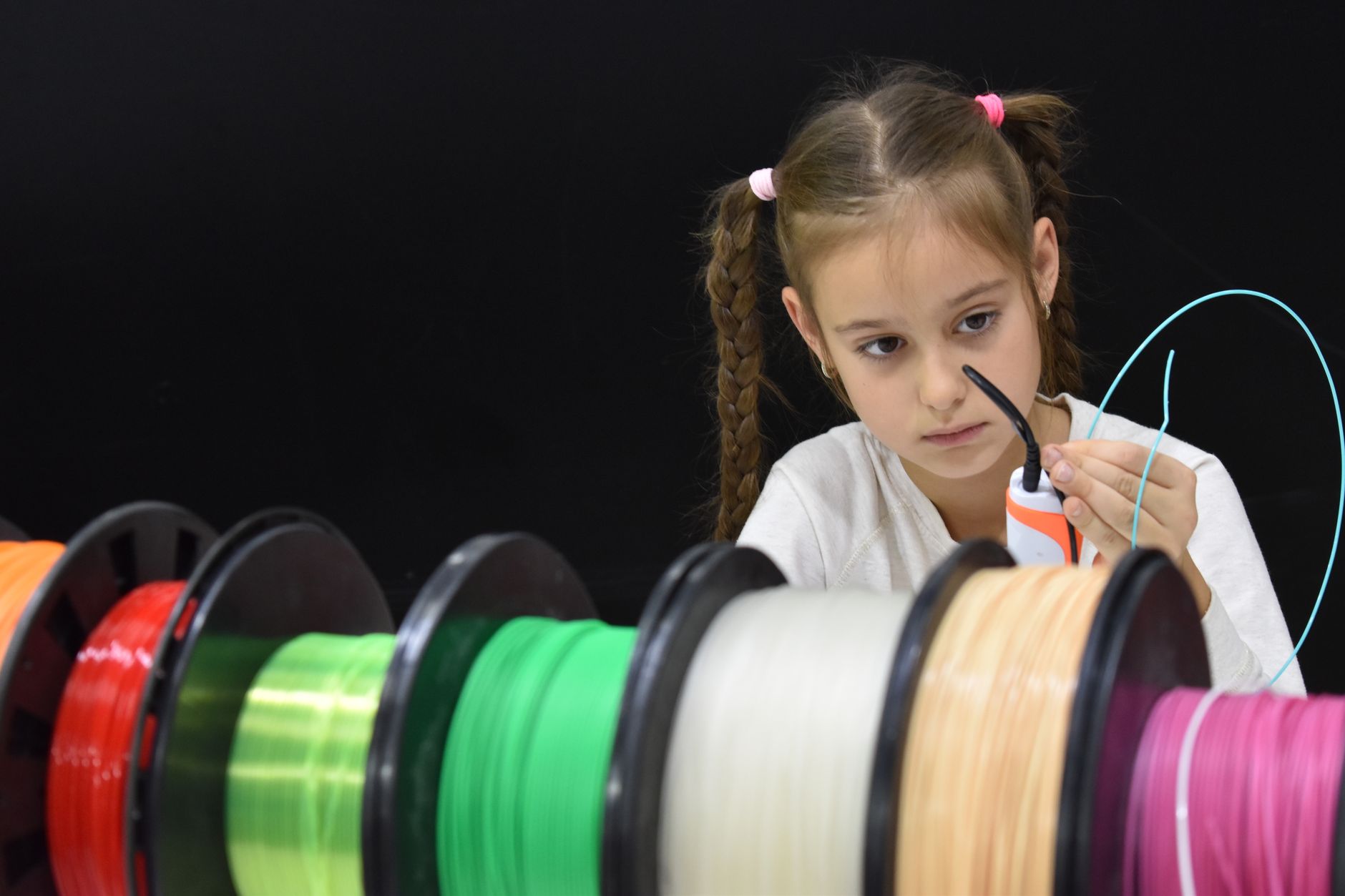
The Combo bundles the A1 mini with the AMS lite, a four-slot filament feeder that sits above the frame like a carousel. Load four spools, tell the slicer which color goes where, and the printer purges between them automatically. It is not a perfect system. Color changes waste filament on purge, and the AMS lite has no drying function and no sealed enclosure, so wet PETG stays wet. Even so, nothing else in this size class feeds four materials without manual intervention. For miniature painters, that means printing a base, a body, and two accent colors in a single run. Our miniature printing guide covers where 0.08 mm layers help and where they only slow you down.
The mechanical side is where this printer earns its place. Build volume is 180 x 180 x 180 mm. The hotend reaches 300C and the textured PEI bed tops out at 80C, which covers PLA, PETG, TPU, and PVA comfortably. Peak speed is 500 mm/s with 10,000 mm/s2 acceleration, though real prints land closer to 150 to 250 mm/s depending on geometry. Layer height runs from 0.08 mm up to 0.8 mm depending on the nozzle, and nozzle swaps take seconds because the hotend is a tool-free assembly. Simplify3D’s materials guide is a good reference when you are working out temperature ranges for a new spool. Check the Bambu Lab A1 mini Combo on Amazon if you want to see current bundle options.
Automatic calibration is the part that surprises people. Before each print the machine runs a bed mesh, checks input shaping with a resonance test, and measures flow. Vibration compensation lets it move fast without leaving ringing artifacts on vertical walls. The whole thing rides on a cantilever frame, so it needs a solid surface. A wobbly desk will show up as ugly artifacts on tall prints. Noise sits around 48 dB in normal mode, quiet enough for an apartment but noticeable if it lives in a bedroom.
The honest downside is the frame. An open cantilever machine drafts badly in a cold room, and ABS parts will crack at the corners unless you enclose it or give up on those materials. The 80C bed ceiling also rules out polycarbonate and other high-temperature engineering filaments. The app-based workflow is convenient, but it works best with an account and a connection, so plan on slicing in Bambu Studio and sending files over your local network if you prefer to stay offline.
Key strengths:
- ✅ Multi-color works out of the box, with four filaments feeding from the AMS lite and no manual swaps
- ✅ Automatic setup: bed leveling, resonance compensation, and flow calibration run before every print
- ✅ Fast for its size at 500 mm/s peak and 10,000 mm/s2 acceleration on a 180 mm frame
- ✅ Small footprint that fits on a narrow desk, roughly the size of a compact microwave
- ✅ Frequent firmware updates and a slicer that is easier to learn than most competitors
- ❌ Open frame means ABS and ASA warp in a cold room, and drafts ruin tall parts
- ❌ The 80C bed ceiling rules out polycarbonate and other high-temperature filaments
- ❌ The AMS lite wastes filament on purge during color changes and does not dry filament
Who it’s for: Buy it if you want a first printer that handles four colors, calibrates itself, and fits in a small apartment.
2. Bambu Lab A1 Combo , Best for Larger Multi-Color Prints
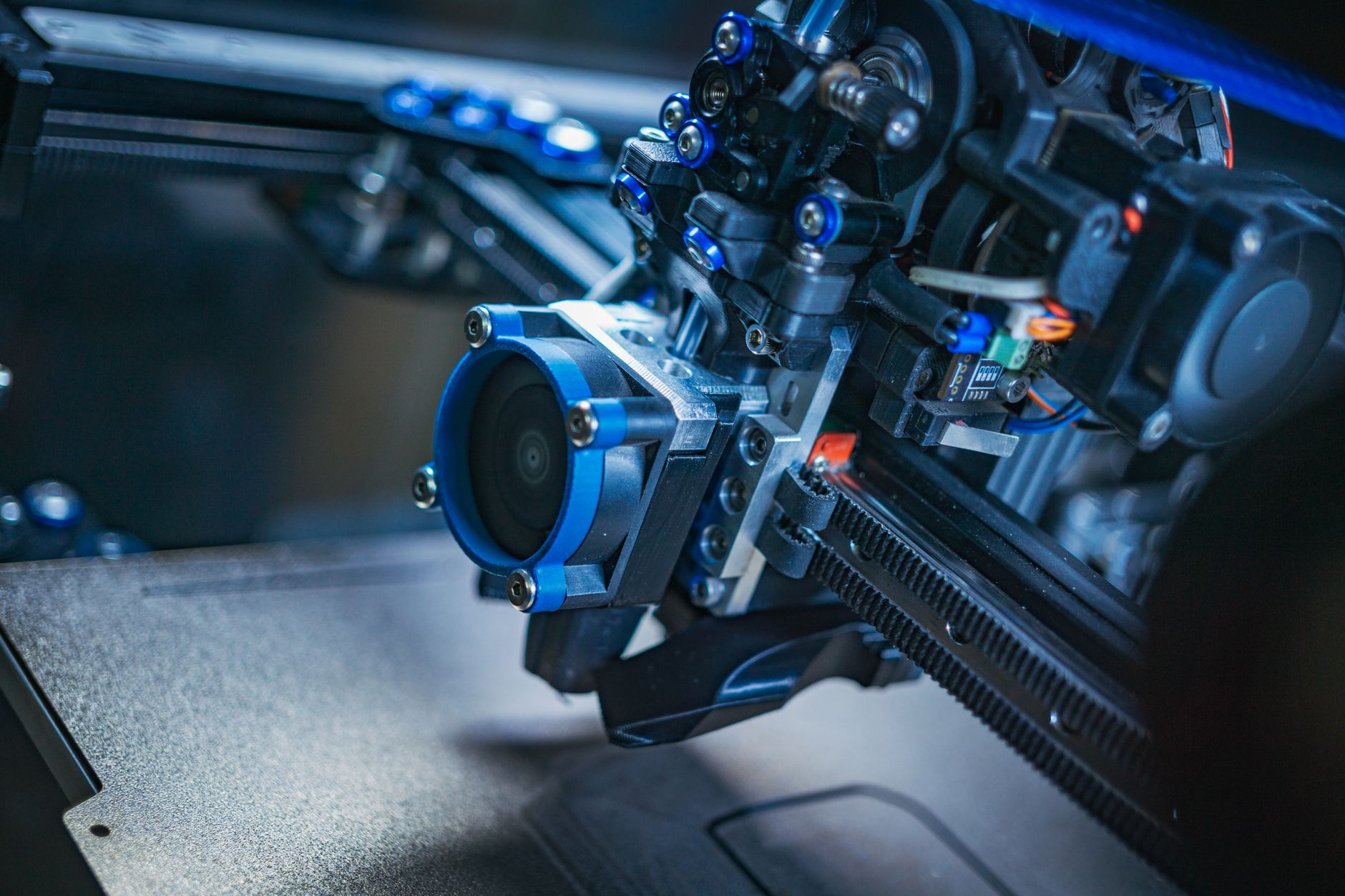
Same toolhead, same 500 mm/s rating, bigger gantry. The A1 pushes the build volume to 256 x 256 x 256 mm, which is more than double the usable volume in practice because height matters on vases, helmets, and stacked plates. It also carries a full-size AMS lite mount and a heavier base that shakes less when the bed is slinging at speed. If your models are routinely bigger than a coffee mug, this is the machine to buy instead of the mini.
Everything about the print head carries over. A 300C hotend, an 80C bed, a 0.08 mm minimum layer height, the same quick-swap nozzle assembly, and the same automatic calibration routine. The difference is moving mass, and Bambu tuned the input shaping for it, so real-world speeds stay close between the two machines. Where the A1 wins is tall parts and full plates that need 250 mm of travel in X and Y. Our large format printer roundup covers bigger machines if 256 mm still is not enough. Check the Bambu Lab A1 Combo on Amazon to see how the bundle is configured.
A full-size bed slinger running at speed on a 250 mm part is loud, and it will creep across a smooth table. Bambu ships rubber feet and recommends a stable surface, and you should take that seriously. There is also more inertia on the Y axis, so the widest, tallest prints take a speed hit compared with small parts on the mini. Still, this is the least expensive route to a large multicolor build plate without moving up to a CoreXY machine with a closed frame.
Key strengths:
- ✅ 256 x 256 x 256 mm build volume covers helmets, vases, and large multi-part plates
- ✅ Identical toolhead to the mini, so nozzle swaps and slicer profiles transfer directly
- ✅ Runs the same AMS lite for four-color printing with the same workflow
- ✅ Full automatic calibration and input shaping tuned for the larger, heavier gantry
- ❌ More moving mass means more shake and more noise than the A1 mini at the same speeds
- ❌ Still an open frame, so the same ABS and ASA limitations apply
- ❌ Takes up real desk space at roughly 385 x 410 x 430 mm
Who it’s for: Choose the A1 Combo if your models regularly exceed 180 mm in any direction and you still want four colors.
3. Bambu Lab A1 mini (printer only) , Best Single-Color Value in the A1 Line
Strip out the AMS lite and you get the same printer without the filament carousel and the extra spool hardware. For someone who prints in one color, that is not a compromise. You lose multicolor support and you also lose the purge waste that comes with it. Single-color prints on the mini run slightly faster overall because no color change interrupts the toolpath and no tower gets built alongside the model.
The catch is upgradability. Bambu Lab sells the AMS lite separately, so you can add it later, but the printer-only bundle does not include the mounting parts, and buying the pieces individually costs more than the Combo would have. If there is any real chance you want four colors within a year, buy the Combo up front. The printer-only version makes sense when you already own an AMS lite from another A1 machine, or when you know you will print functional parts in a single material indefinitely.
Specs are unchanged: 180 x 180 x 180 mm, a 300C hotend, an 80C bed, a 0.08 mm minimum layer height, and 500 mm/s peak speed. It handles PLA, PETG, and TPU well, and it prints matte and silk PLAs without any tuning beyond the default profile. For a first machine on a tight budget, this is the least expensive entry into Bambu Studio and the automatic calibration workflow, and that software is the part that saves beginners the most time. Check the Bambu Lab A1 mini on Amazon if you only ever print one material at a time.
Key strengths:
- ✅ Identical print quality and speed to the Combo, just without the filament changer
- ✅ No purge waste, since every print uses a single material from start to finish
- ✅ Cheapest entry into Bambu Studio and the automatic calibration workflow
- ✅ Can be upgraded to the AMS lite later using the same firmware
- ❌ No multi-color printing unless you buy the AMS lite as a separate accessory
- ❌ Adding the AMS lite later costs more than buying the Combo on day one
- ❌ Same open-frame limits on ABS and ASA, with no enclosure included
Who it’s for: Buy the printer-only version if you are certain you will only ever print one color at a time.
4. Prusa MINI+ , Best for Tinkerers and Long-Term Repairability
Prusa has been selling the MINI+ for years, and the reason it stays on this list is support. Every part is documented, replacements are inexpensive and widely stocked, and the firmware is open source. It also has a real upgrade path to multi-color through the MMU3, plus a large community writing profiles for it. Prusa’s own filament reference lists exact nozzle and bed temperatures for their materials, which takes guesswork out of a new spool.
The trade is speed and convenience. Build volume matches the A1 mini at 180 x 180 x 180 mm, but the MINI+ is a bed slinger without the aggressive input shaping Bambu uses, and realistic print speeds land closer to 80 to 120 mm/s on detailed parts. Layer height goes down to 0.05 mm, finer than the A1 mini’s 0.08 mm floor, so small miniatures and precision mechanical parts still hold up well. Hotend maximum is 290C and the heated bed reaches 100C, which opens up more materials than the A1 mini’s 80C plate.
Setup takes longer. There is an assembly kit and a preassembled option, and neither is as close to plug-and-play as a Bambu machine. You will tram the bed, tune first layer height, and probably re-tension belts somewhere in year two. Some buyers want exactly that experience. If you enjoy knowing how the machine works and want a printer you can keep running for a decade with a drawer of spare parts, the MINI+ rewards the effort.
Key strengths:
- ✅ Fully documented, open-source design with cheap and widely available spare parts
- ✅ 0.05 mm minimum layer height and a 100C bed, which suits fine detail and more materials
- ✅ Genuine multi-color upgrade path through the MMU3 accessory
- ✅ Prusa’s material profiles and customer support are the best in the hobby market
- ❌ Much slower in practice than the Bambu A1 family on the same model
- ❌ More assembly and tuning required before the first good print
- ❌ Multi-color costs extra and adds complexity beginners usually do not want
Who it’s for: Pick the MINI+ if repairability, open firmware, and fine layer detail matter more to you than raw speed.
5. Creality Ender-3 V3 KE , Best Budget High-Speed Pick
Creality’s answer to the A1 mini costs less and gives you a bigger plate. Build volume is 220 x 220 x 240 mm, and the machine runs Klipper firmware on a 500 mm/s motion system with 8,000 mm/s2 acceleration. That acceleration figure is real, and the KE gets close to the A1 mini on simple geometry. Hotend maximum is 300C and the bed reaches 100C, so PETG and ABS are both in range once you build an enclosure around it.
What you give up is software polish. Creality Print has improved a lot, but the calibration workflow is nowhere near as automatic as Bambu’s, and you will spend an evening dialing in flow and pressure advance. There is no multi-color option on the KE itself, and the newer Creality filament system does not fit this model. If budget is the deciding factor, our budget 3D printer roundup walks through the trade-offs in more detail.
Hardware is solid for the money. The KE uses linear rods on the X axis, a direct drive extruder, and a 121-point automatic bed mesh. It ships with a filament runout sensor and a touchscreen, and assembly takes about twenty minutes with the included tools. For a first printer on a strict budget, it delivers most of the A1 mini experience without the software. Just plan on buying a textured PEI sheet and a spare nozzle or two, because the stock surface and cooling are the two weakest points.
Key strengths:
- ✅ 220 x 220 x 240 mm build volume for less than the A1 mini Combo
- ✅ Klipper firmware with a 500 mm/s top speed and 8,000 mm/s2 acceleration
- ✅ 300C hotend and a 100C bed cover PETG, ABS, and wood-filled filaments
- ✅ Linear rods and a direct drive extruder need less upkeep than the wheels on older Enders
- ❌ No multi-color support and no upgrade path to add it
- ❌ Calibration is manual, so flow, pressure advance, and first layer all need tuning
- ❌ Stock build surface and part cooling trail Bambu’s defaults out of the box
Who it’s for: Buy the KE if you want a bigger plate and Klipper speeds and do not mind tuning the machine yourself.
6. Elegoo Neptune 4 Pro , Best for Large Single-Color Functional Parts
Elegoo’s Neptune 4 Pro is the other budget contender, and it beats both Bambu machines on raw build volume with a 225 x 225 x 265 mm plate. The hotend reaches 300C, the motion system is rated for 500 mm/s, and it runs Klipper with a 121-point bed mesh that probes before each job. For brackets, boxes, jigs, and functional parts in one color, it does work that used to require a much larger investment.
It is not beginner-friendly the way a Bambu is. Setup is a partial kit, and the first layer takes patience. The Klipper build expects you to run input shaping calibration yourself, and the stock profiles are conservative. Owners who spend an afternoon with a calibration cube and Orca Slicer get excellent results. Owners who skip that step get stringing, elephant foot, and inconsistent walls. That is the whole difference between this machine and the A1 mini, and it is worth being honest about.
The mechanical design is where the money went: dual Z screws, a direct drive extruder with a short filament path, and a removable magnetic build plate. That short path handles flexible filament like TPU better than most budget Bowden setups. There is no multi-color option, no camera, and no cloud app worth using, so this is a machine for people who want a printer rather than a service. Pair it with a sealed dry box and it will run PETG reliably for years.
Key strengths:
- ✅ Largest build volume in this comparison at 225 x 225 x 265 mm
- ✅ 300C hotend and Klipper firmware with a 121-point automatic bed mesh
- ✅ Dual Z screws and a direct drive extruder give stable, repeatable layer stacking
- ✅ Short filament path handles TPU and other flexibles better than a Bowden setup
- ❌ No multi-color, no camera, and effectively no cloud or app support
- ❌ Manual calibration is expected, including pressure advance and input shaping
- ❌ First-layer tuning is fussier than on the Bambu machines
Who it’s for: Choose the Neptune 4 Pro if you print large functional parts in a single color and want to skip the Bambu cloud.
Frequently Asked Questions
What is included in the Bambu Lab A1 mini Combo?
The Combo adds the AMS lite four-spool feeder, the spool holders, and the mounting hardware to the standard A1 mini. The printer itself, the 0.4 mm nozzle, the textured PEI plate, and the tool kit are identical to the printer-only bundle.
How big is the A1 mini build volume?
It measures 180 x 180 x 180 mm. That fits miniatures, phone stands, brackets, terrain pieces, and most desk accessories, but it will not fit a full-size helmet or a large vase in one piece.
Can the A1 mini print ABS?
It can, but the open frame makes it unreliable. ABS warps when cool air reaches the part, and the 80°C bed limit sits below what the material prefers. Use an enclosure or stay with PLA, PETG, and TPU.
Do I actually need the AMS lite?
Only if you want multiple colors or a second slot for breakaway support material. Single-color printing works without it, and prints run slightly faster because there are no color changes interrupting the toolpath.
How fast does the A1 mini really print?
Peak speed is 500 mm/s with 10,000 mm/s2 acceleration, but average speeds on detailed models land closer to 150 to 250 mm/s. That is still several times faster than a stock Ender 3 from a few years ago.
Is the A1 mini noisy?
Normal mode sits around 48 dB, roughly like a quiet dishwasher. Silent mode trades speed for less noise. Put it on a solid table, because a cantilever printer on a wobbly desk amplifies every direction change.
What Should You Remember?
- Best first printer: the A1 mini Combo delivers automatic calibration and four-color printing in one purchase, which no rival in this size class matches out of the box.
- Build volume reality: 180 x 180 x 180 mm covers miniatures and desk parts, not helmets. Step up to the A1 Combo for 256 x 256 x 256 mm.
- Speed numbers: 500 mm/s is the peak, not the average. Expect 150 to 250 mm/s once you slice a real model.
- Material limits: the 80°C bed and open cantilever frame keep you in PLA, PETG, and TPU. ABS and ASA need an enclosure.
- AMS lite trade-off: four colors cost you purge filament and a few minutes of print time on every color change.
- Budget alternatives: the Ender-3 V3 KE and Neptune 4 Pro give you a bigger plate for less money if you are willing to tune the machine yourself.
- Upgrade path: the printer-only A1 mini can be upgraded to the AMS lite later, but buying the Combo up front is the better value.
This article is for general information only. Always follow your printer manufacturer’s guidelines and material safety data sheets (MSDS) for safe operation.