3D Printer Filament Storage Guide: How to Keep Filament Dry in 2026

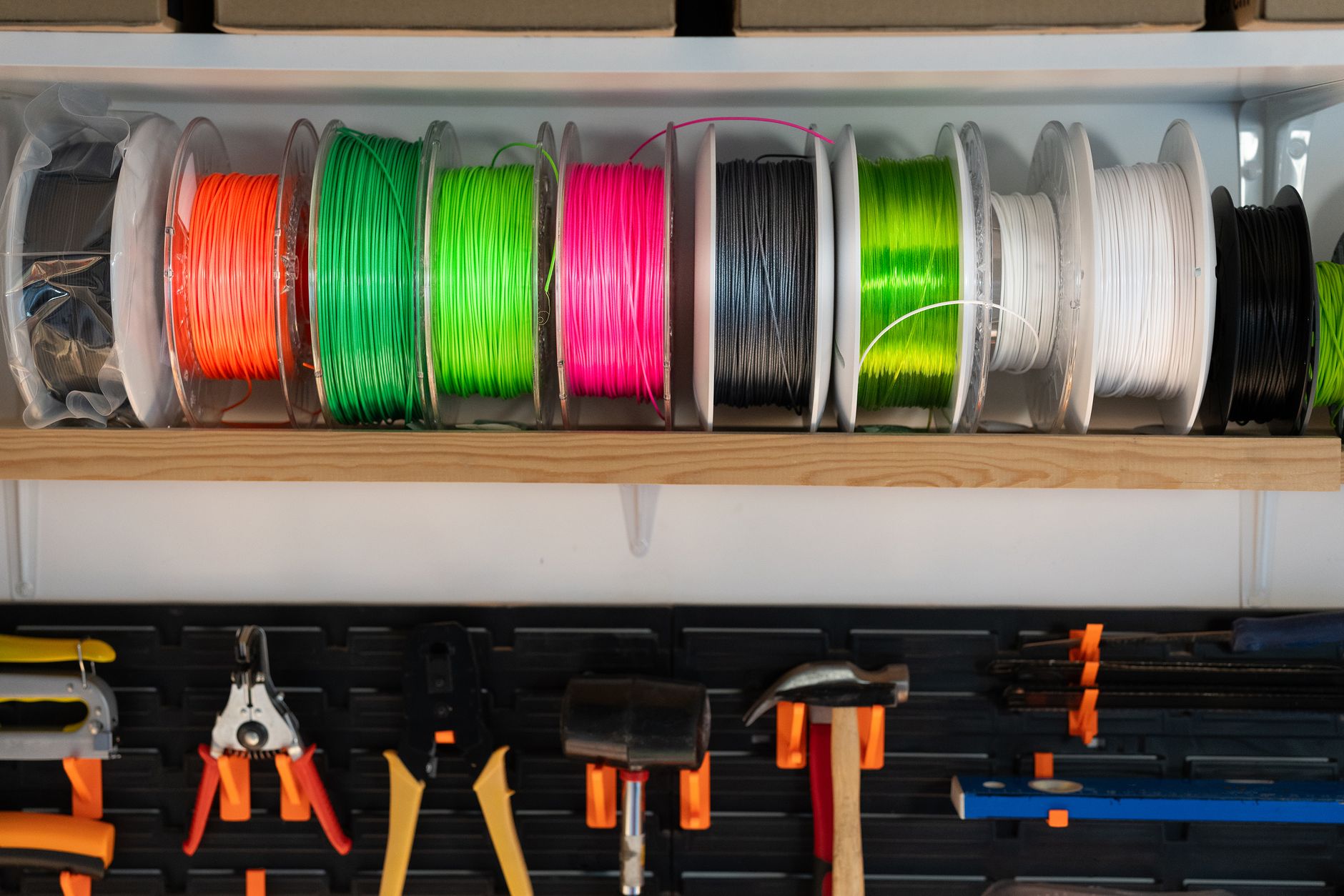
TL;DR: Filament is hygroscopic — it absorbs moisture from the air, and wet filament ruins print quality in ways that look like tuning problems. The fix: keep spools in sealed, desiccant-filled containers (dry boxes) when not in use, and give water-sensitive filaments like nylon and TPU a heating cycle in a filament dryer before printing. A good storage setup costs $30-120 and fixes more print issues than any other single upgrade. ...

August 6, 2026 · 9 min · Jarrod Gravison

3D Printing Materials Guide 2026: PLA to Carbon Fiber Complete

TL;DR: Every 3D printing material trades ease, strength, heat resistance, and cost. For 90% of hobbyists: use PLA for easy visual prints, PETG for functional/heat-resistant, and nylon/PC/CF when you need engineering performance (with the right printer). This is the complete reference table and guide. Quick Answer: Which Material Should You Use? Quick material picks by need: Need Material Easiest first prints, visual models PLA Functional parts, strength + heat PETG High heat / automotive ABS / ASA (enclosure) Flexibles, gaskets, phone cases TPU Gears, wear parts, engineering Nylon (PA) Extreme heat + strength Polycarbonate (PC) Stiff, light, high-performance Carbon-fiber composites Here’s the full breakdown. ...

August 5, 2026 · 8 min · Jarrod Gravison

Best 3D Printer Upgrades 2026: 8 Worth the Money

TL;DR: The upgrades that improve prints the most for the money are PEI build plates (adhesion), auto bed leveling (consistency), all-metal hotends (more materials, fewer clogs), hardened nozzles (abrasive filaments), and an enclosure (ABS/ASA/consistent temps). Skip gimmicks; prioritize anything that improves reliability and first-layer success. Quick Answer: Which Upgrades Actually Matter? Upgrade Cost Impact Ease Worth It? PEI build plate $15–30 High Easy ✅ Best value Auto bed leveling (BLTouch) $25–50 High Moderate ✅ If your printer lacks it All-metal hotend $25–80 High Moderate ✅ For materials Hardened steel nozzle $10–20 Medium-High Easy ✅ With abrasive filament Enclosure $50–150 Medium-High Varies ✅ For ABS/ASA/consistent Direct-drive extruder $50–100 Medium Moderate ⚠️ For flexibles Silent stepper drivers $30–80 Medium Hard ⚠️ For noise Bed-leveling firmware (Klipper) $0–50 (HW) High Hard ⚠️ Enthusiasts The golden rule: upgrade for reliability and first-layer success first, then speed/quality. A printer that just works beats one that’s theoretically faster but flaky. ...

August 5, 2026 · 9 min · Jarrod Gravison

3D Printer Maintenance: The Complete Preventive Care Guide

TL;DR: Preventive 3D printer maintenance takes 20 minutes a month and prevents 80% of print failures. Do these on schedule: clean/level the bed, check belt tension, clean the nozzle, lubricate rails, tighten loose screws, keep firmware updated, and dry/replace worn consumables (nozzles, PTFE tubes, PEI sheets). Quick Answer: What Maintenance Does a 3D Printer Need? A simple schedule keeps most machines printing for years: Frequency Task Every print Clean bed, check first layer, make sure no debris/oozing filament Weekly Wipe Z rods/rails, check for loose screws, empty/clean debris Monthly Check belt tension, clean nozzle + hotend, inspect bed level (re-run auto level), lubricate motion Quarterly Replace/rotate nozzle if brass, replace PTFE tube if signs of wear, deep-clean, check firmware update As needed Replace PEI sheet, replace thermistor/fan, tighten gantry, recalibrate The exact cadence depends on print hours — a busy print farm does weekly deep-cleans; a hobbyist can stretch monthly. Track print hours (most firmware does) for accurate intervals. ...
August 5, 2026 · 9 min · Jarrod Gravison

Best 3D Modeling Software 2026: Free & Paid Compared

TL;DR: Learn TinkerCAD first (free, easiest, browser-based) to grasp basics, then pick a real tool: Fusion 360 for engineering/functional parts, Blender for organic/sculpted/models, FreeCAD for free open-source parametric design, or Onshape for cloud + collaboration. All the tools here can go from idea to STL for 3D printing. Quick Answer: Which Modeling Software Should You Use? It depends on what you model: Tool Type Price Best For Difficulty TinkerCAD Parametric (browser) Free Absolute beginners, simple parts ★ Very easy Fusion 360 Parametric CAD Free (hobbyist) / $ Engineering, functional parts ★★★★ Blender Mesh/artistic Free Sculpts, figures, organic models ★★★★★ FreeCAD Parametric CAD Free (open source) Parametric CAD, no cloud ★★★★ Onshape Parametric CAD (cloud) Free plan / $ Collaboration, tablet/laptop ★★★ ZBrush (Core) Sculpting Paid High-detail minis, characters ★★★★★ SolidWorks Parametric CAD Expensive Professional engineering ★★★★★ The 2026 short answer: try Fusion 360 (or free FreeCAD) for functional parts, Blender for anything organic, and TinkerCAD to learn the ropes. You don’t need to master all — one good tool covers most users. ...

August 5, 2026 · 9 min · Jarrod Gravison

13 Profitable 3D Printing Business Ideas for 2026

TL;DR: The most profitable 3D printing niches in 2026 are custom tabletop/board game upgrades, cosplay & props, functional replacement parts, jewelry casting models, resin miniatures, and small-batch print-on-demand products. The key isn’t the printer — it’s finding an audience and a niche with pricing power, not fighting over generic trinkets. Quick Answer: What 3D Printing Business Works in 2026? Avoid the low-margin trap of selling generic toys and keychains. The money is in specific audiences who value customization and function: ...

August 5, 2026 · 9 min · Jarrod Gravison

How to Start 3D Printing: The Complete Beginner Guide (2026)

TL;DR: To start 3D printing: (1) buy an easy modern printer with auto leveling like the Bambu Lab A1 Mini or Elegoo Neptune 4 Pro, (2) assemble it per the manual, (3) load PLA filament, (4) slice a model with a free slicer, (5) run your first print from a known-good preset, then (6) learn calibration. Total budget: $300–500 including printer, filament, and tools. Quick Answer: What Do I Need to Start? A realistic starter shopping list: ...

August 5, 2026 · 9 min · Jarrod Gravison

PLA vs PETG vs ABS: Which Filament to Use (2026 Guide)

TL;DR: Use PLA for easy, cheap, detailed prints that won’t face heat or stress. Use PETG for functional parts needing strength and heat resistance — it’s the best all-rounder. Use ABS only if you specifically need high heat/durability and have an enclosure, or switch to ASA for outdoor use. Quick Answer: Which Filament Should You Use? It comes down to your use case: Need Choose Why Easy first prints, toys, visual models PLA Cheapest, easiest, cleanest Functional parts, brackets, outdoor-light PETG Strong + heat-resistant, still easy Auto parts, high-heat, durable engineering ABS / ASA Best heat + toughness, needs enclosure The modern consensus: most hobbyists print PLA for visual and PETG for functional. ABS has become the niche pick. Here’s the full breakdown. ...

August 5, 2026 · 9 min · Jarrod Gravison