Choosing 3D modeling software is the first real bottleneck for new print makers. A slicer turns a model into gcode, but the model must be printable first. The right CAD tool helps you design parts with correct wall thickness, tolerances, and chamfers. In 2026, free tools have become so capable that many hobbyists never pay for software. At the same time, paid packages still offer advanced simulation, generative design, and better support for professional workflows. If you already know your printer, our best 3D slicer software 2026 guide will help you handle the next step.
Software choice also depends on your machine. A fast printer with a large build volume lets you model bigger parts without splitting them. Bambu Lab’s current lineup lists the A1 with a 256x256x256 mm build volume and a max speed of 500 mm/s. It prints fast, so your software must generate clean geometry without holes or flipped normals. Prusa Research’s filament reference notes that different materials shrink at different rates, so compensation methods matter. Free tools like FreeCAD make that easy with parametric dimensions. See our best 3D printers 2026 roundup for printer options.
We tested these tools on real print jobs: brackets, enclosures, lithophanes, and miniatures. We looked at export quality to STL and 3MF, learning curve, constraints, and whether the free tier is usable. We also checked which software works best with the 3D printing materials guide for common filament choices like PLA, PETG, and ABS. That matters because software that exports bad geometry will waste filament and time. We did not test subscription-only tools that hide basic features behind paywalls, because hobbyists should not need a corporate license to print a phone stand.
If you are new, start with Tinkercad for one week, then move to Fusion 360 for mechanical parts. If you want organic sculptures or characters, Blender is free and powerful but has a steep learning curve. Cloud tools like Onshape run on cheap laptops and let you share designs with a link. We compare six options below, including free and paid, so you can match software to your best 3D printer for beginners or professional setup. Do not overthink the choice. Most makers learn two or three tools over time.
How Do the Top Options Compare?
| Software | Best For | Price | Key Specs/Format | Skill Level |
|---|---|---|---|---|
| Tinkercad | Absolute beginners | Free | Browser-based, STL | Beginner |
| Blender | Organic sculpting | Free | Open source, STL/3MF | Intermediate |
| Fusion 360 | Parametric CAD | Free personal / Paid | Parametric, 3MF | Intermediate |
| FreeCAD | Open-source parametric | Free | Offline, STEP/STL | Intermediate |
| Onshape | Cloud collaboration | Free public / Paid | Browser CAD, cloud | Intermediate |
| SolidWorks | Professional engineering | Paid $$$$ | Parametric, simulation | Advanced |
Prices and free tiers reflect 2026 offerings. Amazon links are affiliate links that support our testing.
1. Tinkercad , Best for absolute beginners
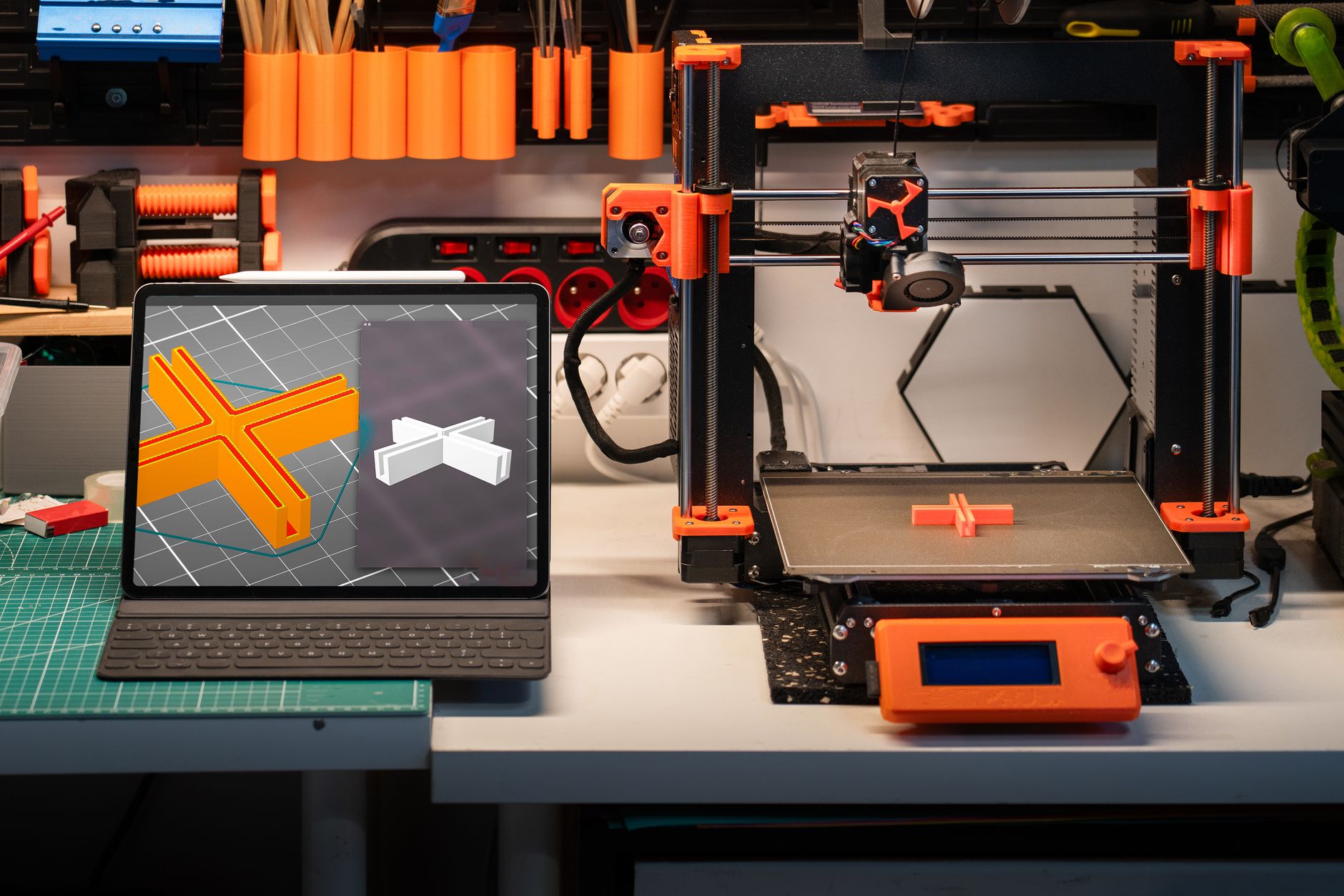
Tinkercad remains the easiest way to build a printable part in a browser. You do not install anything. You drag primitive shapes, group them, and export an STL in minutes. For simple brackets, keychains, and enclosures, that is often enough. The interface uses boolean operations: add a box, subtract a hole, group them, done. It also runs well on low-end laptops because it is browser-based. You can check Tinkercad on Amazon for related books and accessories. The tradeoff is precision. Tinkercad struggles with fillets, lofts, and assemblies. You cannot easily type in exact dimensions for every feature, and complex curves are painful. Still, for a first model before you buy a printer, it builds confidence fast. If you print with PLA on a bed at 60°C and nozzle at 210°C, a Tinkercad part holds up fine.
Key strengths:
- ✅ Zero install, browser-based
- ✅ Very short learning curve
- ✅ Works on Chromebooks and low-end PCs
- ✅ Direct STL export
- ✅ Great for quick edits
- ❌ No parametric constraints
- ❌ Weak for organic shapes
- ❌ Limited assembly tools
Who it’s for: Absolute beginners and students who need a quick, forgiving intro to 3D modeling.
2. Blender , Best for organic sculpting and artistic models
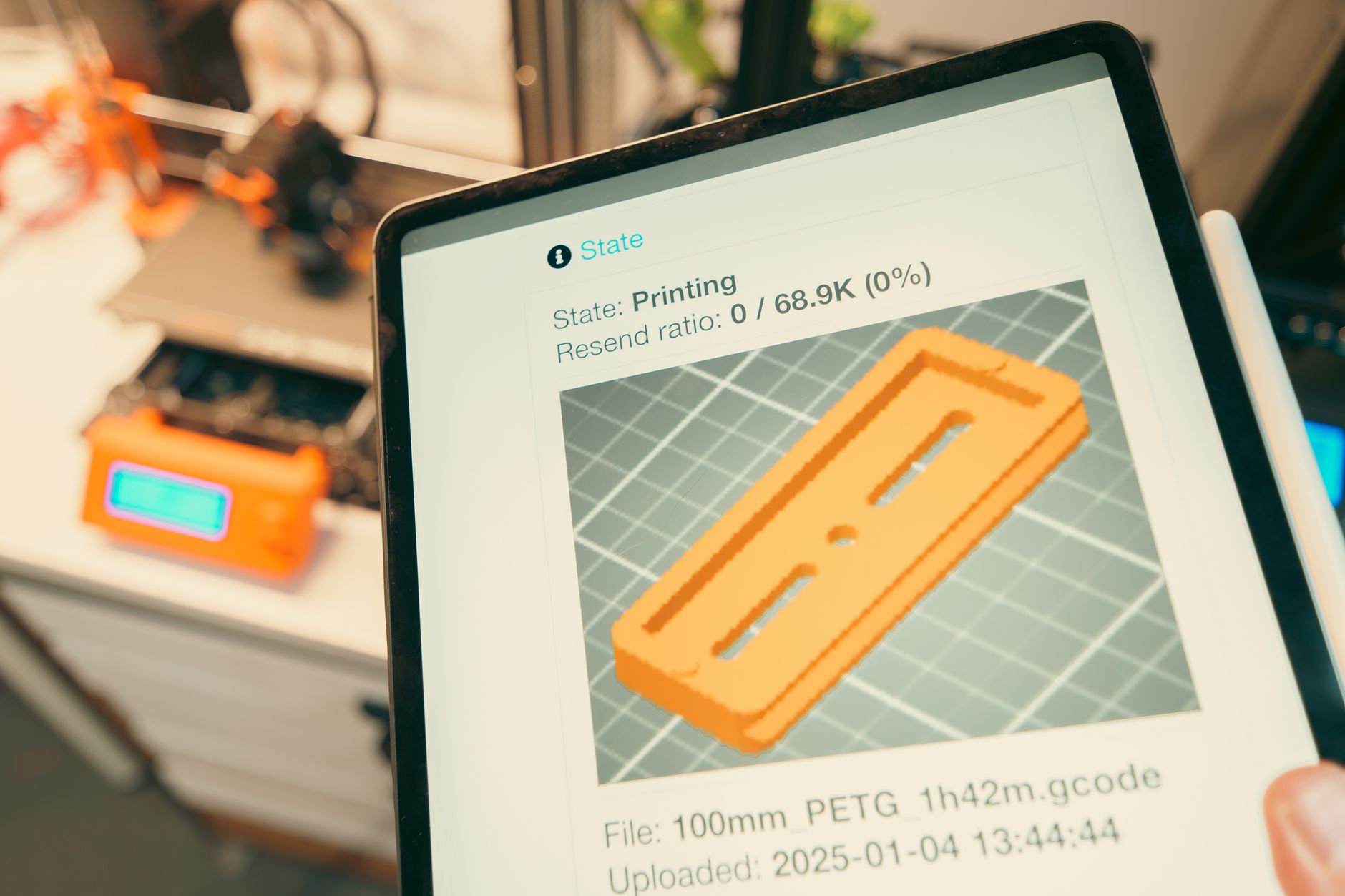
Blender is not a CAD program. It is a full 3D creation suite for modeling, sculpting, animation, and rendering. That makes it the best free option for organic shapes: characters, terrain, miniatures, and art pieces. A sculpting workflow with dynamic topology lets you push and pull shapes like clay. When you finish, you can remesh and export an STL with a few clicks. You can check Blender on Amazon for tutorial books and GPU recommendations. The price is time. Blender’s interface is dense, and the default keymap does not match CAD tools. New users often spend two weeks before making a printable model. But once learned, it handles details that Tinkercad cannot touch. If you print resin miniatures at 0.05 mm layer height, Blender gives you the control to create fine facial features and cloth folds. For non-artistic mechanical parts, Blender is the wrong tool. Booleans can create non-manifold edges, and precise dimensions require add-ons. Still, for any organic model, it is hard to beat free.
Key strengths:
- ✅ Free and open source
- ✅ Powerful sculpting and remeshing
- ✅ Massive tutorial library
- ✅ Handles high-poly models
- ✅ Exports STL and 3MF
- ❌ Steep learning curve
- ❌ Not precision CAD
- ❌ Can produce non-manifold geometry for 3D printing
Who it’s for: Artists, miniature makers, and anyone modeling organic or sculpted forms.
3. Fusion 360 , Best overall parametric CAD for makers
Fusion 360 sits in the sweet spot for most 3D printing hobbyists. It is a parametric CAD tool, meaning you can go back to a sketch, change a dimension, and the model updates. That workflow is ideal for brackets, enclosures, and functional parts that need iterative fit testing. Autodesk still offers a free personal use license for non-commercial projects, though the company has reduced some features over time. You can check Fusion 360 on Amazon for training books and accessories. For print work, Fusion exports clean STL and 3MF files. You can model threads with the built-in tool, add chamfers to reduce elephants foot, and use user parameters to quickly resize parts for different materials. For example, if you switch from PLA to PETG on a Bambu Lab A1 with a 256x256x256 mm build volume, you may need to adjust hole diameters by 0.2 mm. Fusion makes that change in seconds. Check our filament comparison to understand shrinkage. The downside is that Autodesk has a history of moving features to paid tiers. Commercial users must subscribe, and cloud storage can be slow. The free license also limits collaboration. Still, for individual makers who need real CAD without paying, Fusion 360 is the default choice.
Key strengths:
- ✅ Parametric design with timeline
- ✅ Free personal use tier
- ✅ Excellent STL/3MF export
- ✅ Thread and sheet metal tools
- ✅ Active user community
- ❌ Free tier has limits
- ❌ Cloud-dependent storage
- ❌ Autodesk can change license terms
Who it’s for: Hobbyists and makers who need precision parametric CAD for functional parts.
4. FreeCAD , Best open-source parametric CAD
FreeCAD is the only fully open-source parametric modeler that can rival Fusion 360 for basic mechanical work. It runs locally, works offline, and never phones home. You can install it on Windows, Mac, or Linux and keep your files forever. The Part Design workbench gives you sketches, pads, pockets, and constraints, which covers most bracket and enclosure designs. The catch is polish. FreeCAD’s interface feels clunky next to Fusion, and some operations fail with cryptic errors. The topological naming problem can break your model when you edit earlier sketches. But for the price of zero dollars, it is hard to argue. Recent 2026 builds have improved assembly workbenches and STEP import. That matters if you use hardware models from suppliers. FreeCAD also supports Python scripting, which lets you generate complex models with code, such as parametric enclosures for different PCB sizes. This is overkill for beginners but valuable for engineers.
Key strengths:
- ✅ Completely free and open source
- ✅ Runs offline on old hardware
- ✅ Python scripting for custom models
- ✅ Parametric Part Design workbench
- ✅ No license restrictions
- ❌ Clunky interface
- ❌ Topological naming can break models
- ❌ Fewer tutorials than commercial CAD
Who it’s for: Open-source purists, Linux users, and budget makers who want parametric CAD without subscriptions.
5. Onshape , Best cloud CAD for collaboration
Onshape runs entirely in your browser. There is no install, no file management, and no version conflicts because every change is saved to the cloud. That makes it excellent for teams and for people who move between devices. The free plan is for public documents only, so anyone can see your design. Paid plans add private projects and more collaboration tools. The modeling engine is genuinely impressive. Onshape was founded by former SolidWorks executives, and it shows in the constraint system, assemblies, and multi-part modeling. You can open a design on a tablet, make a change, and your teammate sees it instantly. For a small 3D printing business, that speed matters. But the free plan is not private, which rules out commercial work for many. Onshape also requires an internet connection; if your shop has poor wifi, it becomes frustrating. For hobbyists who want cloud backup and collaboration, it is a strong alternative to Fusion 360.
Key strengths:
- ✅ Runs in any browser
- ✅ Real-time collaboration
- ✅ Professional-grade assemblies
- ✅ No install or local storage
- ✅ Mobile-friendly
- ❌ Free plan requires public designs
- ❌ Internet required
- ❌ Paid plans are expensive for solo users
Who it’s for: Teams, educators, and makers who want cloud CAD and real-time collaboration.
6. SolidWorks , Best for professional engineering
SolidWorks is the industry standard for mechanical design. It offers advanced simulation, tolerance analysis, sheet metal, and drawing tools that no free software matches. If you are designing parts for production or need to run finite element analysis on a load-bearing bracket, SolidWorks is the tool. It also handles large assemblies without collapsing, something that makes Fusion 360 struggle. The price is steep. A standard license costs thousands per year, plus hardware requirements. You will need a workstation with a discrete GPU and at least 16 GB of RAM. For hobby 3D printing, that is overkill. But for professional shops, Ultimaker’s professional FDM guide shows why simulation and exact tolerances matter before you send a part to a print farm. The cost can be justified if you also use CNC machining or injection molding later. SolidWorks files transfer cleanly to those workflows. For most readers of this site, SolidWorks is aspirational, not necessary.
Key strengths:
- ✅ Industry-standard parametric CAD
- ✅ Advanced simulation and tolerancing
- ✅ Excellent drawing and sheet metal tools
- ✅ Handles large assemblies
- ✅ Integrates with PDM and CAM
- ❌ Very expensive subscription
- ❌ Demanding hardware requirements
- ❌ Steep learning curve for casual users
Who it’s for: Professional engineers and design teams who need production-grade CAD and simulation.
Frequently Asked Questions
What is the best free 3D modeling software for 3D printing in 2026?
For absolute beginners, Tinkercad is the fastest path to a first print. For mechanical parts, Fusion 360’s free personal license is the best all-around choice. For organic shapes and miniatures, Blender is free and powerful but harder to learn.
Is Fusion 360 still free for hobbyists in 2026?
Yes, Autodesk offers a free personal use license for non-commercial projects. The free tier has some limitations, including reduced cloud storage and collaboration features. Autodesk can change these terms at any time.
Can I use Blender for 3D printing?
Yes. Blender can export STL and 3MF files. You need to check for non-manifold edges, apply scale, and sometimes use the 3D Print Toolbox add-on. Blender is better for organic models than precise mechanical parts.
Which software is best for functional mechanical parts?
Fusion 360 is the most popular choice for parametric mechanical design. FreeCAD is a strong open-source alternative. Both let you edit dimensions, add constraints, and export clean STEP or STL files.
Do I need modeling software to use a 3D printer?
No. Many people print only downloaded STL files using a slicer alone. But if you want to design custom brackets, enclosures, or replacement parts, you need modeling software.
What is the difference between parametric and direct modeling?
Parametric modeling stores a history of features, so you can edit a sketch and the final model updates. Direct modeling edits geometry without history. Parametric is better for functional parts; direct is faster for quick edits.
What Should You Remember?
- Fusion 360 is the best balance of free access and parametric power for most hobbyists.
- Tinkercad is the quickest way for beginners to produce a first printable STL.
- Blender excels at organic sculpting but is not a precision CAD replacement.
- FreeCAD offers true open-source parametric modeling with no subscription and no cloud dependency.
- Onshape’s free plan enables real-time collaboration but forces designs to be public.
- SolidWorks remains overkill for casual 3D printing due to cost and steep learning curve.
- Clean STL output matters more than advanced features when you print at 500 mm/s on a 256x256x256 mm build volume.
This article is for general information only. Always follow your printer manufacturer’s guidelines and material safety data sheets (MSDS) for safe operation.