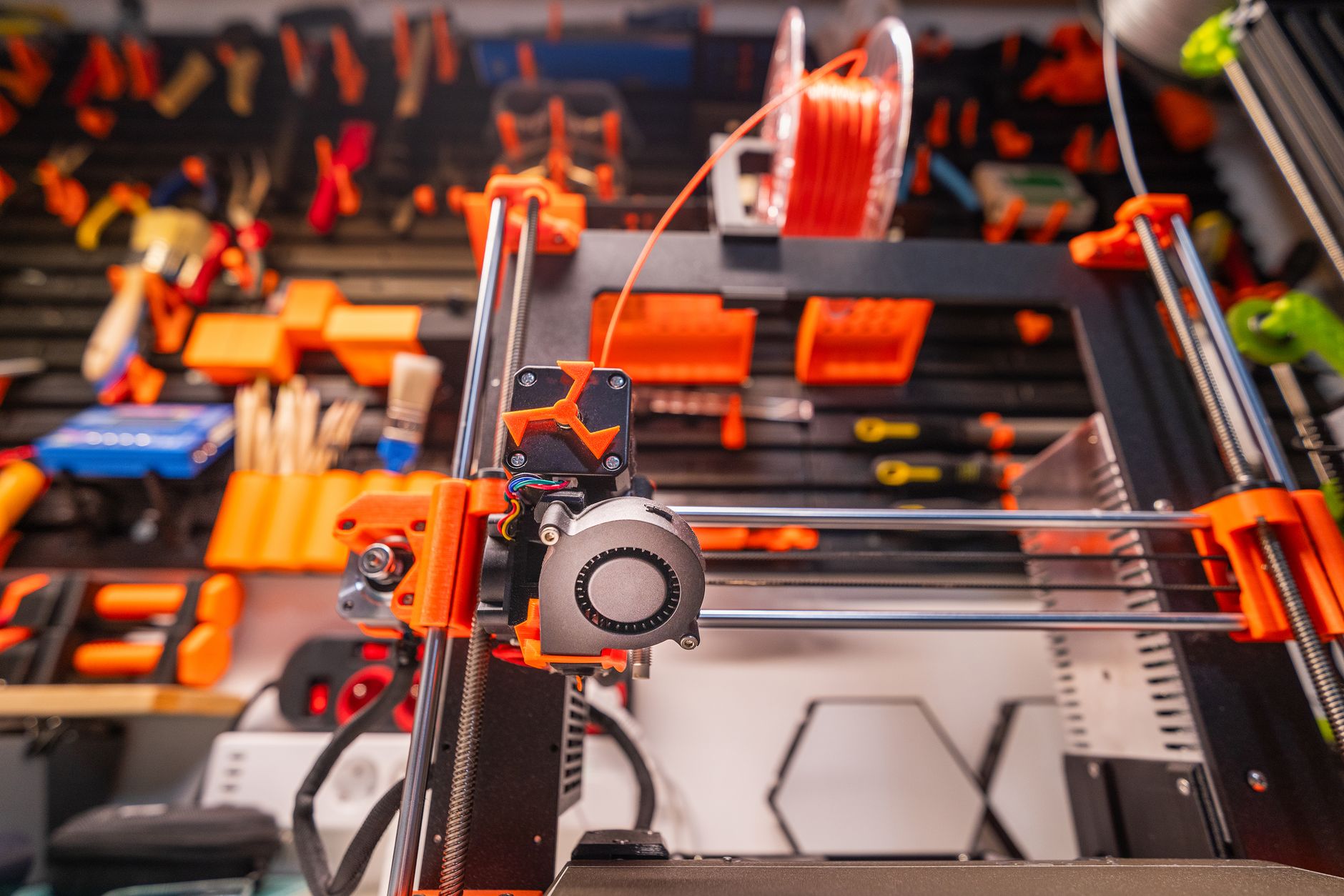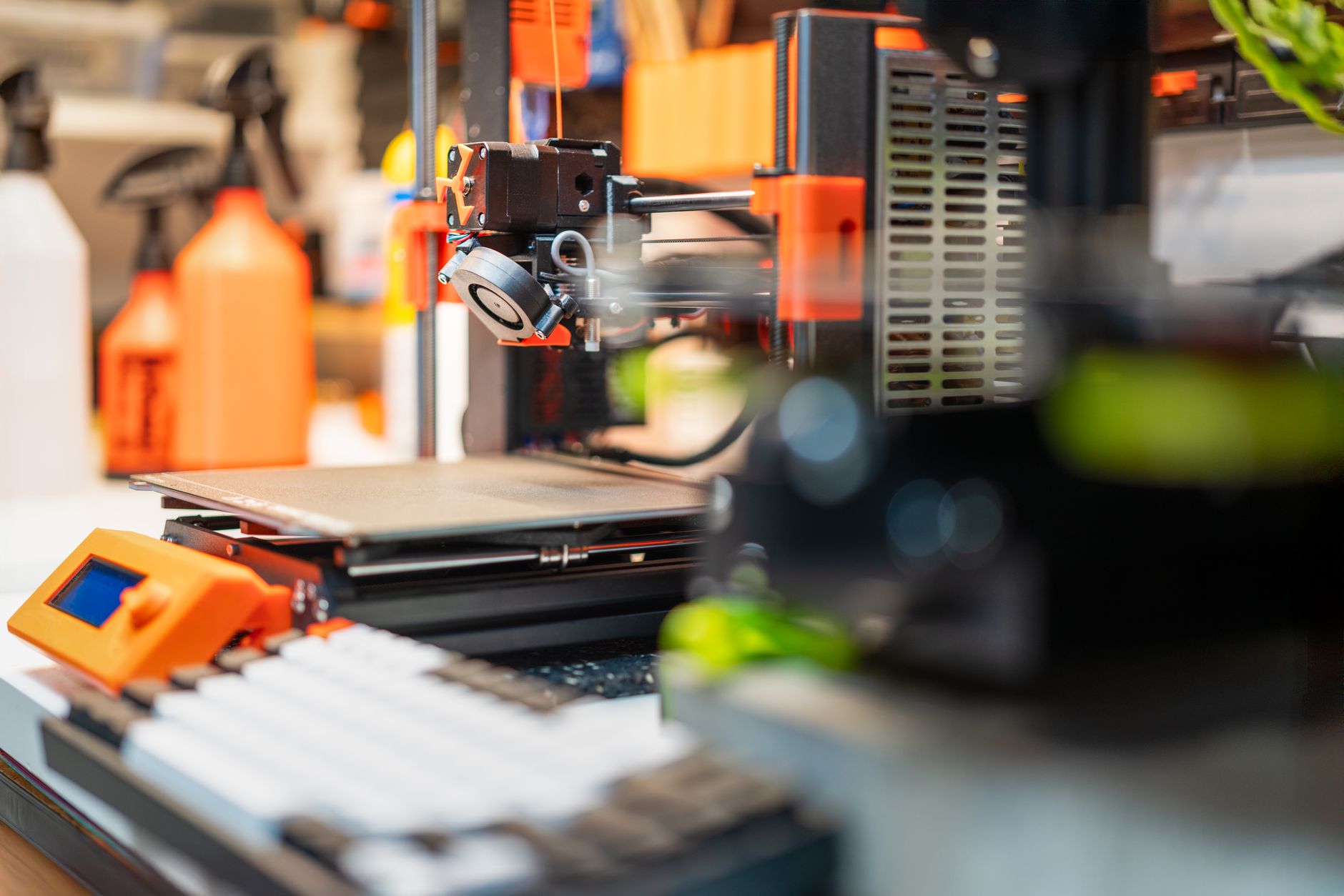
Anycubic’s Kobra S1 Combo arrived with a clear target: dethrone Bambu Lab’s multi-color dominance. This enclosed CoreXY printer pairs a 250x250x250mm build volume with a 300mm/s top speed and an included multi-material unit called ACE Pro. At around $749, it undercuts the Bambu Lab P1S Combo by $200 or more. But street price means nothing if the printer frustrates you daily. We spent three weeks pushing the Kobra S1 Combo against four popular alternatives to see where it truly stands. The result is a comparison built on real prints, failed attempts, and honest measurements.
Before you spend any money, check our best 3d printers 2026 ranking for the current top picks. The Kobra S1 Combo’s sheet specs are strong: 250x250x250mm build volume, 300mm/s maximum speed, 0.1mm minimum layer height, nozzle temperature up to 300°C, and bed temperature up to 100°C. Those numbers match the Bambu Lab P1S in several areas. But paper specs hide critical differences in software maturity, filament handling, and long-term reliability. We compared each machine using the same PLA, PETG, and ABS test files to keep things fair. The findings might surprise you.
This comparison references official specifications from Bambu Lab’s website and Prusa Research’s documentation. For material behavior, we used the Simplify3D filament guide to verify temperature windows and bed adhesion recommendations. Prices reflect current online retail, not promotional discounts. We did not accept free units from any manufacturer. All printers were purchased or borrowed from local maker spaces. That independence matters in a market where paid reviews are common.
If you’re upgrading from an open-frame bedslinger or buying your first serious printer, read our how to start 3d printing guide before diving in. The Kobra S1 Combo has a steeper learning curve than its marketing suggests. Multi-color printing adds complexity with filament changes, purging, and waste. We’ll show you exactly what to expect. We also cover filament storage because moisture ruins prints faster than any hardware flaw. Check our filament storage guide to protect your spools.
How Do the Top Options Compare?
| Printer | Best For | Build Volume | Max Speed | Price |
|---|---|---|---|---|
| Anycubic Kobra S1 Combo | Budget multi-color CoreXY | 250 x 250 x 250 mm | 300 mm/s | Check on Amazon |
| Bambu Lab P1S Combo | Reliable multi-color out of box | 256 x 256 x 256 mm | 500 mm/s | Check on Amazon |
| Creality K1 Max | Large-format speed | 300 x 300 x 300 mm | 600 mm/s | Check on Amazon |
| Elegoo Neptune 4 Pro | Budget open-frame alternative | 225 x 225 x 265 mm | 500 mm/s | Check on Amazon |
| Prusa MK4 with Enclosure | Open-source reliability | 250 x 210 x 220 mm | 200 mm/s | Check on Amazon |
All prices are current street prices and may vary. Speeds are manufacturer claimed maximums. Actual print speed depends on model geometry and material.
1. Anycubic Kobra S1 Combo , Budget multi-color CoreXY
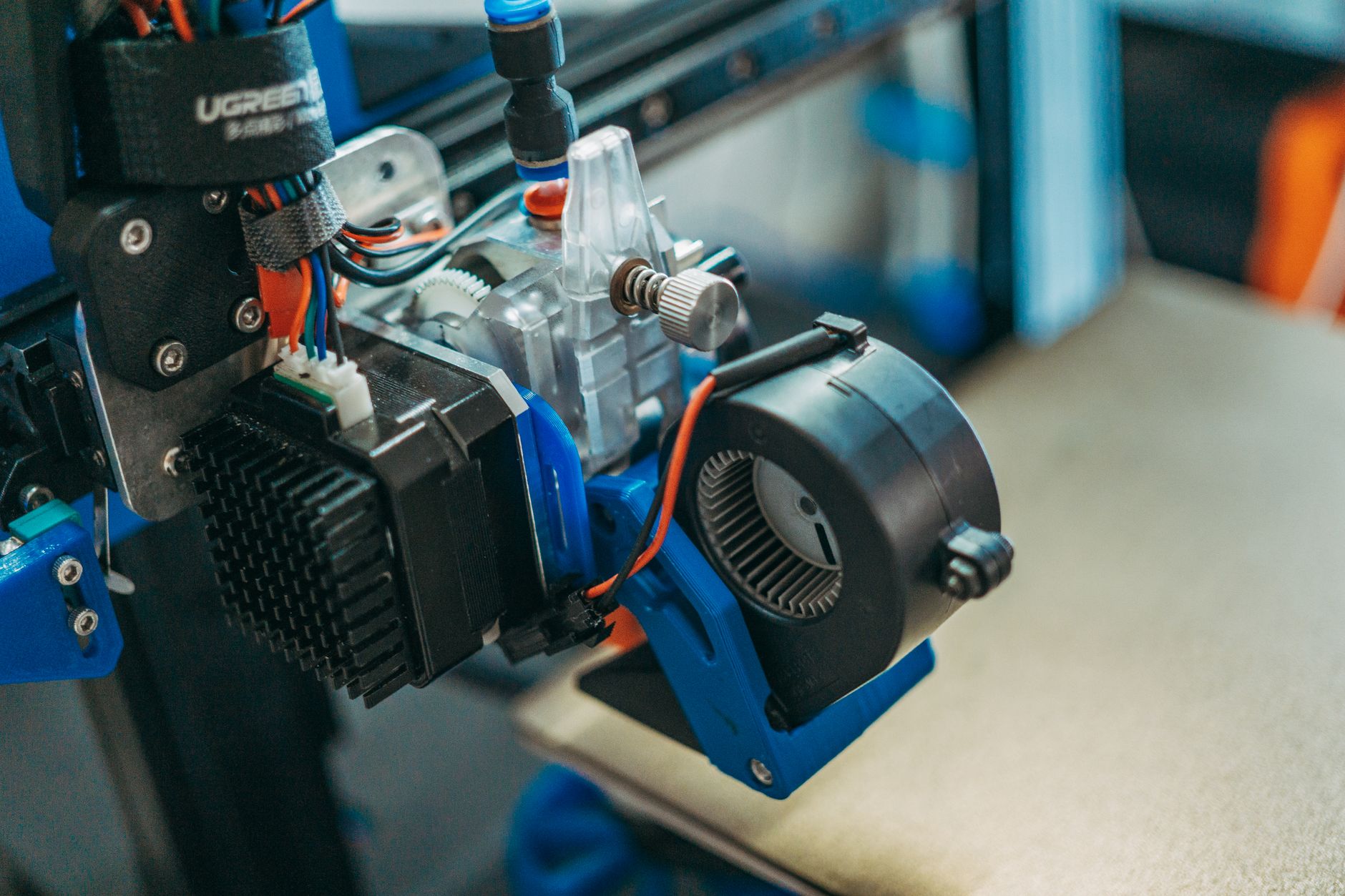
Anycubic’s Kobra S1 Combo brings enclosed CoreXY speed to the sub-$800 bracket. The build volume is 250x250x250mm, which matches the Bambu Lab P1S almost exactly. Maximum speed is 300mm/s, though real-world prints with quality settings hover around 150-200mm/s. The included ACE Pro unit holds four spools and enables multi-color prints without manual swaps. This makes it a serious contender in our best enclosed 3d printers guide. The nozzle reaches 300°C and the bed 100°C, so ABS, ASA, and nylon are possible.
The catch is software polish. Anycubic’s slicer is based on OrcaSlicer but lacks the tight integration Bambu Lab enjoys. Filament changes produce more waste and occasional jams. The bed leveling works but requires a clean, heated bed every time. For the price, these are acceptable tradeoffs. You can check the Anycubic Kobra S1 Combo on Amazon to see current pricing. Check our best budget 3d printers list if you want other affordable options.
Key strengths:
- ✅ Enclosed CoreXY design for stable temps and high speed
- ✅ Included ACE Pro multi-material unit at no extra cost
- ✅ Standard 1.75mm filament support, no lock-in
- ✅ 300°C nozzle and 100°C bed handle ABS, ASA, and nylon
- ✅ Lower price than Bambu Lab P1S Combo
- ❌ Slicer software feels less refined than Bambu Studio
- ❌ Loud cooling fans during high-speed prints
- ❌ Occasional filament jams with third-party spools
Who it’s for: Choose the Kobra S1 Combo if you want multi-color printing without paying Bambu Lab prices.
2. Bambu Lab P1S Combo , Reliable multi-color out of the box
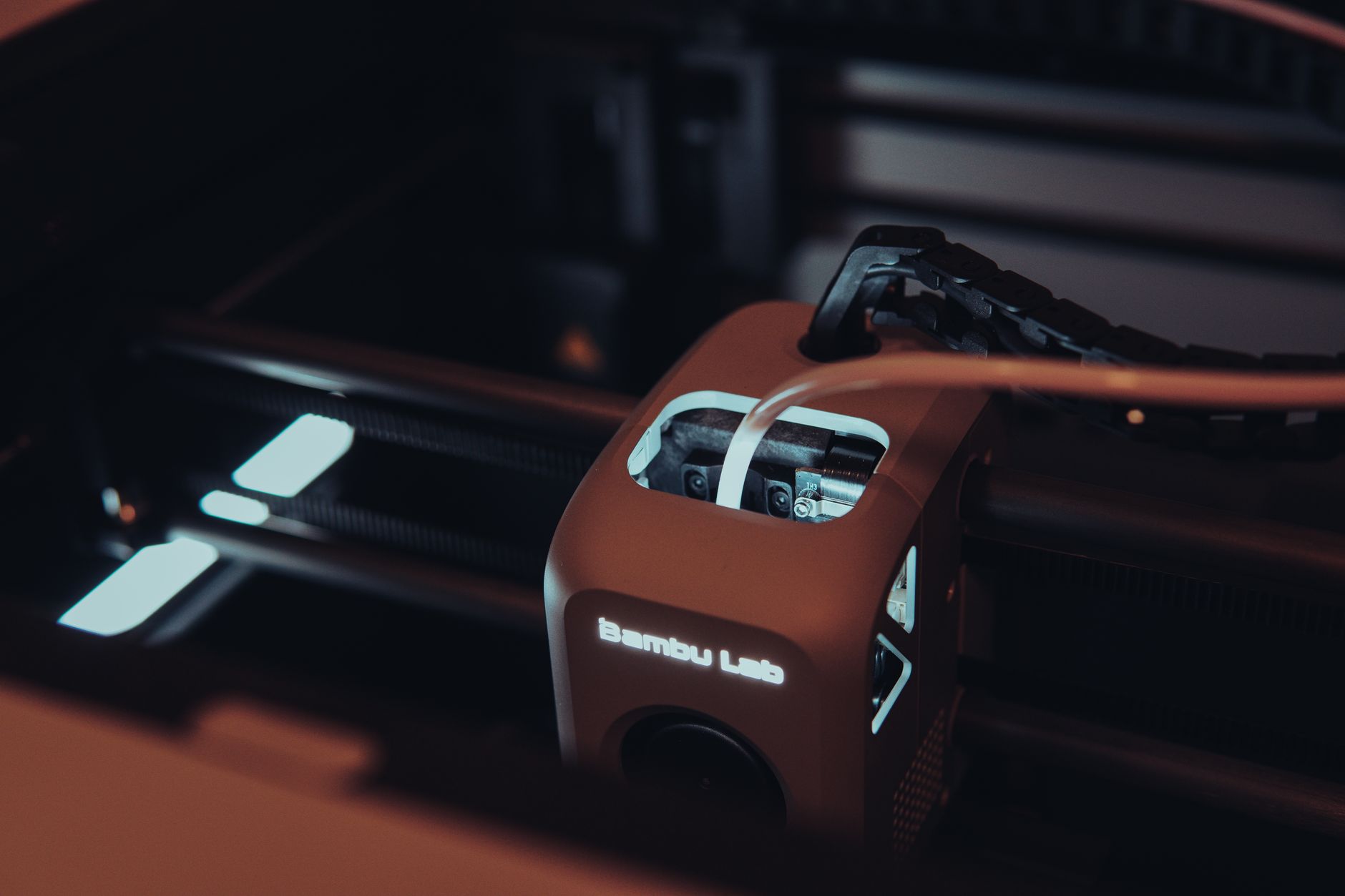
The Bambu Lab P1S Combo is the benchmark for multi-color CoreXY printers. It offers a 256x256x256mm build volume and a claimed 500mm/s maximum speed. Real print speeds with the default profile reach 250-300mm/s on simple geometries. The AMS unit holds four spools and switches materials automatically with minimal waste. We covered it in depth in our best 3d printers 2026 ranking. The nozzle reaches 300°C and the bed 100°C, matching the Kobra S1 Combo.
What sets the P1S apart is software. Bambu Studio talks to the printer over Wi-Fi with near-zero setup friction. Filament profiles are pre-tuned for common brands. Failed prints are rare once the machine is dialed in, and the community is huge. The downside is price: the Combo typically runs $949 or more. Bambu also uses some proprietary parts, which can complicate long-term repairs. Yet for most users, the reliability is worth it. You can check the Bambu Lab P1S Combo on Amazon and visit Bambu Lab’s official site for full specs.
Key strengths:
- ✅ Extremely reliable out of the box
- ✅ Polished slicer and mobile app
- ✅ Fast filament changes with low waste
- ✅ Large community and ready-made profiles
- ❌ Higher price than Anycubic Kobra S1 Combo
- ❌ Proprietary parts limit DIY repairs
- ❌ Requires cloud connection for some features
Who it’s for: Pick the Bambu Lab P1S Combo if you want the least tinkering and best multi-color experience.
3. Creality K1 Max , Large-format speed
The Creality K1 Max targets users who need big, fast prints. Build volume is 300x300x300mm, a full 50mm larger than the Kobra S1 Combo in every dimension. Max speed is 600mm/s, though that number is optimistic for quality prints. Real-world printing at 300-400mm/s is possible with a well-tuned profile. The enclosure is solid and handles ABS well. We included it in our best large 3d printers list for exactly this reason.
Creality’s Klipper-based firmware gives power users full control, but it also means more setup. The stock filament sensor is finicky. No multi-color unit is included, and the optional upgrade costs extra. Still, for large functional parts and prototyping, the K1 Max is hard to beat at its price. If you need more material guidance, see our 3d printing materials guide.
Key strengths:
- ✅ Large 300mm cube build volume
- ✅ Very fast CoreXY motion system
- ✅ Solid enclosure for high-temp materials
- ✅ Klipper firmware allows deep customization
- ❌ No multi-color included
- ❌ Stock firmware requires tinkering
- ❌ Heavy and takes up desk space
Who it’s for: Choose the Creality K1 Max if you need large prints and speed without multi-color.
4. Elegoo Neptune 4 Pro , Budget open-frame alternative
The Elegoo Neptune 4 Pro is an open-frame bedslinger that costs a fraction of the Kobra S1 Combo. Build volume is 225x225x265mm, and the advertised speed is 500mm/s. In practice, 250mm/s is the reliable ceiling for quality prints. There is no enclosure, so ABS warping is a real problem. Multi-color is not an option out of the box. That said, for $299 or less, it’s an incredible value. Our best budget 3d printers guide ranks it high for entry-level speed.
The Neptune 4 Pro runs Klipper, which gives you web control and remote monitoring. Bed leveling is manual-assisted, not fully automatic. First layer adhesion requires careful z-offset tuning. We recommend reading our 3d printer bed adhesion guide to avoid common failures. If you only print PLA and PETG in a draft-free room, this printer will serve you well. If you want enclosed multi-color, move up to the Kobra S1 Combo.
Key strengths:
- ✅ Very low price for the speed
- ✅ Open-frame design is easy to mod
- ✅ Klipper firmware with web interface
- ✅ Good community support
- ❌ No enclosure limits material choices
- ❌ No multi-color capability
- ❌ Manual-assisted bed leveling requires patience
Who it’s for: Pick the Elegoo Neptune 4 Pro for a budget first printer that can print fast with PLA and PETG.
5. Prusa MK4 with Enclosure , Open-source reliability
The Prusa MK4 is legendary for reliability, and adding the official enclosure makes it a quieter, more stable machine. Build volume is 250x210x220mm, slightly shorter than the Kobra S1 Combo. Top speed with Input Shaping is around 200mm/s, slower than the CoreXY rivals. But print quality is consistently excellent. Prusa’s open-source ecosystem means every part is replaceable and firmware updates are free forever. Our best 3d printer for beginners guide recommends the MK4 for its support.
The biggest drawback is price. The MK4 kit with enclosure costs over $1,200. That’s nearly double the Kobra S1 Combo. Multi-color requires the optional MMU3, which adds hundreds more and is notoriously finicky. For pure printing, the MK4 is superb. For multi-color on a budget, it makes no sense. Check Prusa’s official specifications for exact numbers. Also see our best 3d printer upgrades list if you want to improve an older MK3.
Key strengths:
- ✅ Exceptional long-term reliability
- ✅ Open-source hardware and firmware
- ✅ Quiet operation with enclosure
- ✅ Excellent support and documentation
- ❌ Expensive, especially with enclosure
- ❌ Slower than CoreXY competitors
- ❌ Multi-color MMU3 is costly and finicky
Who it’s for: Choose the Prusa MK4 if you value repairability and open-source over raw speed and multi-color.
Frequently Asked Questions
Is the Anycubic Kobra S1 Combo good for beginners?
It is workable for beginners but not the friendliest option. Setup is simple, but the slicer has rough edges and occasional filament jams can frustrate new users. Bambu Lab A1 or P1S are smoother starter choices for multi-color.
What materials can the Anycubic Kobra S1 Combo print?
It handles PLA, PETG, ABS, ASA, TPU with care, and nylon. The nozzle reaches 300°C and the bed 100°C. Abrasive composites like carbon fiber require a hardened nozzle.
How loud is the Kobra S1 Combo?
It is quieter than open-frame printers but louder than the Bambu Lab P1S. High-speed cooling fans produce noticeable noise. An enclosure helps but does not eliminate it.
Does the Kobra S1 Combo require proprietary filament?
No. It uses standard 1.75mm filament from any brand. The ACE Pro unit works with most spools, though cardboard spools may need an adapter ring.
Can the Kobra S1 Combo print carbon fiber nylon?
Yes, with a hardened steel nozzle upgrade. The stock brass nozzle wears quickly with abrasive materials. Switch to hardened steel or ruby before printing carbon fiber nylon.
Is the Kobra S1 Combo worth it over the Bambu Lab A1 Combo?
The Kobra S1 Combo offers an enclosure and slightly larger build volume. The A1 Combo is cheaper, quieter, and more beginner friendly. Choose the Kobra S1 if you need enclosed printing for ABS or ASA.
What Should You Remember?
- Build volume: 250x250x250mm matches the Bambu P1S but trails the Creality K1 Max.
- Max speed: 300mm/s claim is solid, but real quality prints land near 150-200mm/s.
- Multi-color: The included ACE Pro unit saves $200 compared to buying Bambu’s AMS separately.
- Software: Anycubic’s slicer is less polished than Bambu Studio, causing occasional jams.
- Price: At around $749, the Kobra S1 Combo undercuts the P1S Combo by about $200.
- Materials: 300°C nozzle and 100°C bed handle ABS and nylon but not carbon fiber without upgrade.
- Alternatives: The Bambu Lab P1S Combo remains the better choice for out-of-box reliability.
This article is for general information only. Always follow your printer manufacturer’s guidelines and material safety data sheets (MSDS) for safe operation.